BİZE ULAŞIN
Sorununuz hakkında konuşalım.
Konumumuz
29 Mayflower Gardens, 31
Mayflower Place, Singapore 568894
Size Nasıl Yardımcı Olabiliriz?
Bize Mesaj Gönderin
Please contact us directly by email.
AI Fotoğraf Kişi Kaldırıcı
Remove unwanted people, crowds, and photobombers from photos with MagicEraser. Upload an image, select the people to remove, and download a cleaner result.
MagicEraser is an AI people remover that identifies people in an uploaded photo, lets you choose who to remove, and rebuilds the selected area using surrounding image details.
Clear tourists, passersby, and photobombers from the background while keeping the focus on your main subject.
Remove a specific person from a group photo or clean up several unwanted people in the same image.
Use available free credits to try people removal online. The editor shows the current credit requirement before you apply changes.
Upload your photo and edit it in the browser without installing desktop photo-editing software.
MagicEraser uses the surrounding image detail to rebuild the selected area. Results can vary with the background and amount of overlap.
Drag and drop your photo or choose an image file from your device.
Mark the person, background crowd, or photobomber you want to remove from the photo.
Apply the edit, review the result, and download your cleaned-up image when it looks right.
Remove people from photos taken at busy landmarks, beaches, and sightseeing spots. For scenes with distant tourists or crowds, try the background people remover so your travel photo keeps the focus on the scenery.
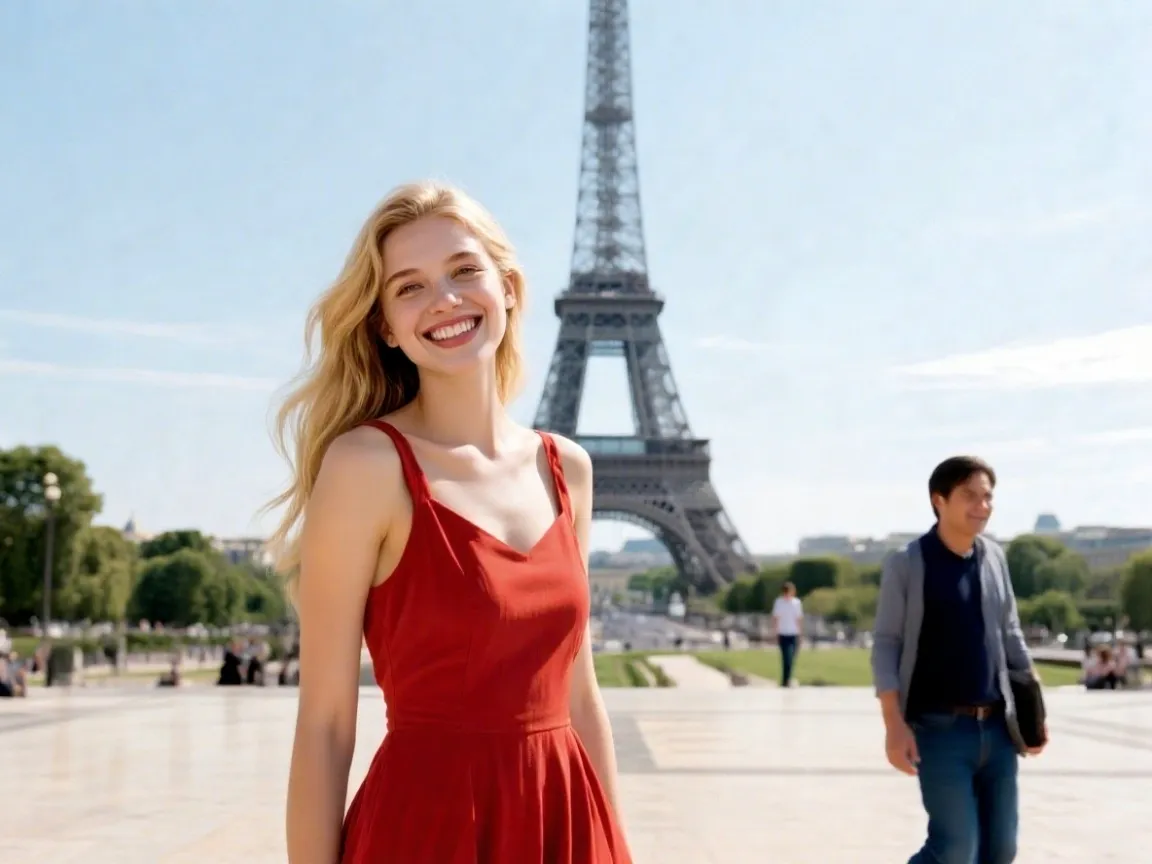
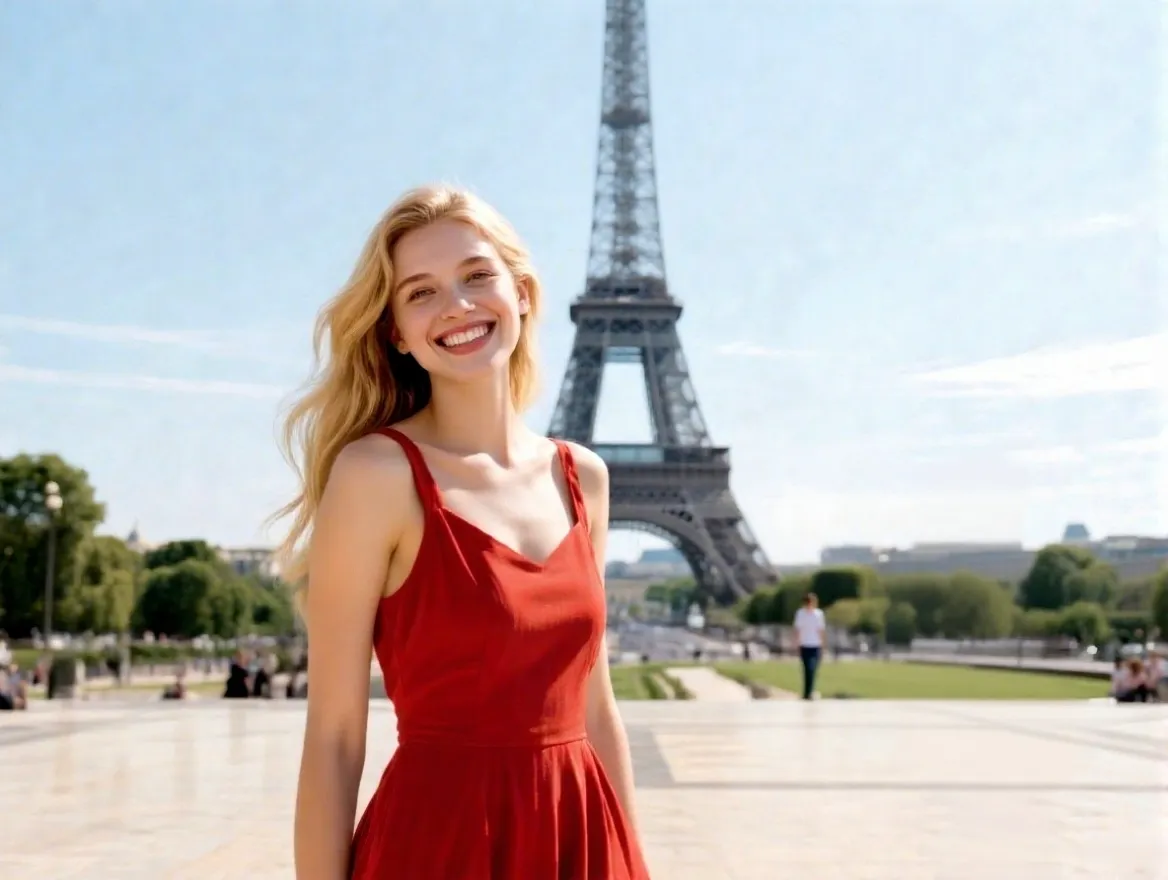
Remove a person from a photo when an unwanted passerby, photobomber, or former guest distracts from the moment. Open the people-removal editor, select the person you want to edit out, and review the result before downloading.
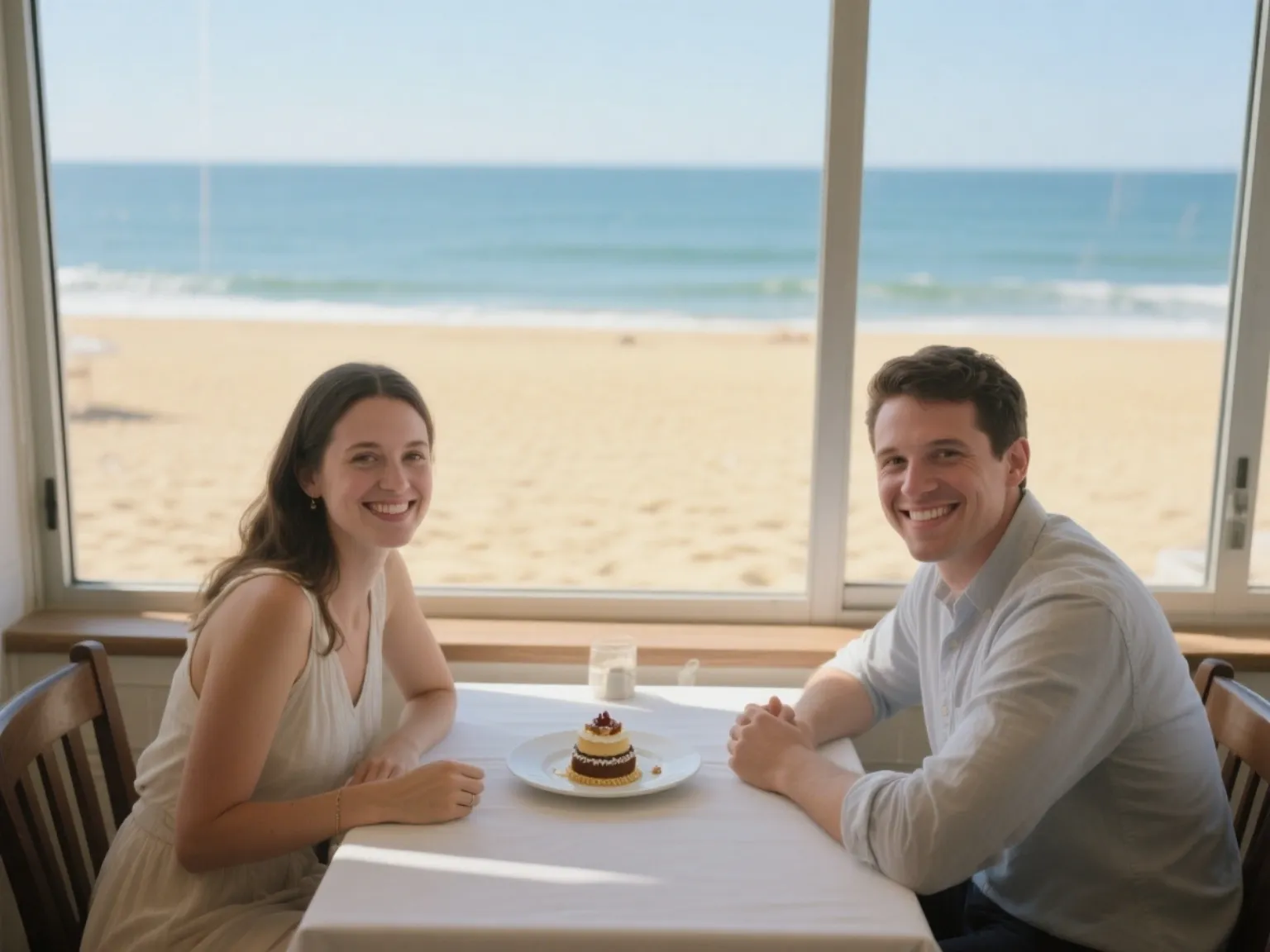
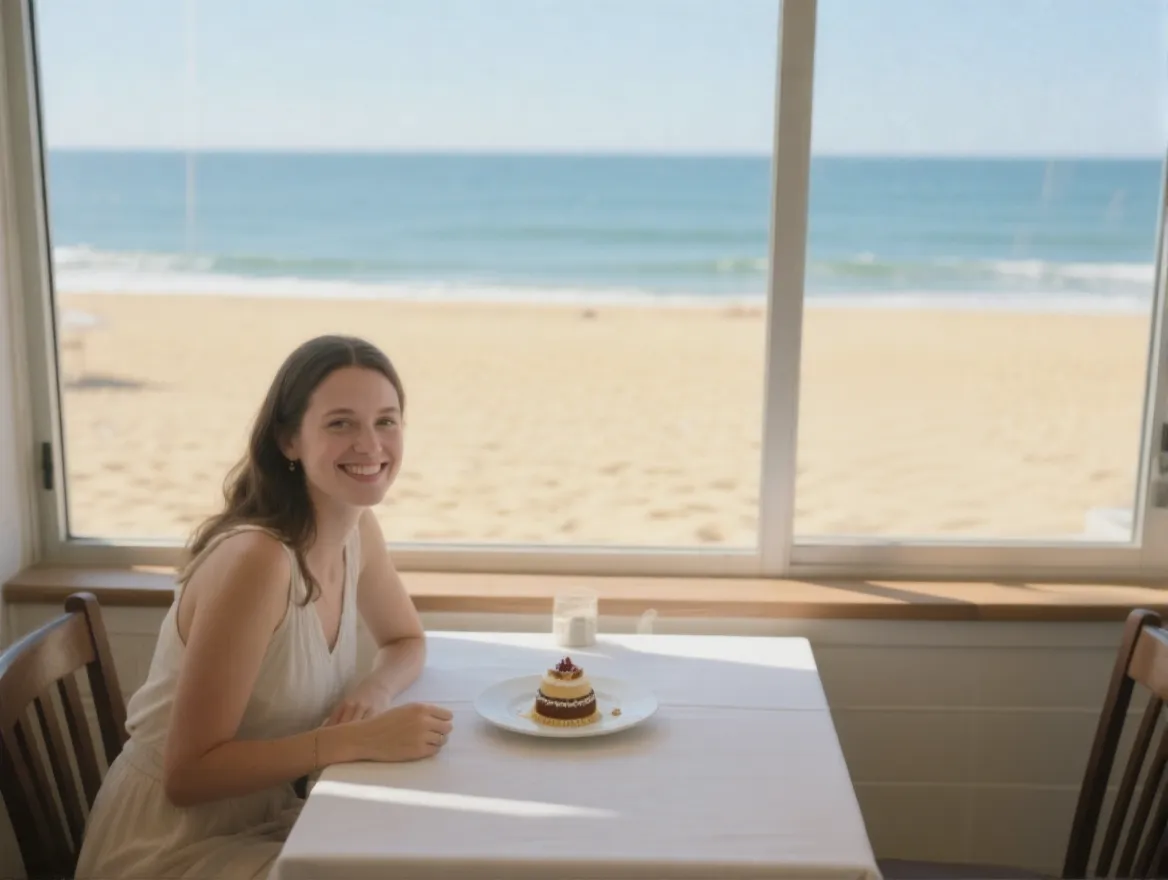
Erase people from photos when pedestrians or strangers interrupt a street scene. Mark the unwanted person and use the AI people remover to clean up the composition. If signs, bins, or other distractions remain, continue with the AI object remover.
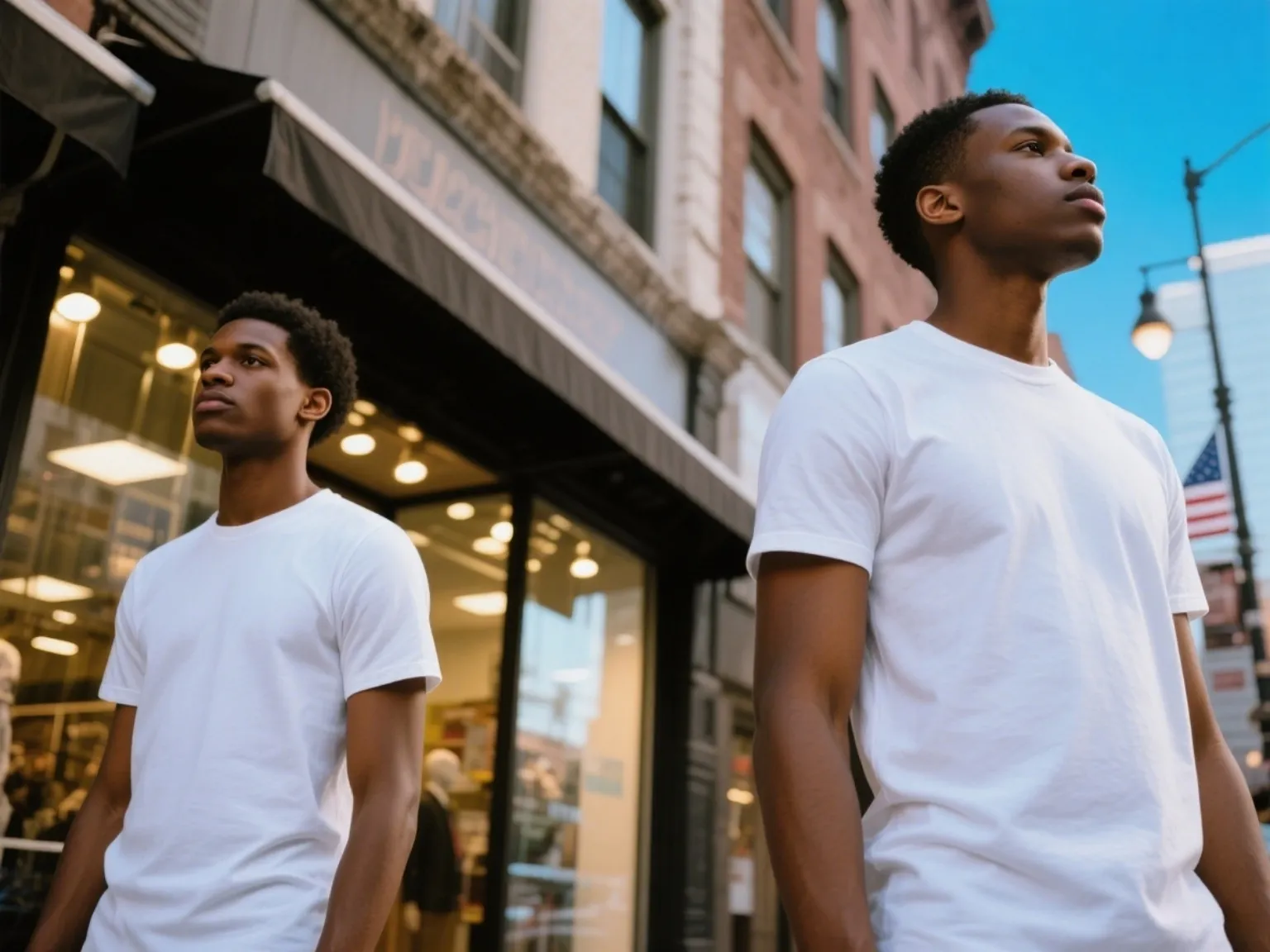
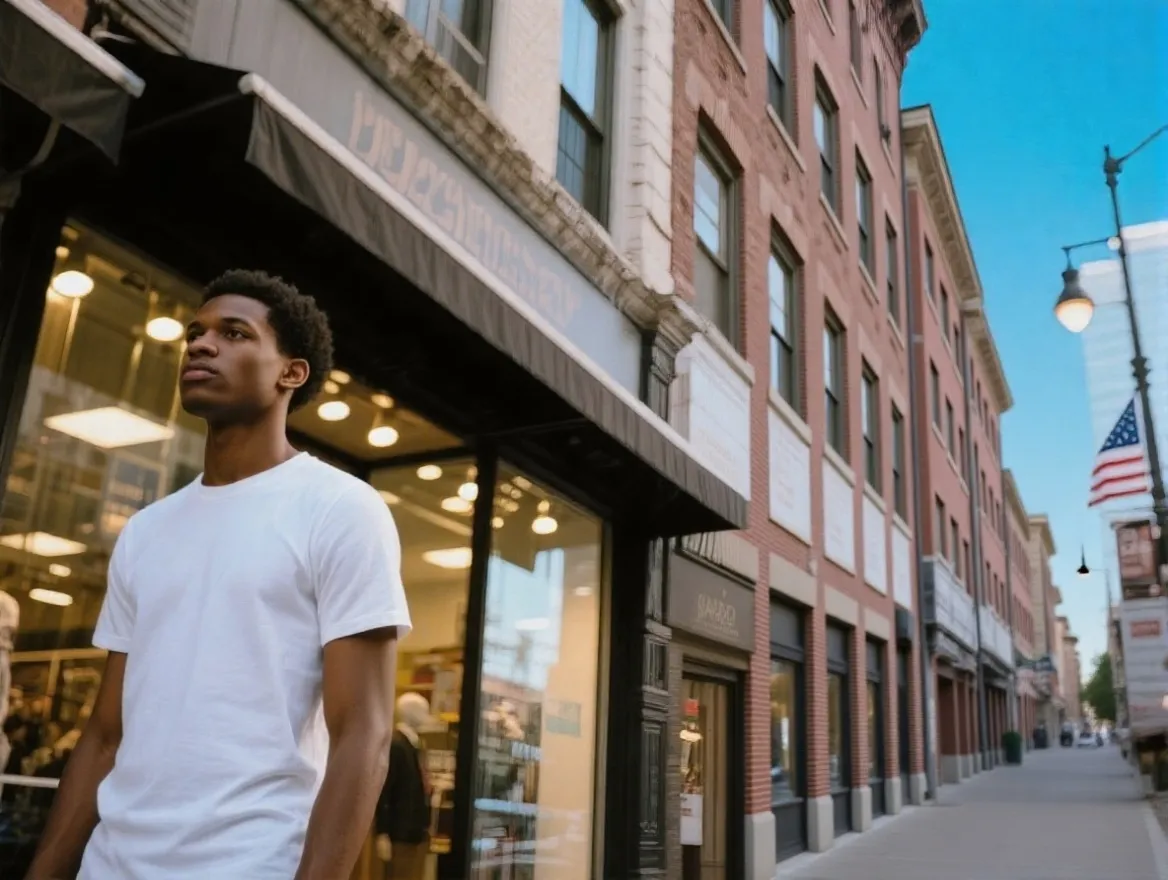
Use the background people remover for portraits and landscape photos when distant figures pull attention away from your subject. It is useful for hikers, tourists, and other people who appear behind the scene you want to keep.


Remove a specific person from a group photo while keeping the rest of the group in frame. With the AI person remover, carefully mark the person you want to remove, especially when people overlap, then check the reconstructed area before downloading.
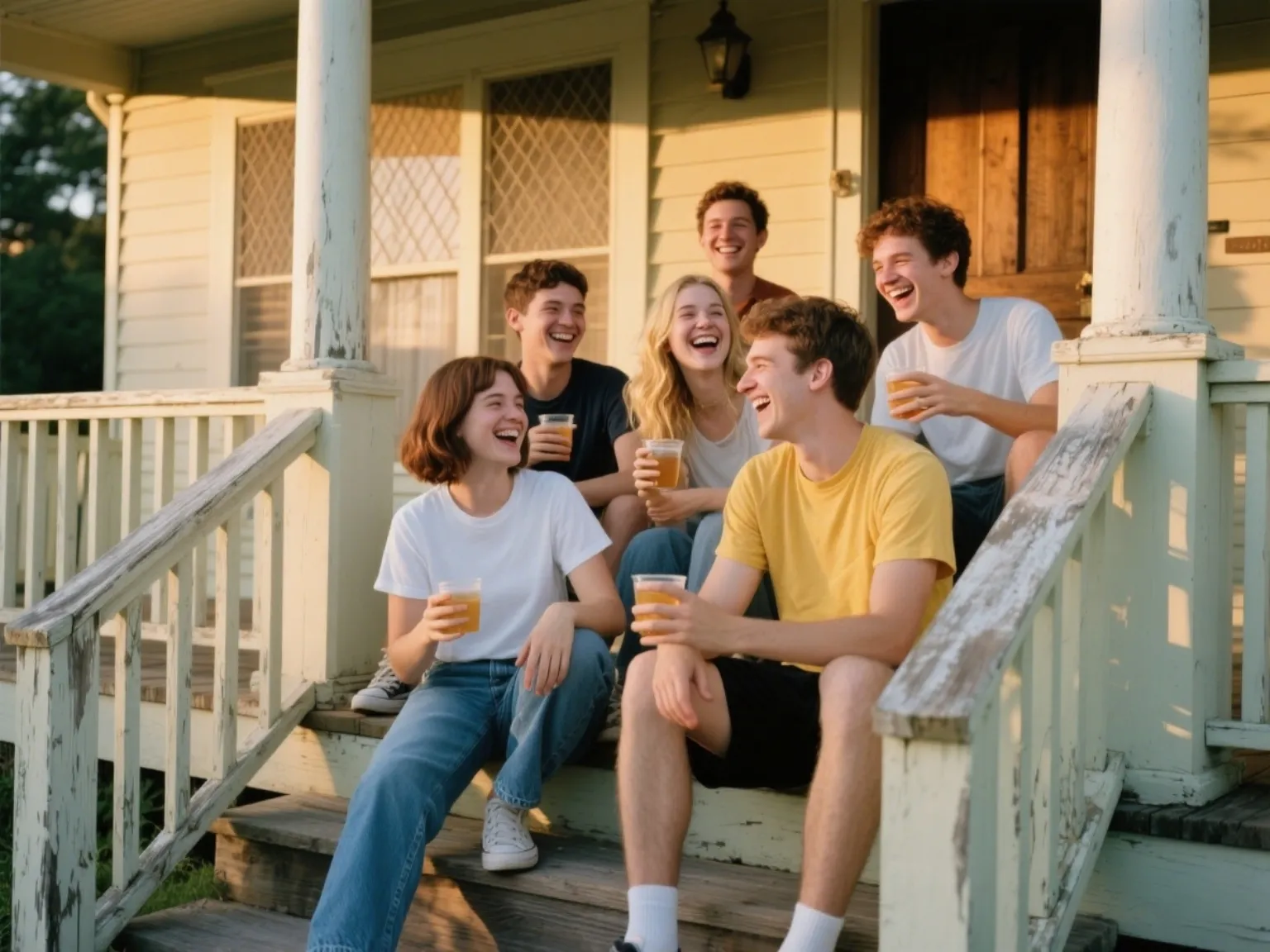
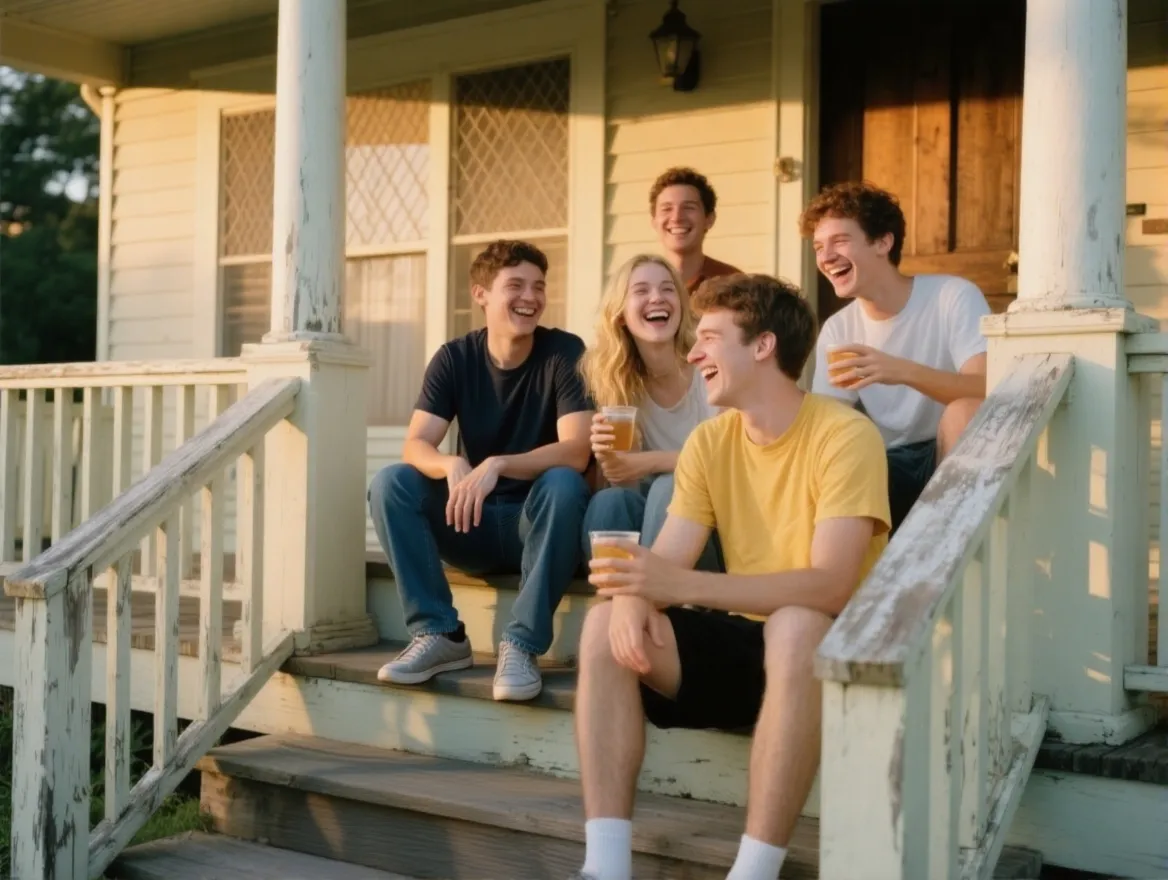
Remove people from indoor photos to make room layouts, furnishings, and property details easier to see. After people removal, use the AI image editor for further refinements before adding the photo to a listing or portfolio.
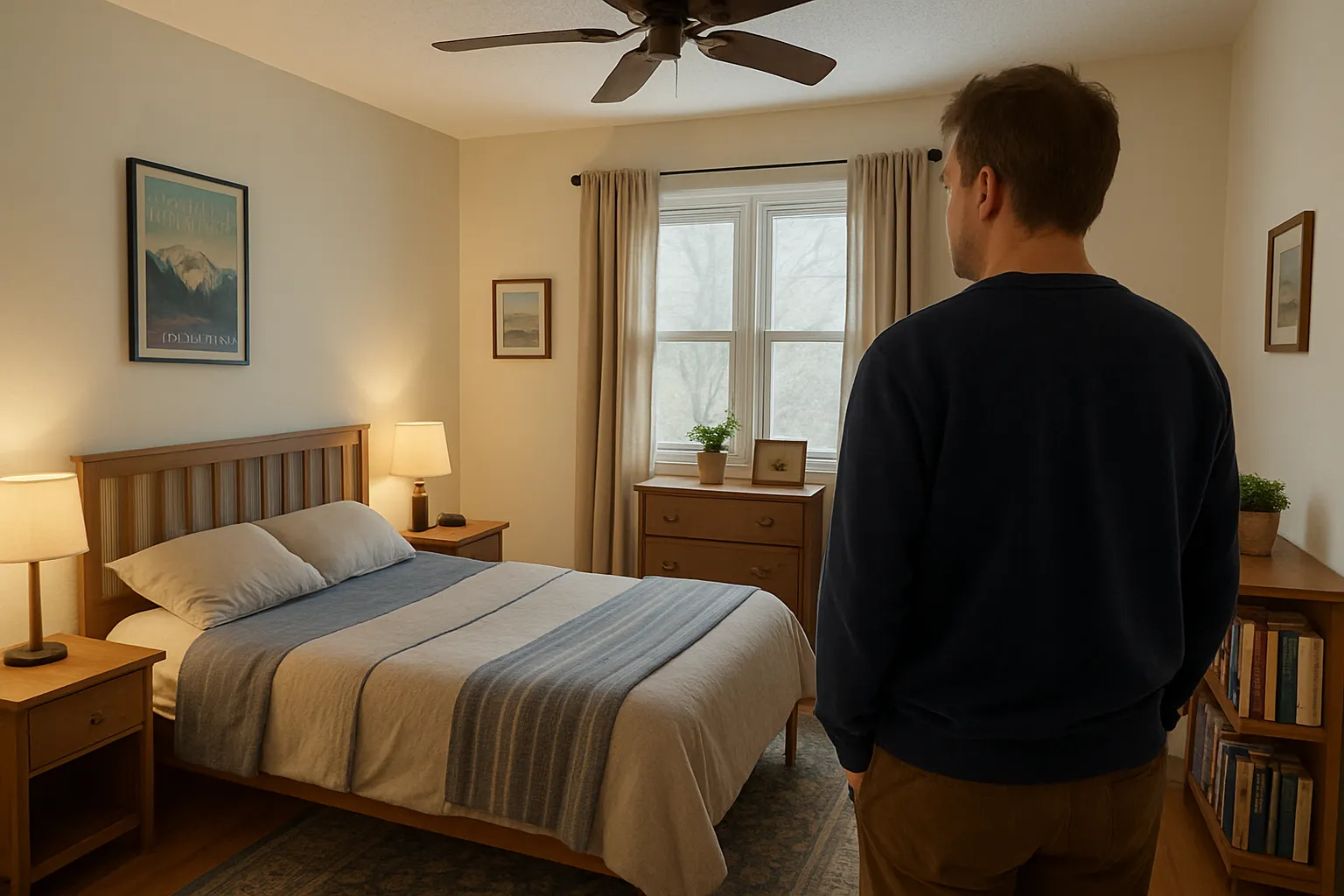
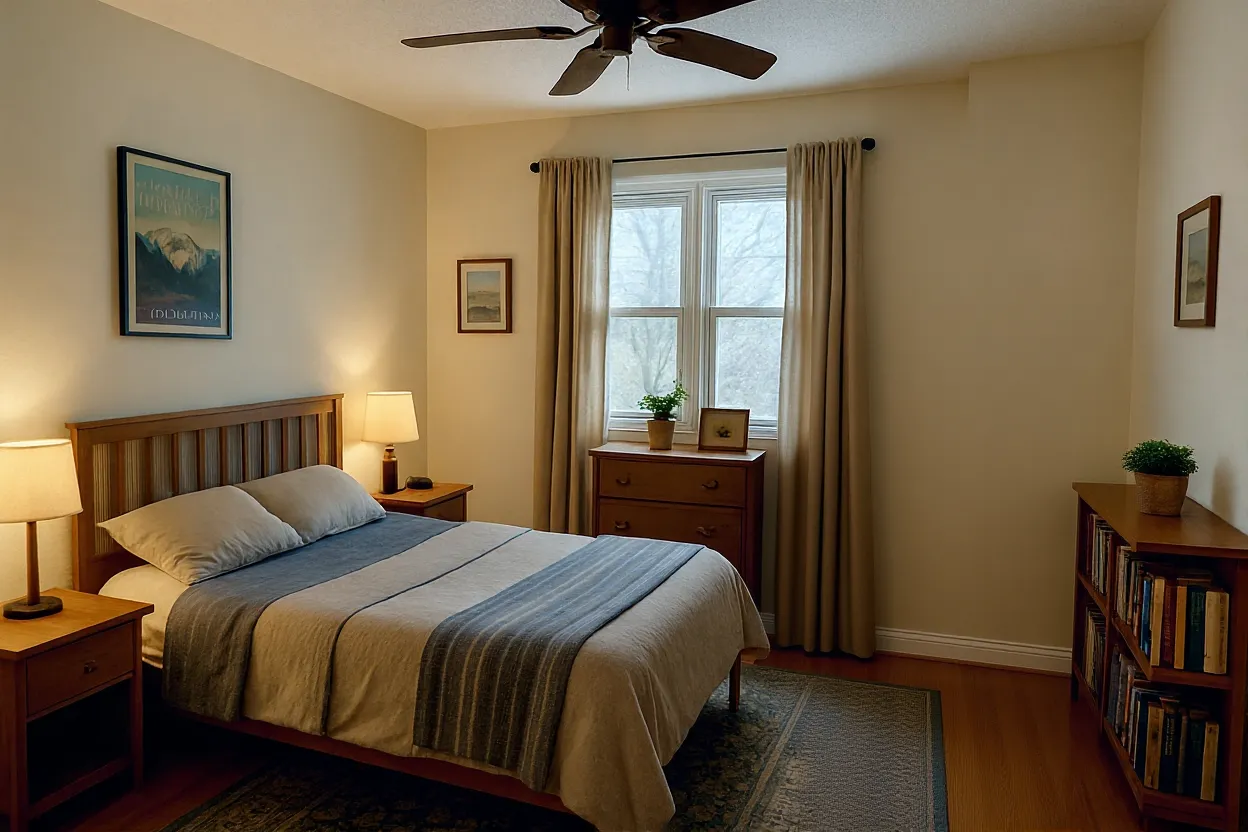
Remove tourists and crowds from landmark photos so the place you visited remains the focus.
Clean up passersby and distracting figures from portraits, street photos, and event shots.
Remove an unwanted person or photobomber from a group photo while keeping the people you want in frame.
Remove people from product or lifestyle images when a cleaner background better supports the listing.
Prepare property and interior photos without people distracting from the space.
Remove strangers, photobombers, and background crowds before sharing posts, profile photos, and other social content.

Liam Chen
Traveler

Carlos Rivera
Wedding Photographer

Emily Zhang
Instagram Creator

Sophie Martin
Etsy Seller
BİZE ULAŞIN
Sorununuz hakkında konuşalım.
Konumumuz
29 Mayflower Gardens, 31
Mayflower Place, Singapore 568894
Size Nasıl Yardımcı Olabiliriz?
Bize Mesaj Gönderin
Please contact us directly by email.