CONTACTE-NOS
Vamos falar sobre o seu problema.
A nossa localização
29 Mayflower Gardens, 31
Mayflower Place, Singapore 568894
Como podemos ajudar?
Envie-nos uma mensagem
Please contact us directly by email.
Ferramenta IA de edição de imagens
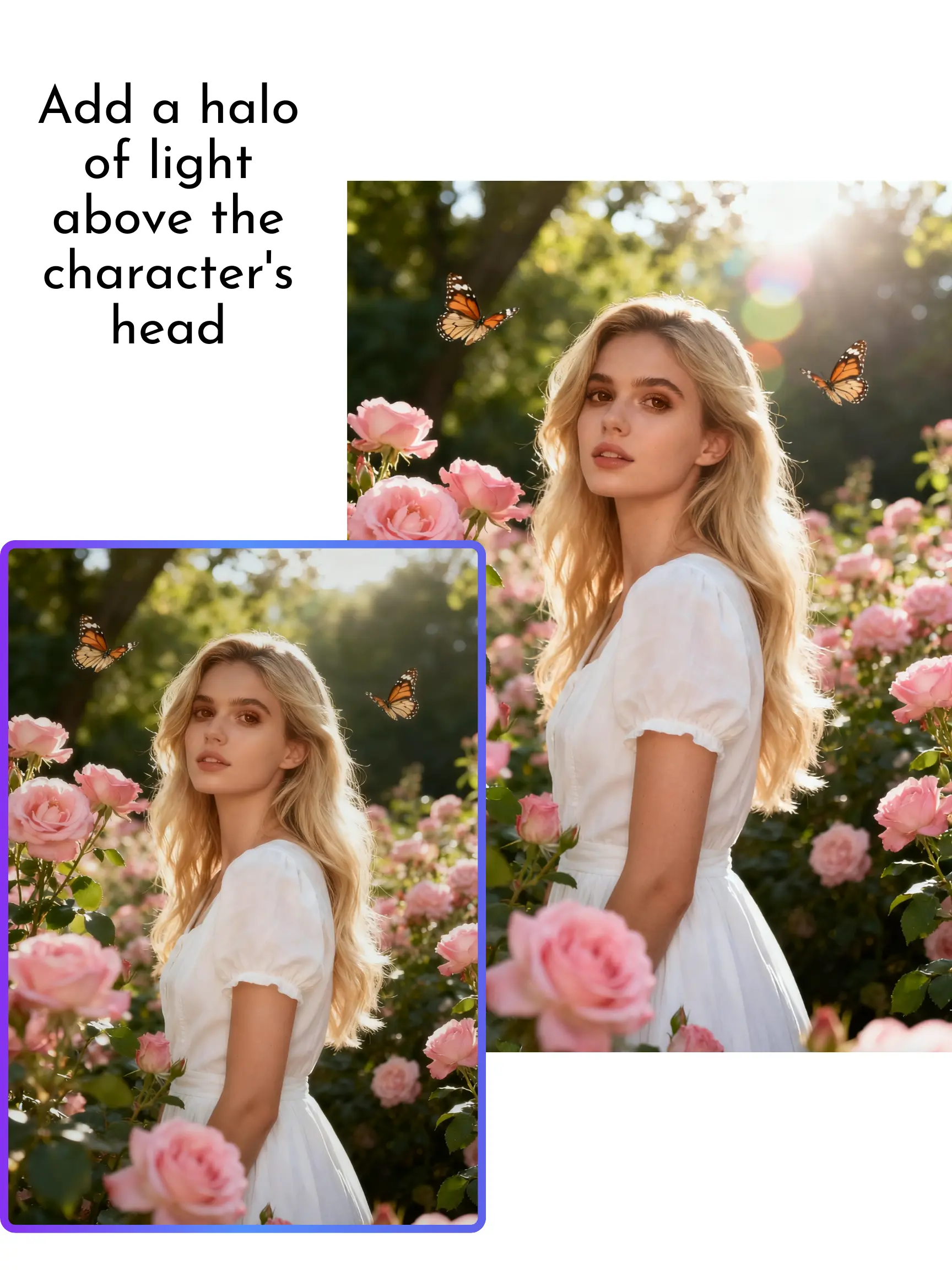
Upload a photo, describe the change you want, and use MagicEraser to retouch portraits, replace backgrounds, remove distractions, or restyle images online.
Describe the change in natural language to adjust lighting, replace backgrounds, update objects, or apply a new visual style. For brush-based cleanup, use the dedicated AI object remover.
Use AI portrait editing to refine lighting, color, and background details, or edit product photos for online listings, social campaigns, and marketing assets.
Ask the editor to update or replace visible text in signs, labels, packaging, or screenshots. Review spelling, perspective, and small characters before downloading.
Apply cinematic, anime-inspired, sketch, 3D, vintage, minimalist, product, or branded aesthetics with a clear style prompt.
Specify the identity, colors, clothing, product shape, or composition that should remain recognizable when creating a variation.
Keep each prompt centered on one main change, such as recoloring an item, changing a background, or adjusting the lighting and mood.
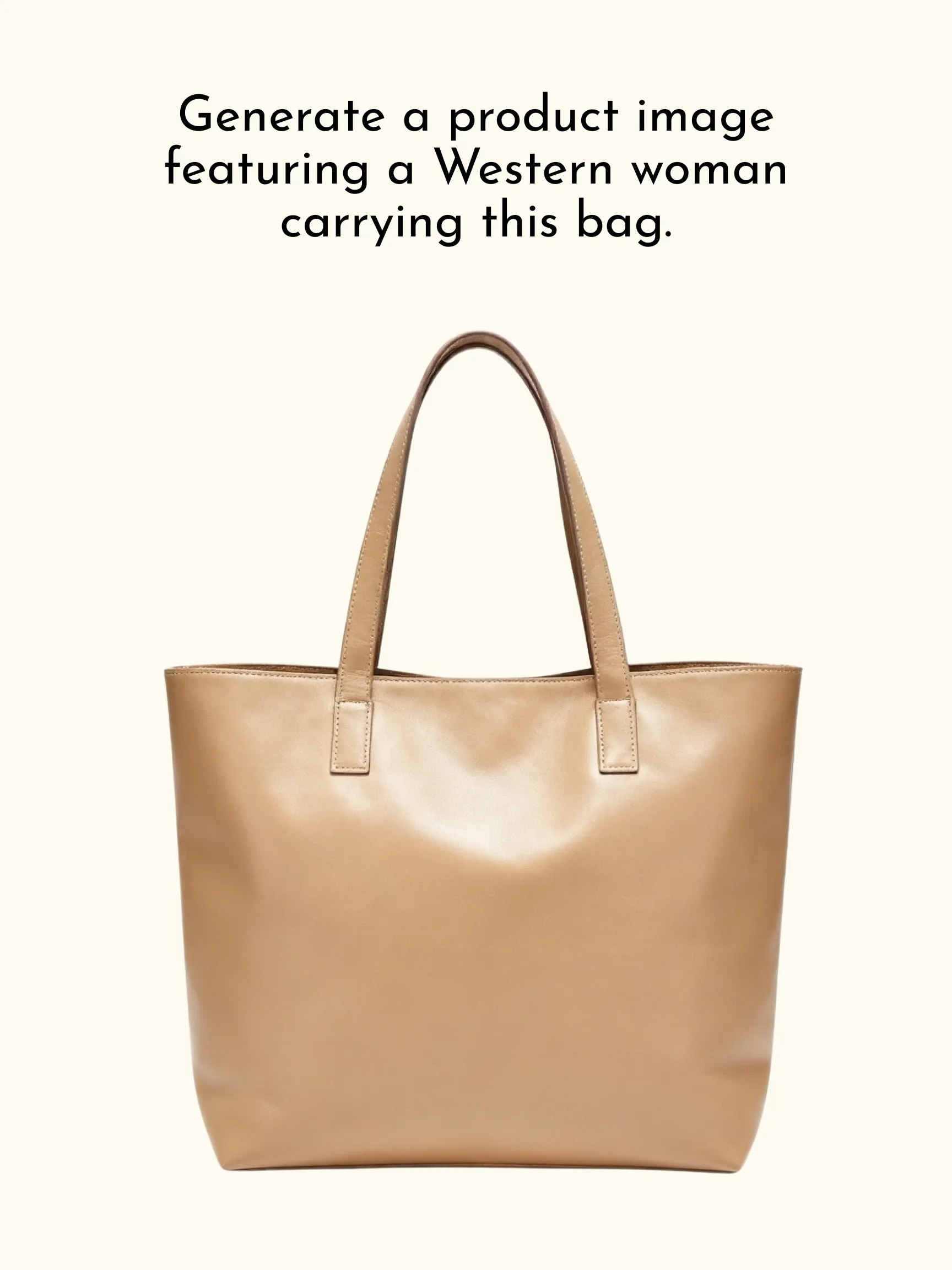
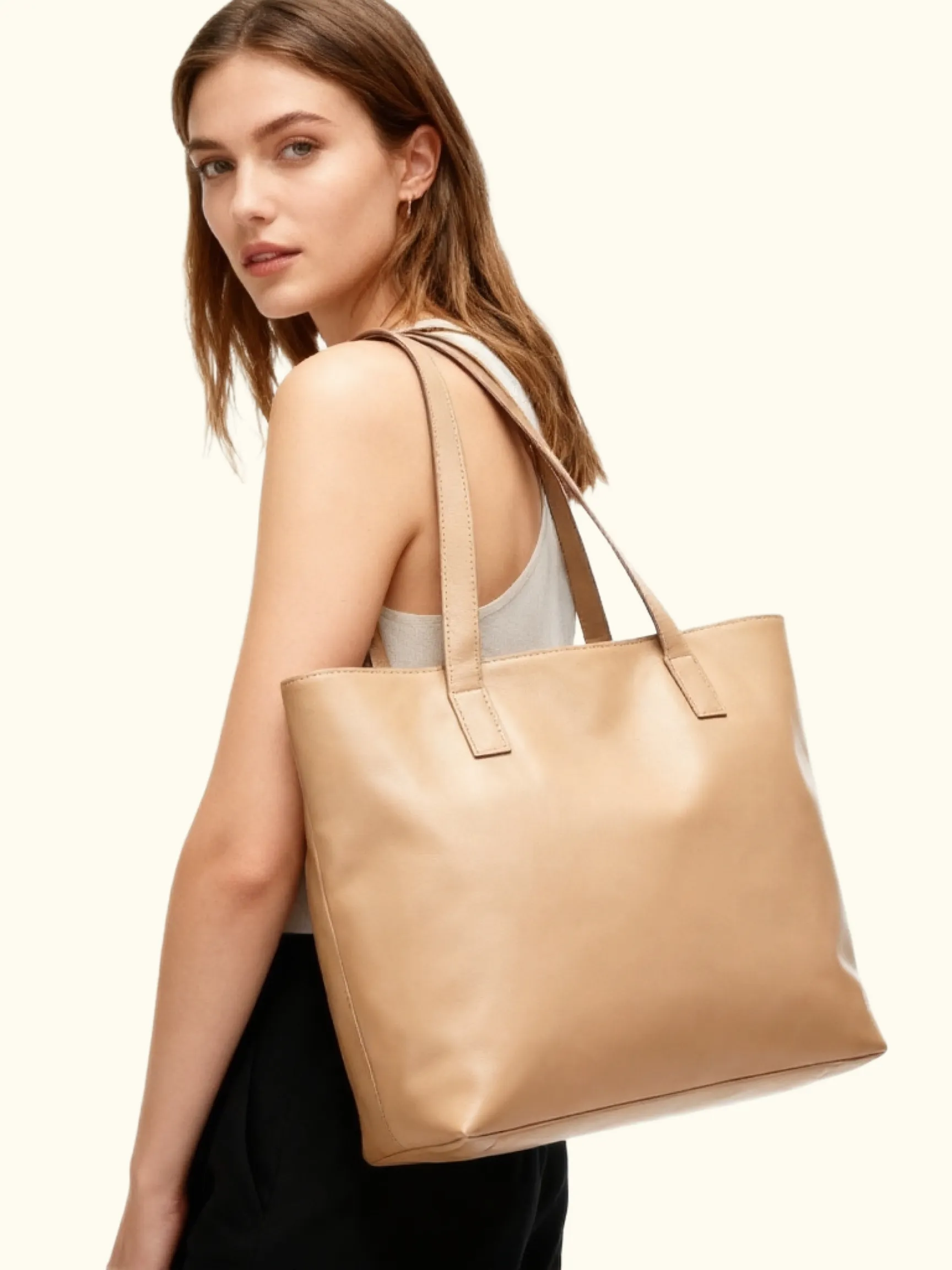
Restyle photos, test visual directions, and prepare social posts or thumbnails with focused text prompts.
Adjust portraits, change backgrounds, remove distractions, or refresh personal photos without learning layers or masks.
Create product-photo variations, campaign concepts, mockups, and presentation visuals from existing source images. For repeatable catalog edits, use the batch AI image editor.
Explore cinematic, illustrated, anime-inspired, vintage, and other creative styles from a familiar photo.
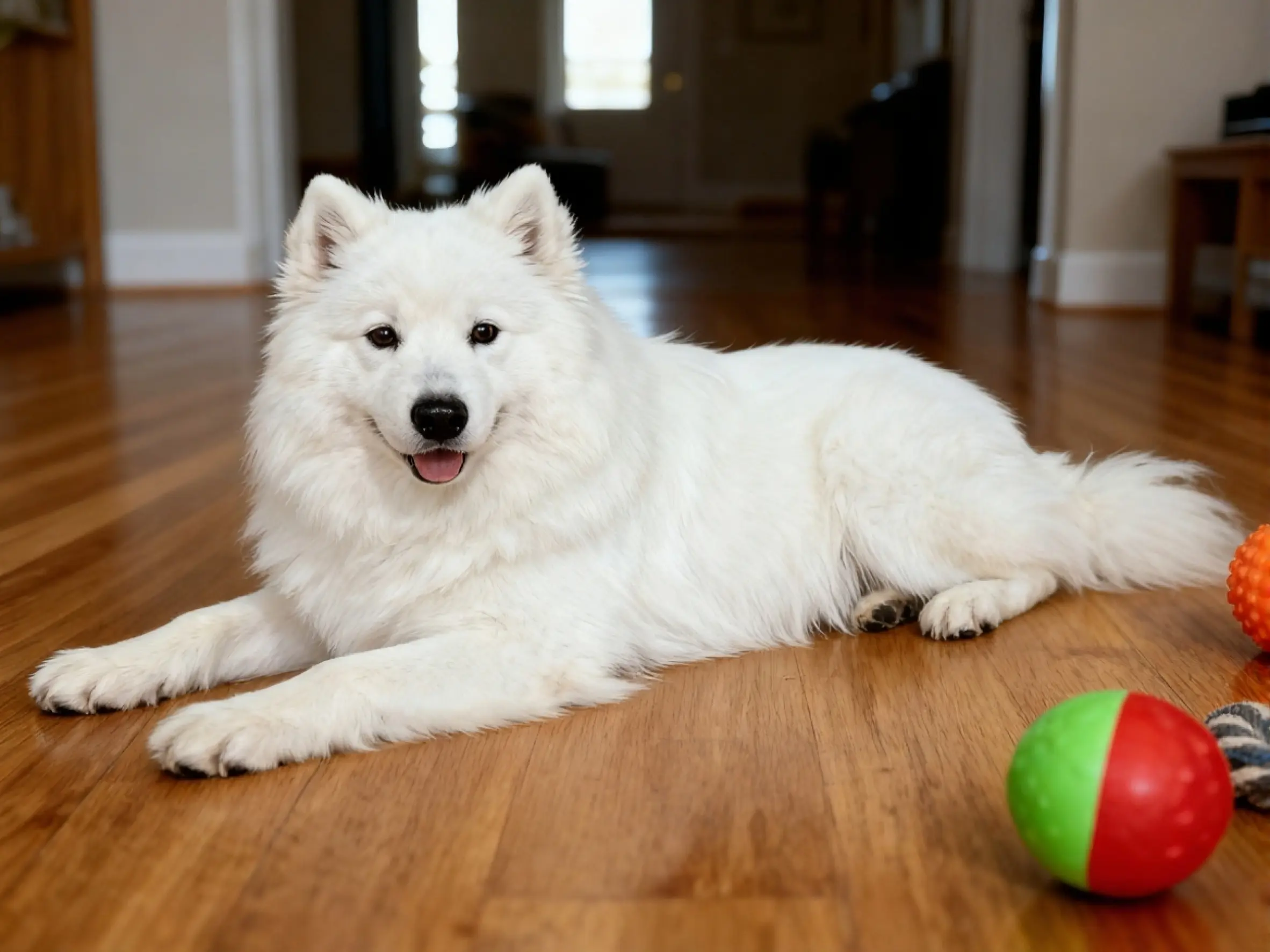
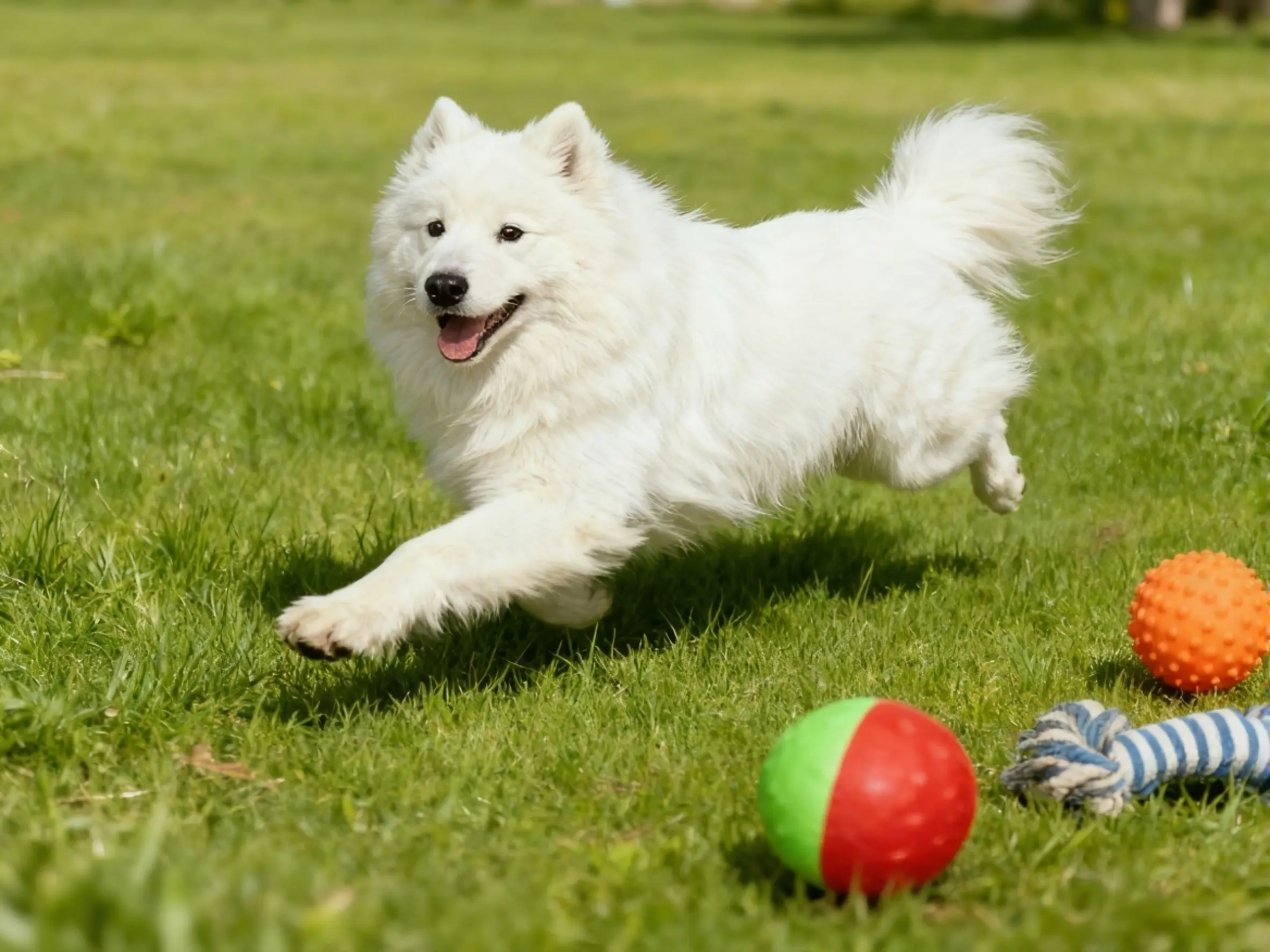
Upload a photo and tell MagicEraser what you want to change in plain English. Try a focused instruction such as “remove the label,” “replace the background with a studio wall,” or “make the lighting warmer.” This image-to-image editing workflow uses your source photo and prompt as context, so clear instructions and a well-lit image usually produce more predictable edits. For focused cleanup, use the dedicated tools to remove text from an image or remove a logo from a photo.
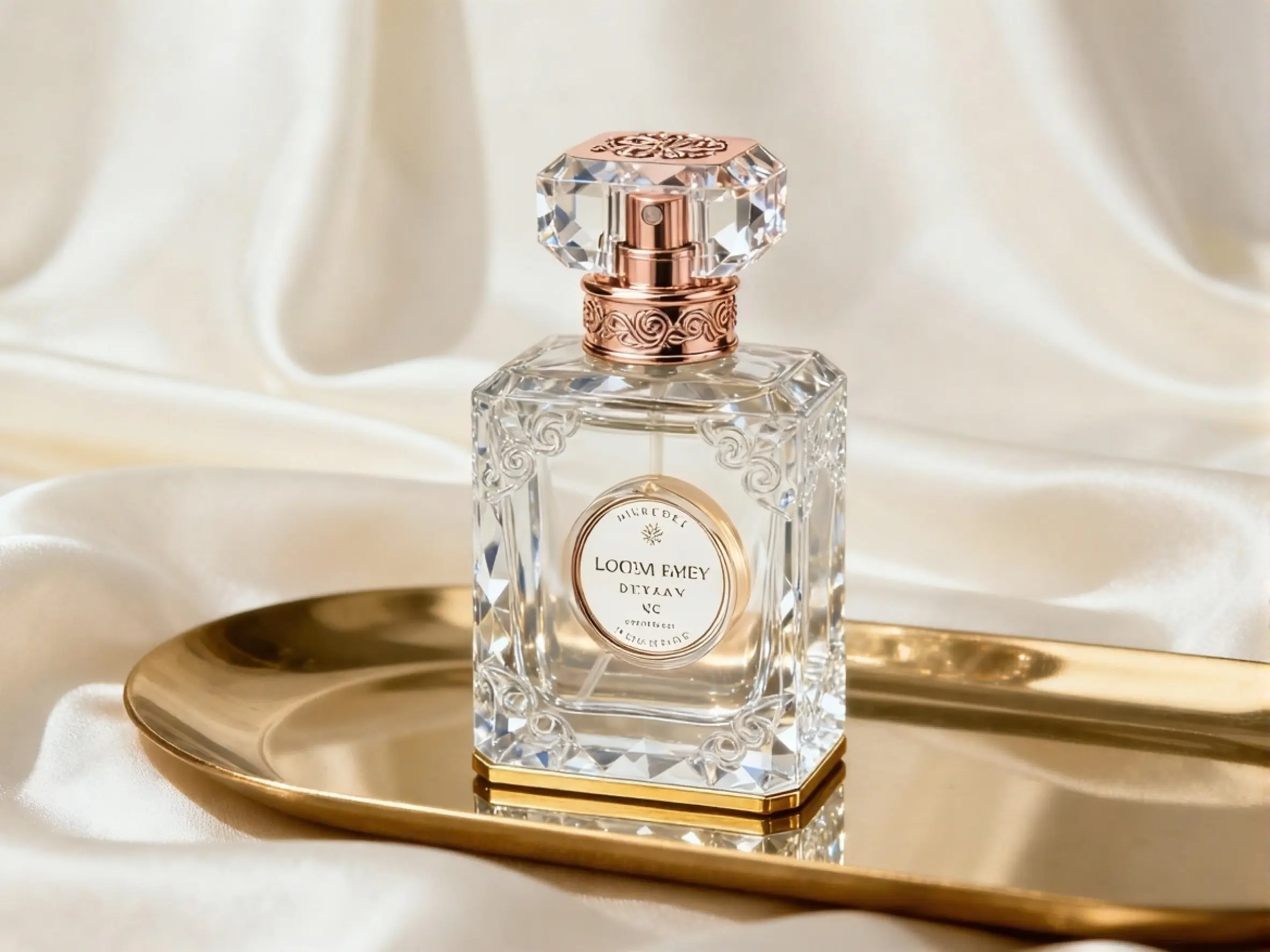
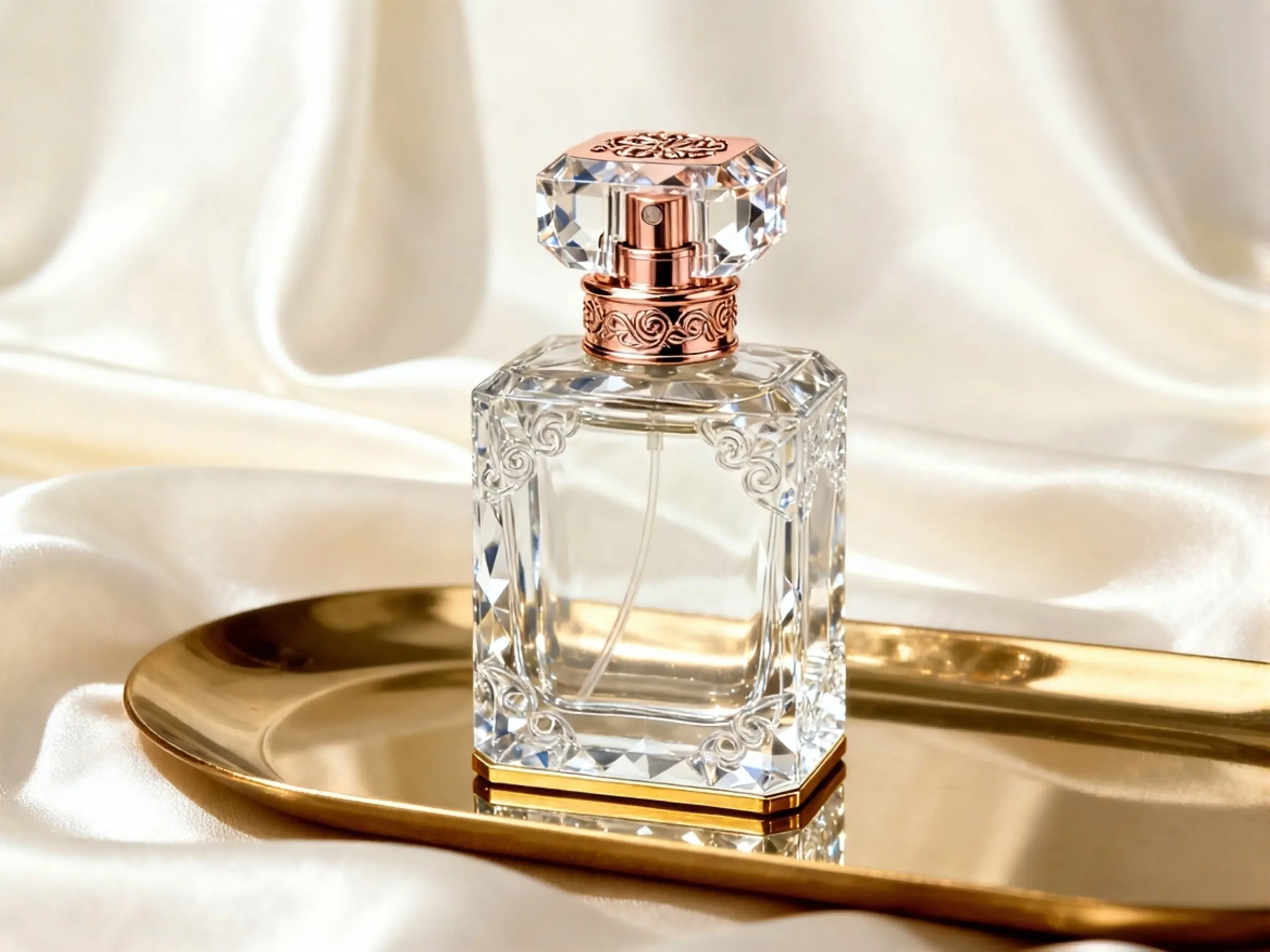
Use the AI photo editor to change hair color or outfit details, correct lighting, reduce visible distractions, or give a portrait a different mood with a text prompt. State what should stay the same—such as the face, pose, or clothing—before describing the detail you want to change. For travel photos or portraits where passersby are the main issue, use the background people remover. Review the generated result closely because complex hair, hands, and background edges may need a more specific follow-up prompt.
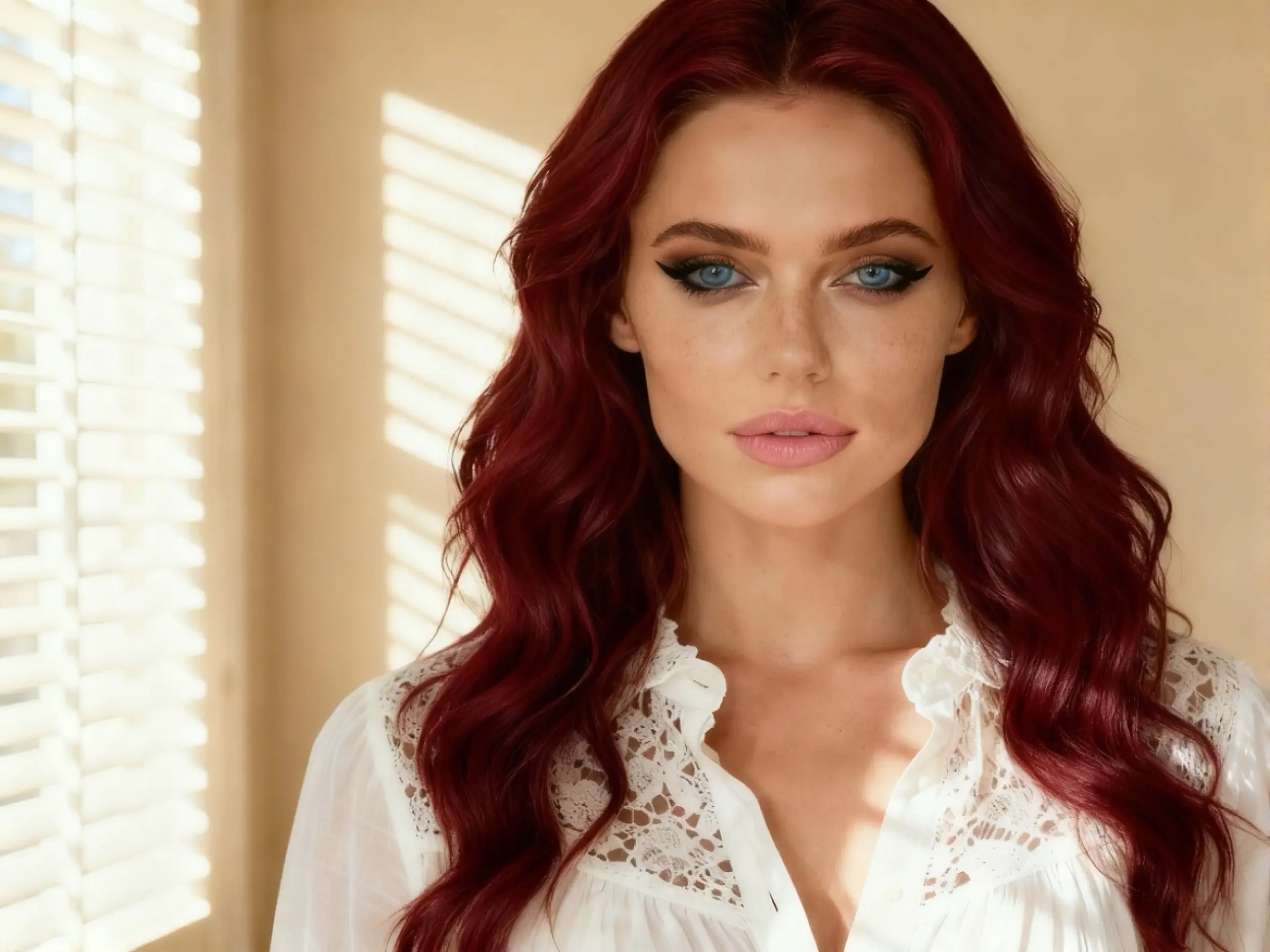
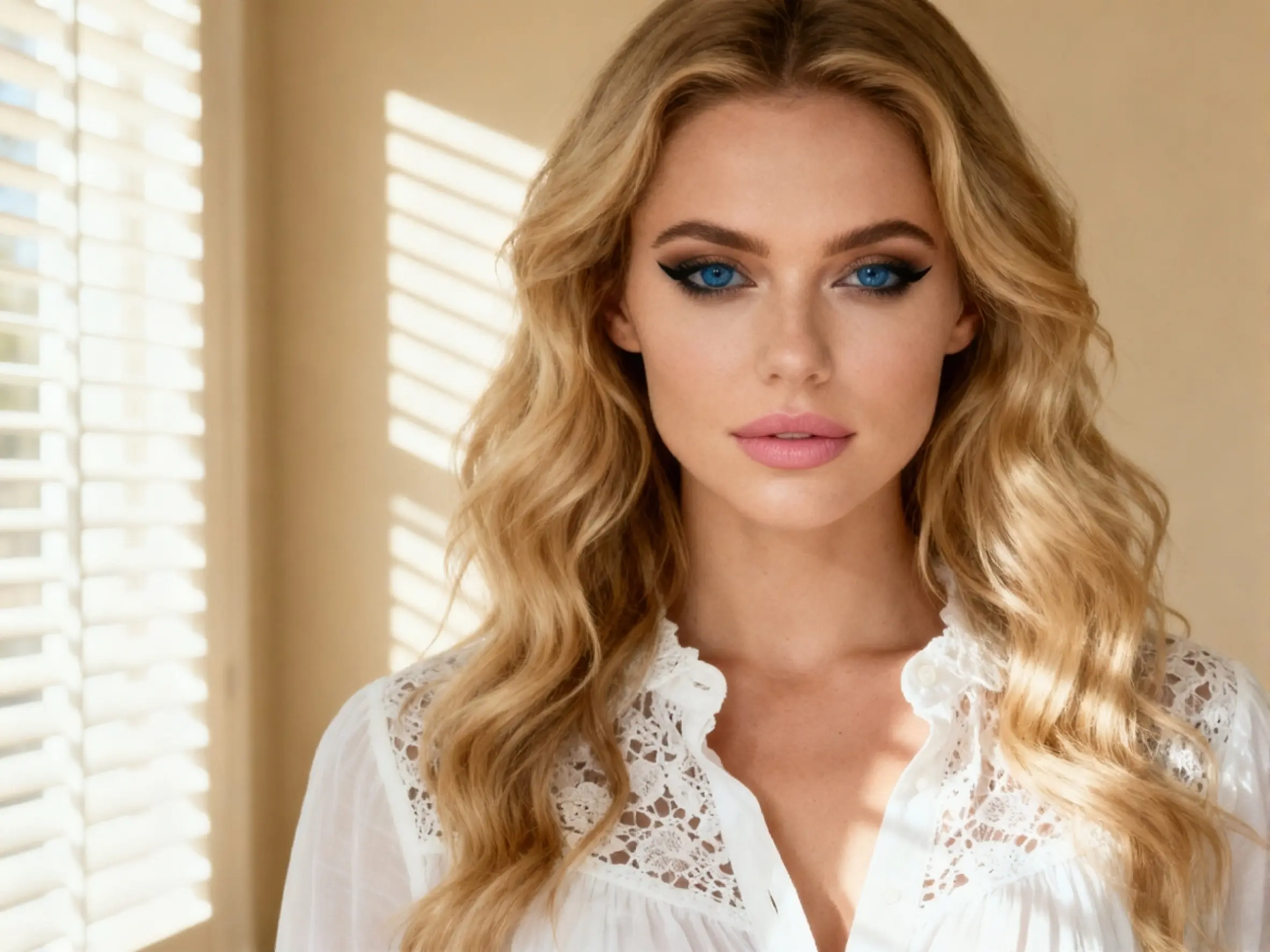
Turn a source photo into a cinematic scene, illustration, anime-inspired image, vintage portrait, or polished product visual by naming the style, lighting, palette, and mood you want. Edit product photos with AI to test a studio background, lifestyle setting, seasonal palette, or new campaign direction without arranging another shoot. If you need a transparent subject instead of a new visual style, use the background eraser.
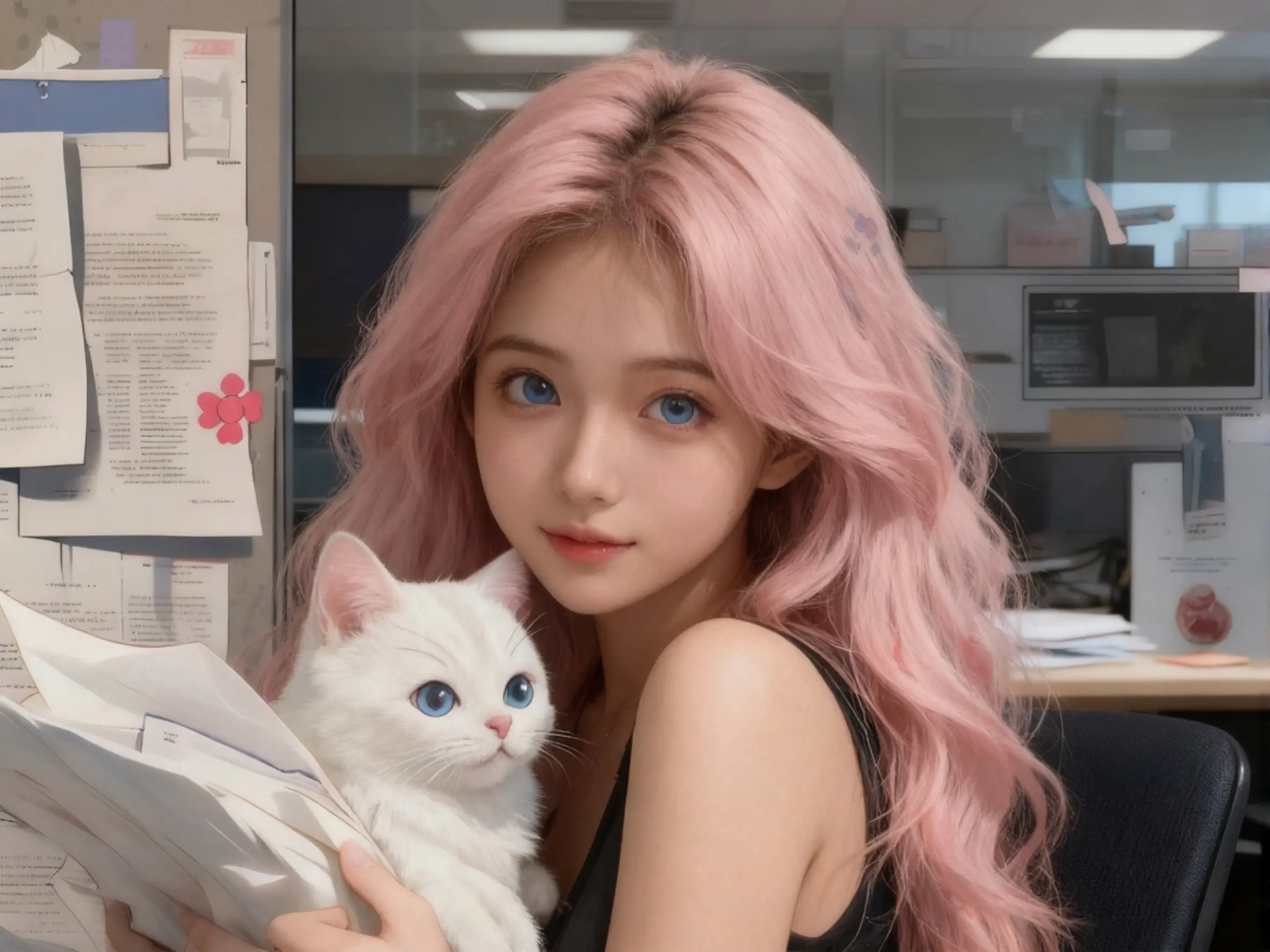
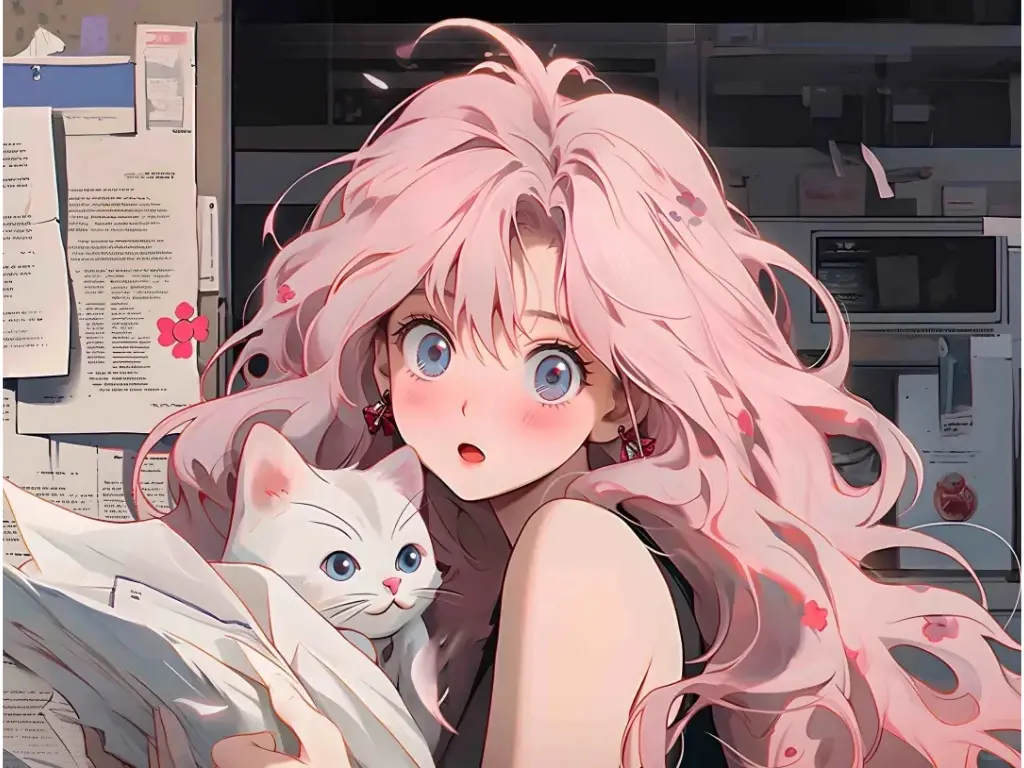
When creating character variations, describe the features that should remain recognizable, including the face, hairstyle, clothing, colors, and overall visual style. Reuse the same source image and keep each prompt focused on one change at a time. This approach can improve continuity across storyboards, comics, campaign concepts, and multi-angle character studies, although results can still vary between generations.
Maya L.
Designer

Jordan P.
Hobby Photographer

Chris F.
Visual Creator

Aisha R.
Marketer
CONTACTE-NOS
Vamos falar sobre o seu problema.
A nossa localização
29 Mayflower Gardens, 31
Mayflower Place, Singapore 568894
Como podemos ajudar?
Envie-nos uma mensagem
Please contact us directly by email.