CONTACT US
Let's talk about your problem.
Our Location
29 Mayflower Gardens, 31
Mayflower Place, Singapore 568894
How Can We Help?
Send us a Message
Please contact us directly by email.
AI Logo Removal Tool
Upload an image, mark the logo you have permission to remove, and let AI reconstruct the selected area using the surrounding visual context. Preview the edit, refine the selection if needed, and download the result when you are satisfied.
Use the selection brush to mark the logo or brand mark. Keeping the selection close to the target gives the AI clearer guidance and helps protect nearby details.
Check the reconstructed area at normal size and zoom in around edges, text, and repeating patterns. If the first result looks uneven, adjust the selection and try a smaller, more precise edit.
Upload PNG, JPG, WEBP, BMP, HEIC, or HEIF images up to 20 MB. Choose JPG or PNG as the output format in the current editor.
Use the online logo remover without installing desktop editing software. Controls and processing availability may vary by device and browser.


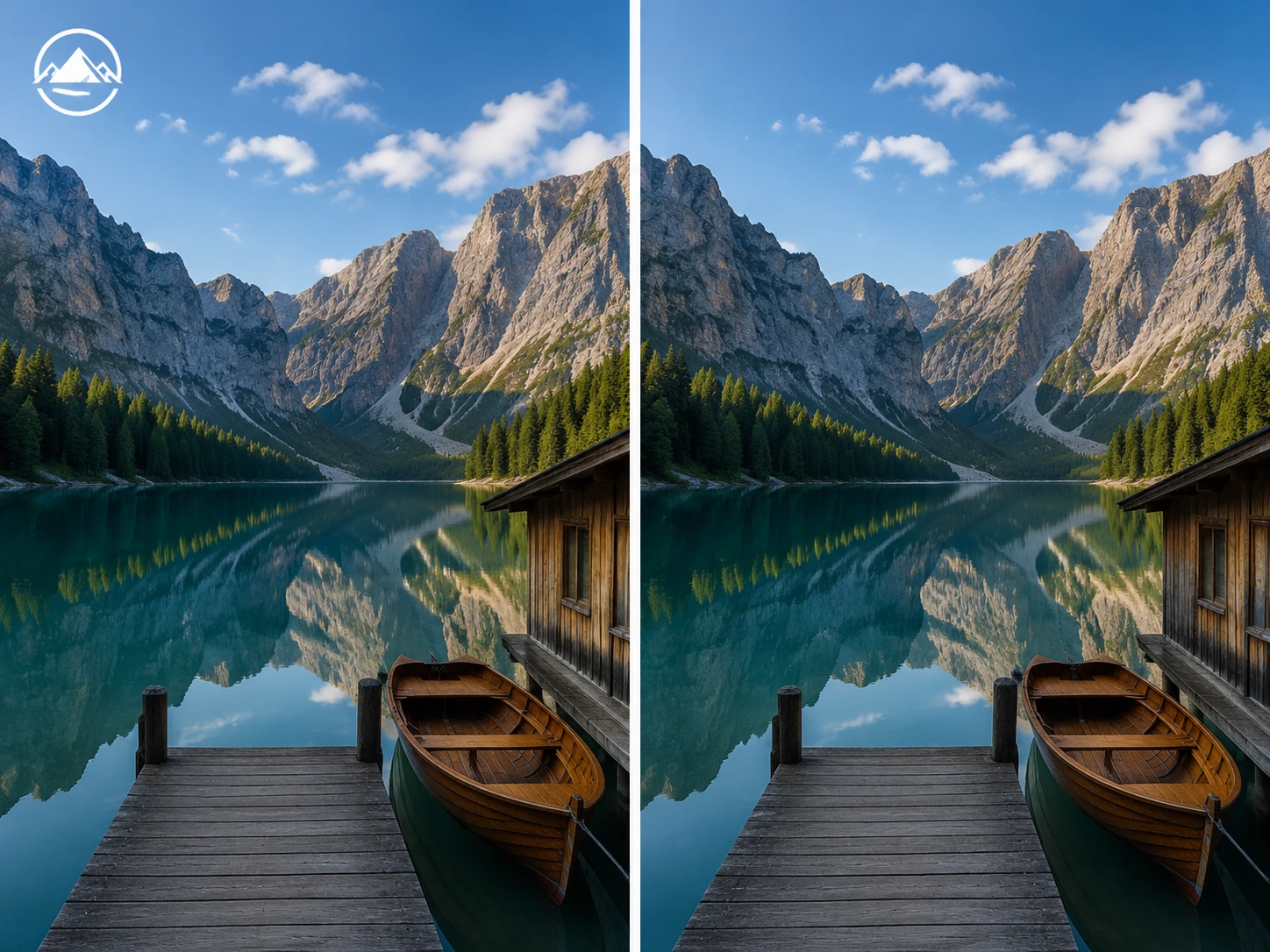
Small brand logos placed near an image edge or over a simple background are usually easier to select precisely. Keep the marked area close to the logo to protect the surrounding composition.
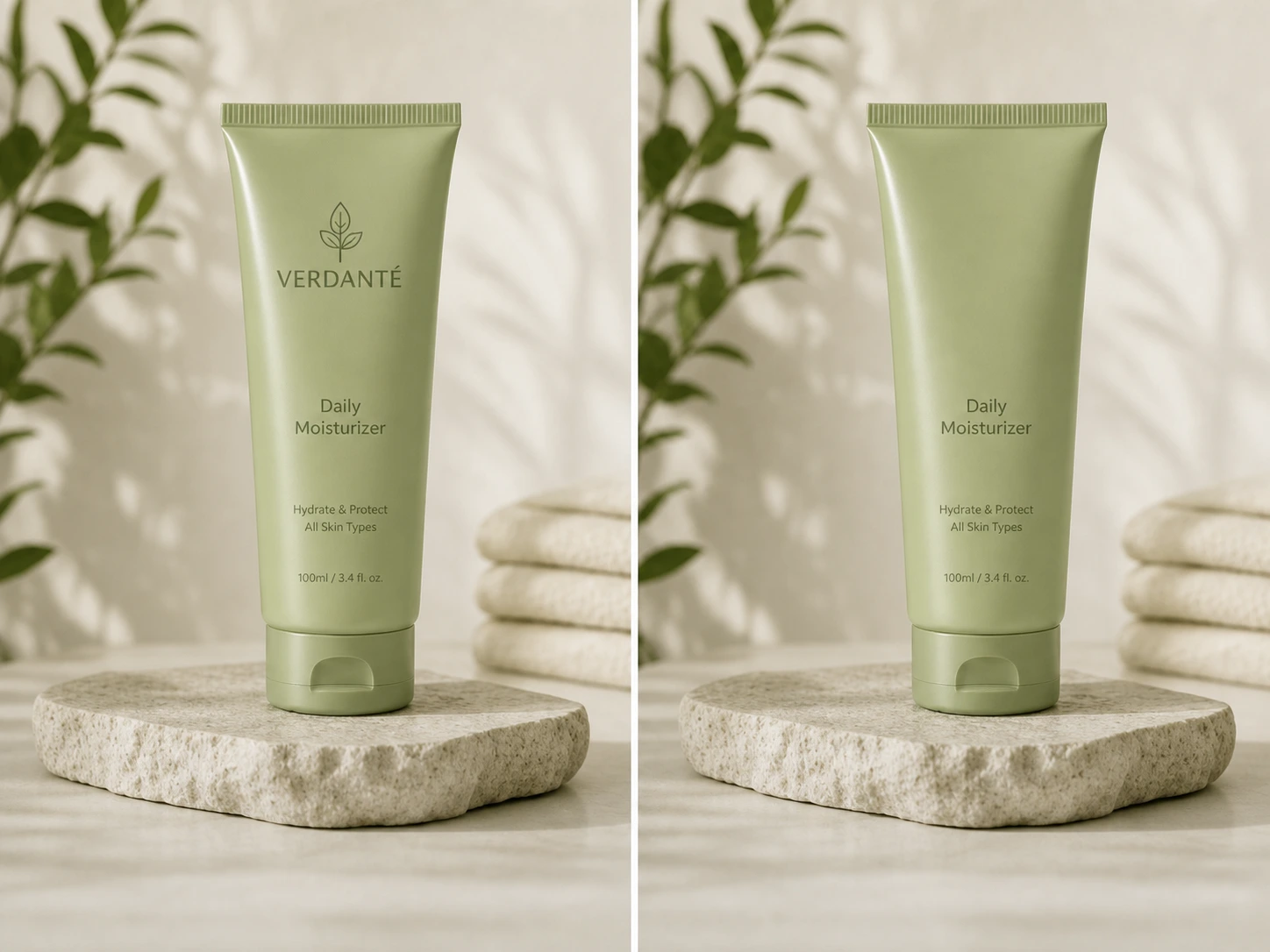
Remove an old logo from your own product photo, packaging draft, mockup, campaign image, or approved marketing asset before applying updated branding.
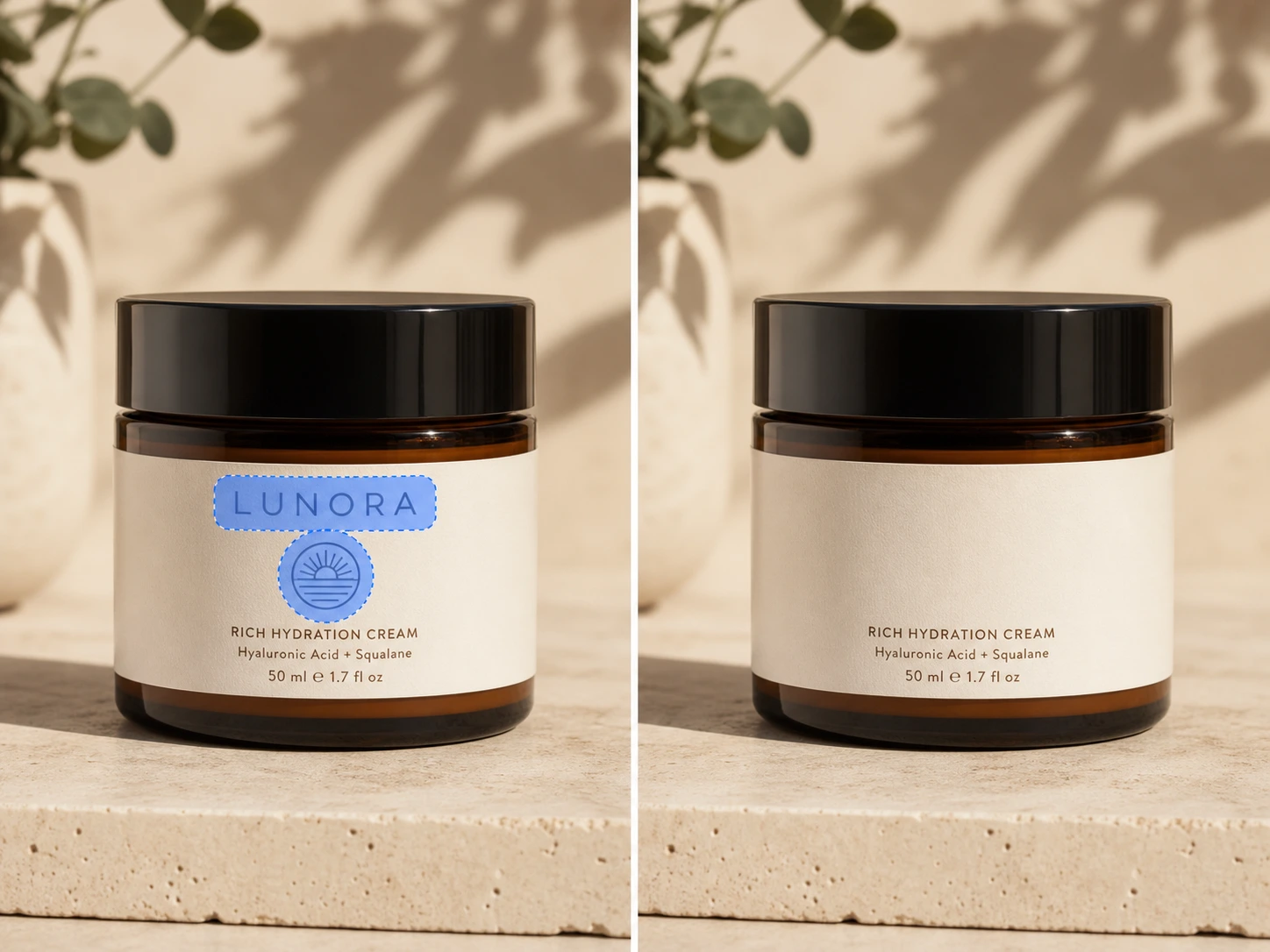
Use the selection brush to target short wordmarks, brand badges, and logo-like text. For long captions, timestamps, or multiple lines of text, use the dedicated text remover instead.
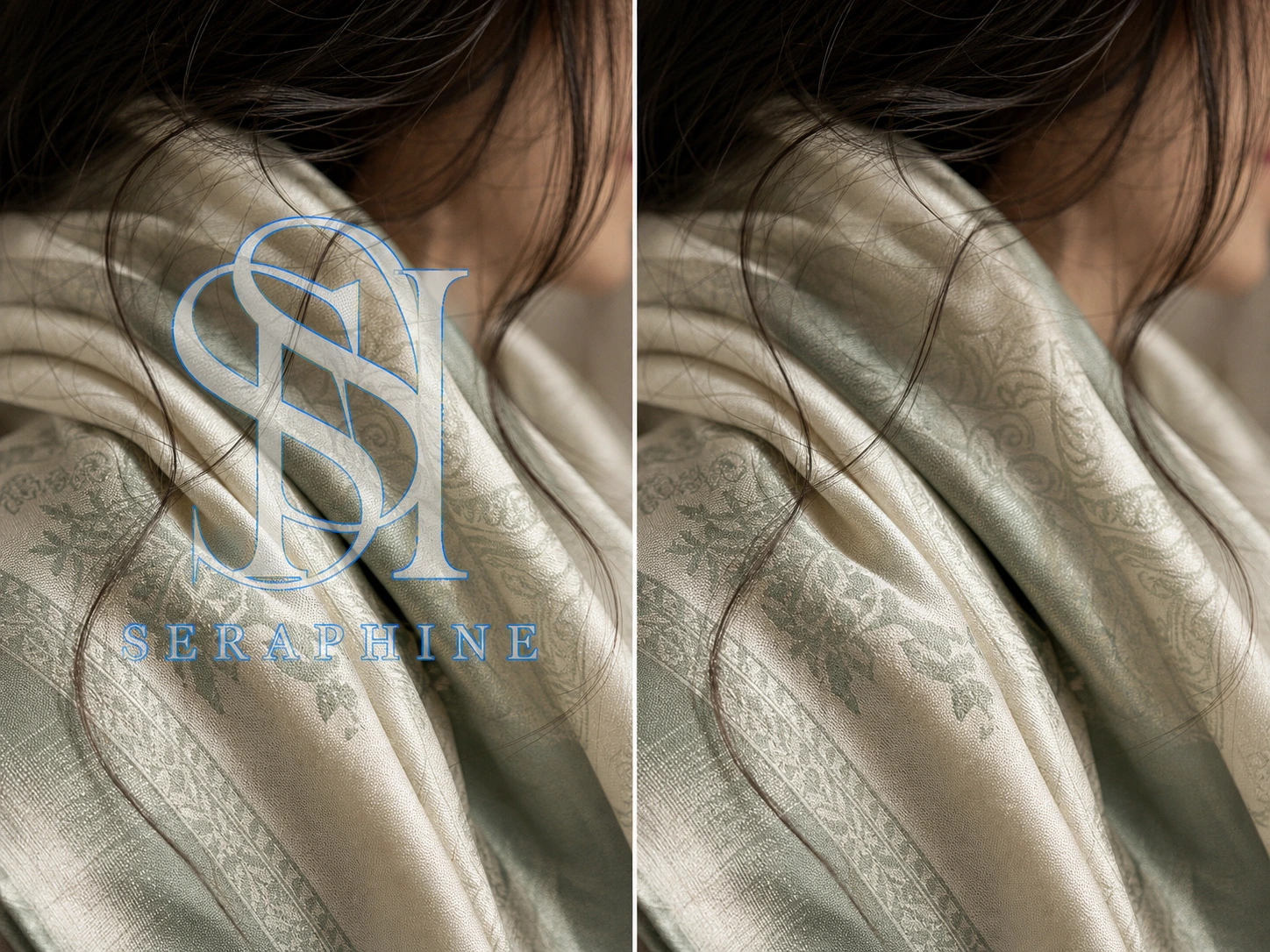
Transparent or semi-transparent logos placed over fabric, hair, faces, fine text, or repeating patterns may require a tighter selection and more than one preview. Results vary with the amount of visual information covered by the logo.
When you need to remove a logo from an image, the right method depends on the background, the logo position, and how much control you need. An AI logo remover online can preserve the original framing by reconstructing the selected area, while blurring, cropping, and manual retouching solve the task in different ways.
| Logo Removal Method | How It Removes a Logo | Best For | Main Trade-Off |
|---|---|---|---|
| AI logo remover | Uses AI-assisted reconstruction to remove a logo from an image and generate replacement content inside the selected area. | Online logo removal when you want to keep the original framing and surrounding composition. | Results can vary on faces, fine text, fabric, and unpredictable backgrounds. |
| Blur tool | Hides the logo by softening the selected pixels without rebuilding the background. | Quick concealment when a visible blurred area is acceptable. | Usually leaves a noticeable patch and does not restore hidden details. |
| Crop tool | Cuts away the edge or corner containing the logo. | Small logos positioned close to an outer edge. | Changes the image dimensions, framing, or composition. |
| Manual logo removal | Uses clone, heal, selection, and layer-based editing tools. | Professional retouching that requires detailed control. | Takes more time and usually requires editing experience. |
For fast, browser-based logo removal, use MagicEraser logo remover online to mark the target and preview the reconstructed area before downloading.
When you use a logo remover online to remove a logo from an image with a complex background, the result depends on how much visual information the logo covers. Faces, hair, fabric, fine text, gradients, shadows, straight edges, and repeating patterns can make AI background reconstruction less predictable than edits on flat colors or open areas. Here are tips for better logo removal results.
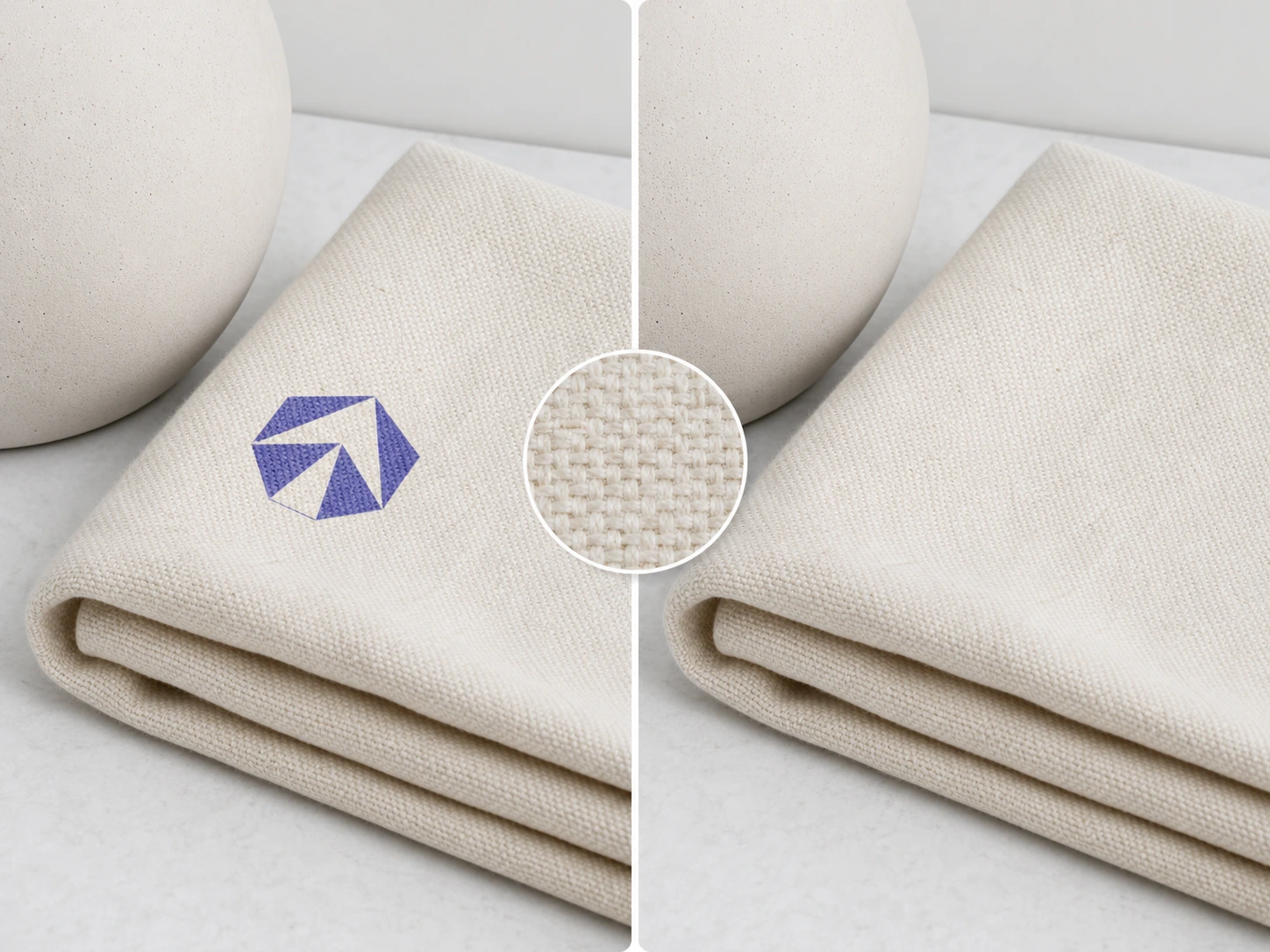
Start with the highest-resolution source image available so the AI has more visual detail to use during background reconstruction.
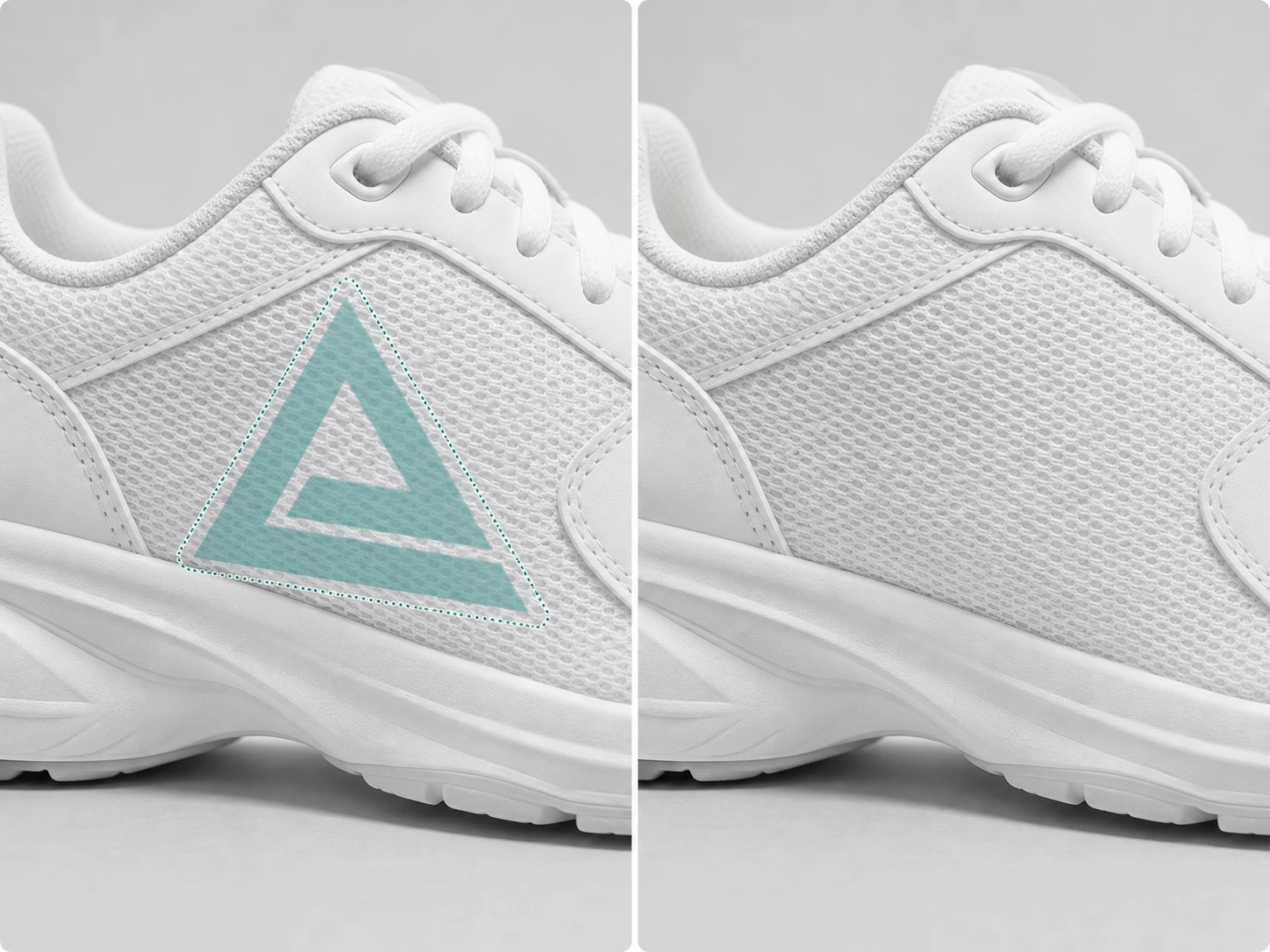
Cover the entire logo with the selection brush, including transparent edges, while avoiding unnecessary parts of the surrounding image.
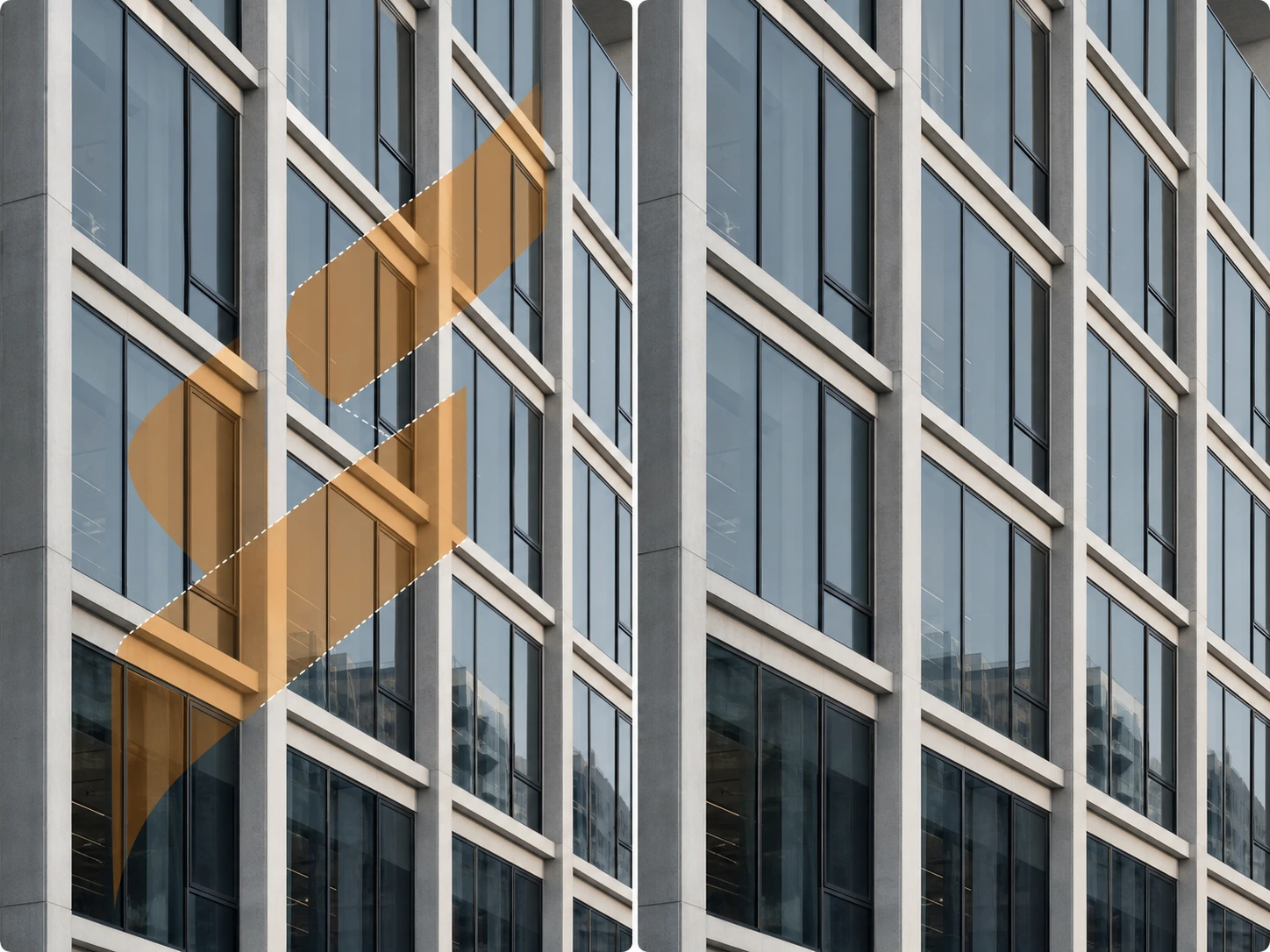
Remove large logos in smaller sections when they overlap detailed subjects, repeating textures, gradients, or other complex background elements.
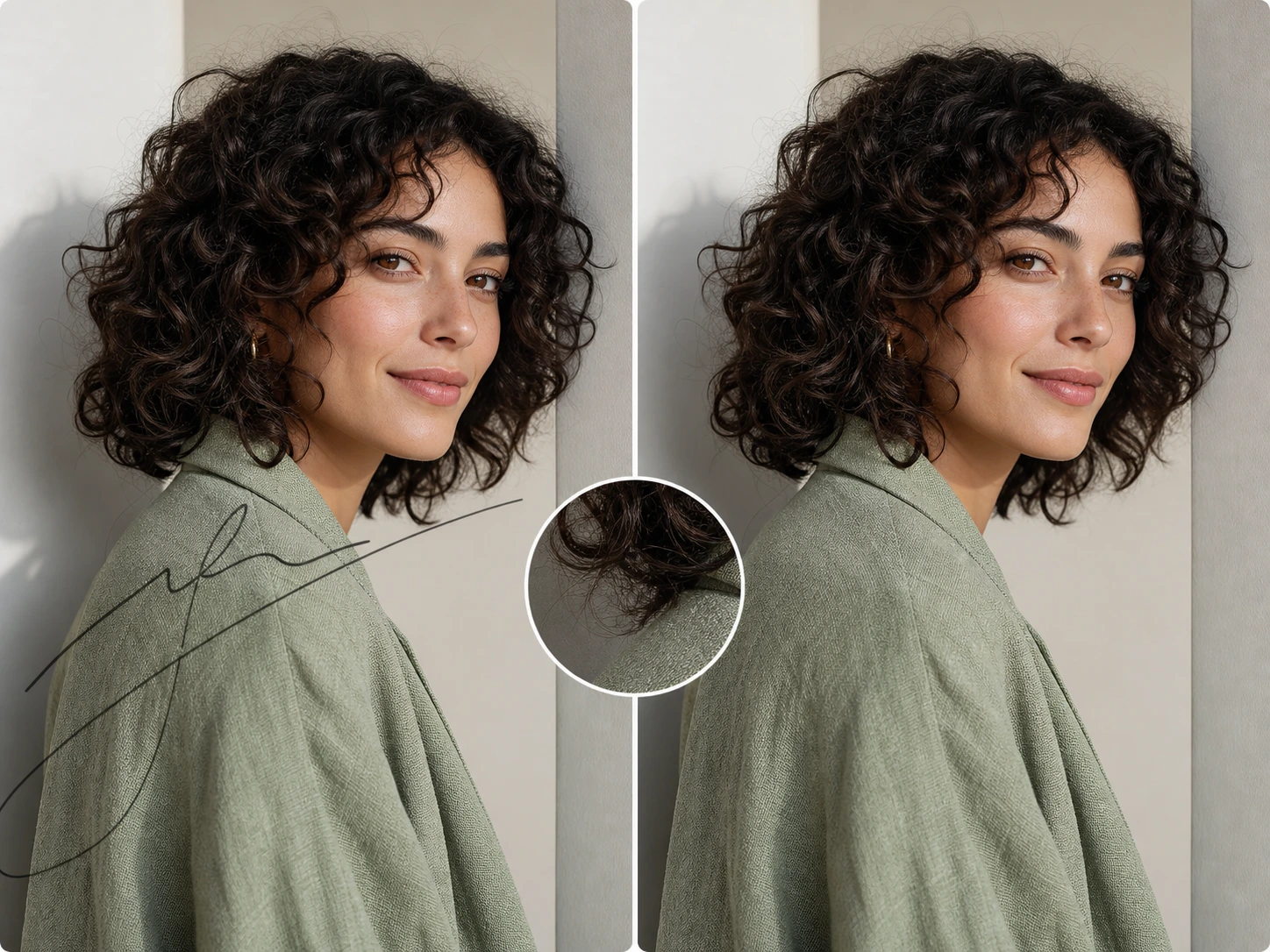
Inspect each preview carefully around faces, hands, hair, text, straight lines, shadows, patterns, and fabric where artifacts are easier to notice.
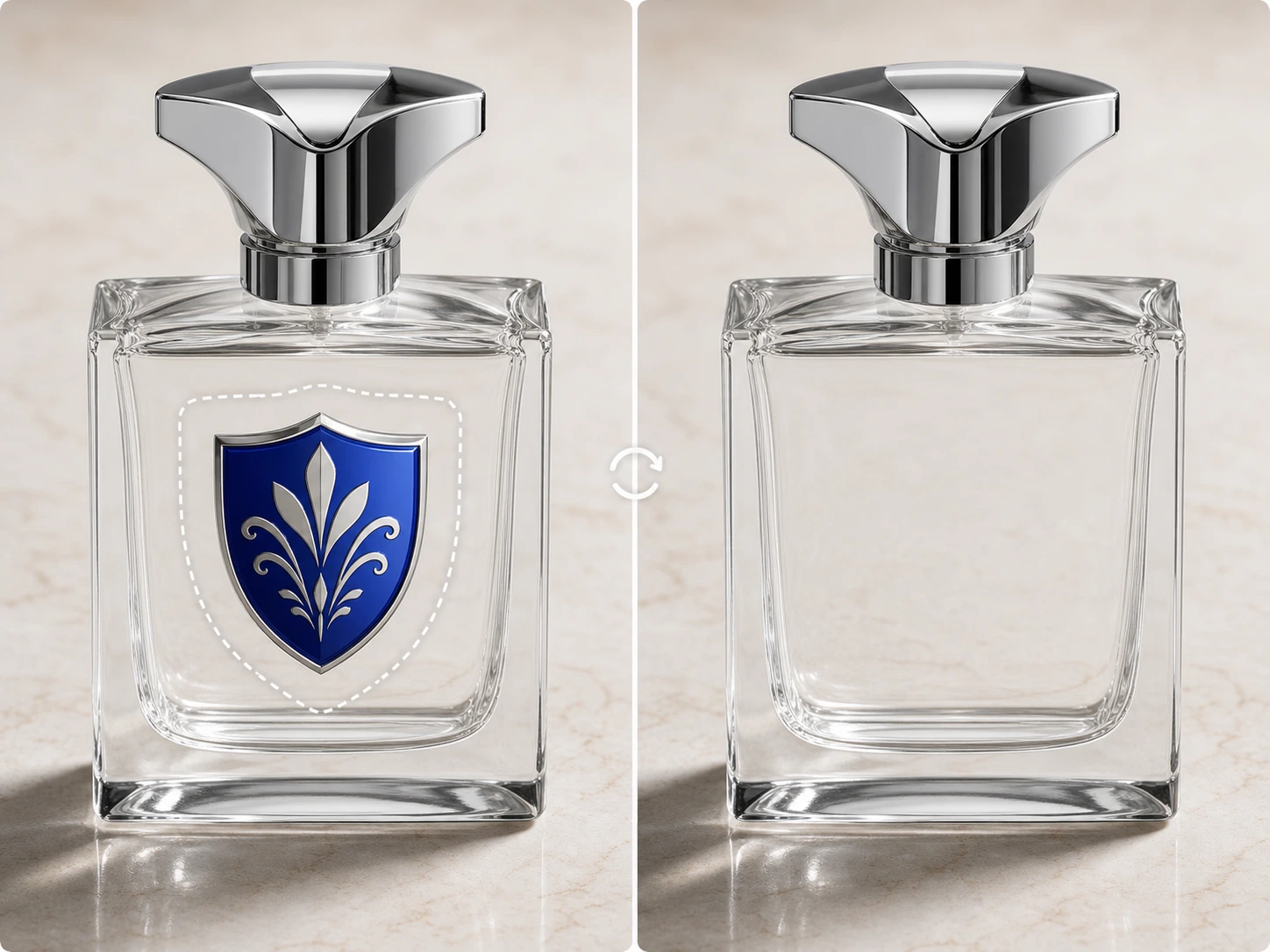
If the reconstructed area looks distorted, undo the edit, refine the brush selection, and generate a new preview before downloading.
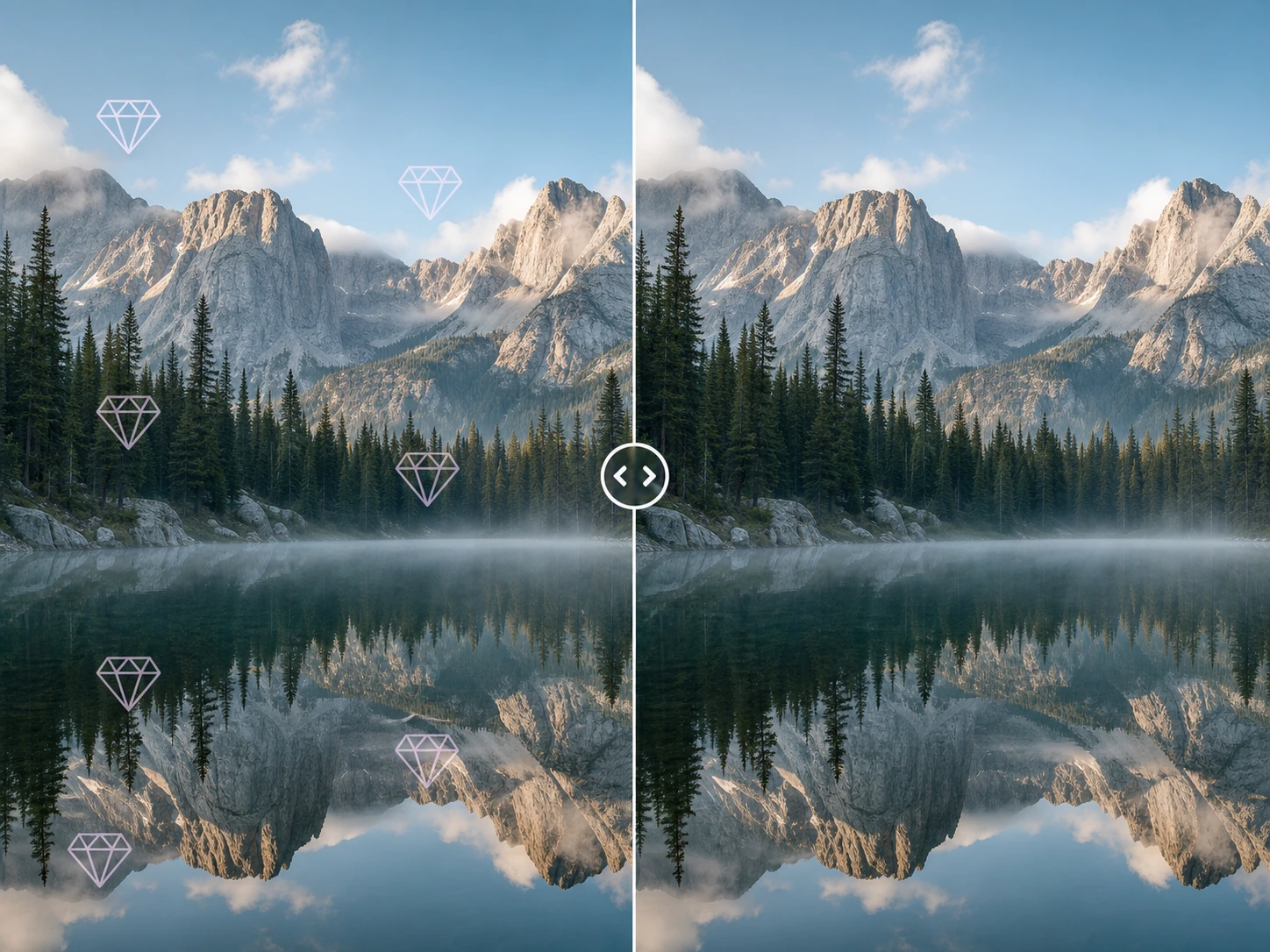
Keep the original image for comparison, as logo removal results can vary with the logo's size, opacity, position, and background detail.
Sarah J.
Graphic Designer
Michael B.
Ad Agency Director
Elena W.
Content Creator
Kevin L.
E-commerce Owner
CONTACT US
Let's talk about your problem.
Our Location
29 Mayflower Gardens, 31
Mayflower Place, Singapore 568894
How Can We Help?
Send us a Message
Please contact us directly by email.