CONTACT US
Let's talk about your problem.
Our Location
29 Mayflower Gardens, 31
Mayflower Place, Singapore 568894
How Can We Help?
Send us a Message
Please contact us directly by email.
AI Video Watermark Remover
Start with Free—a completely free mode with no credits required. Mark the watermark area yourself, remove logos, text, subtitles, or timestamps, and preview the result before downloading.
MagicEraser includes a completely free video watermark remover mode that does not use credits. Choose Free, upload a supported video, mark the watermark area yourself, process it, preview the result, and download the cleaned video in one browser workflow.
Free currently supports MP4, M4V, and WebM videos up to 100MB and 15 minutes. Use it to delete watermark from video files, remove logo from video content you own, or clean subtitles and timestamps before adding updated captions or branding.
This online video watermark removal tool works on the selected area instead of forcing you to crop the frame. Output quality depends on the background, motion, size and transparency of the watermark, and selection accuracy, so compare the preview with the original before downloading.
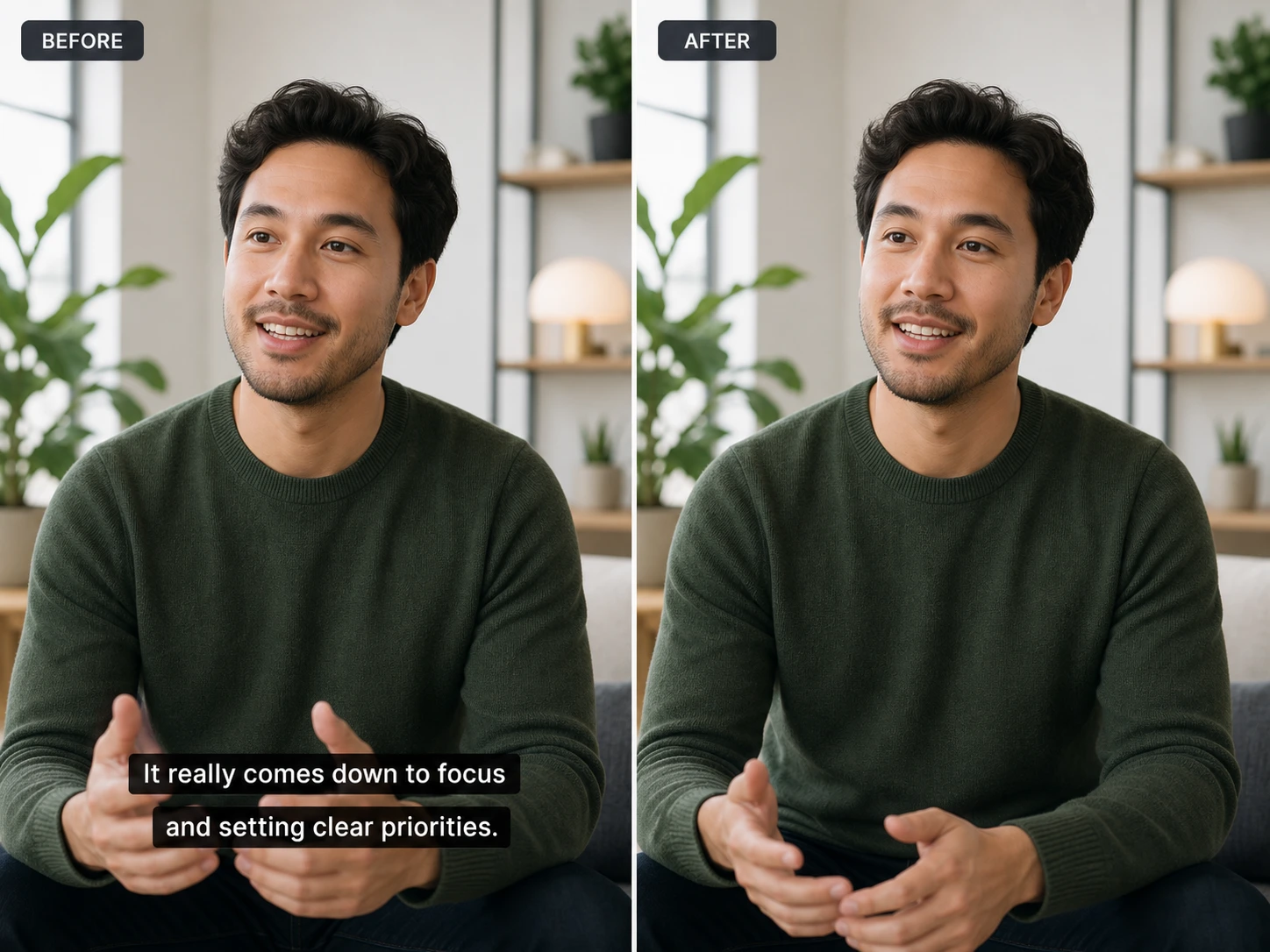
Free is a complete removal mode that does not use credits. Upload a supported video, mark the unwanted area, process it, preview the result, and download the cleaned video for free.
Brush over only the logo, text, subtitle, timestamp, or object you want to remove. A close selection helps preserve more of the surrounding frame and gives you direct control over the target area.
The current Free uploader accepts MP4, M4V, and WebM videos up to 100MB and 15 minutes, making the no-credit option useful for more than very short clips.
Review the cleaned result before you download. Results vary with motion, background detail, watermark size, and the accuracy of your selection.
Remove a fixed corner logo or a moving watermark from video by refining the selected area when the mark changes position across frames.
Remove watermarks in your browser with no apps, plugins, desktop editor, or complex timeline to learn.
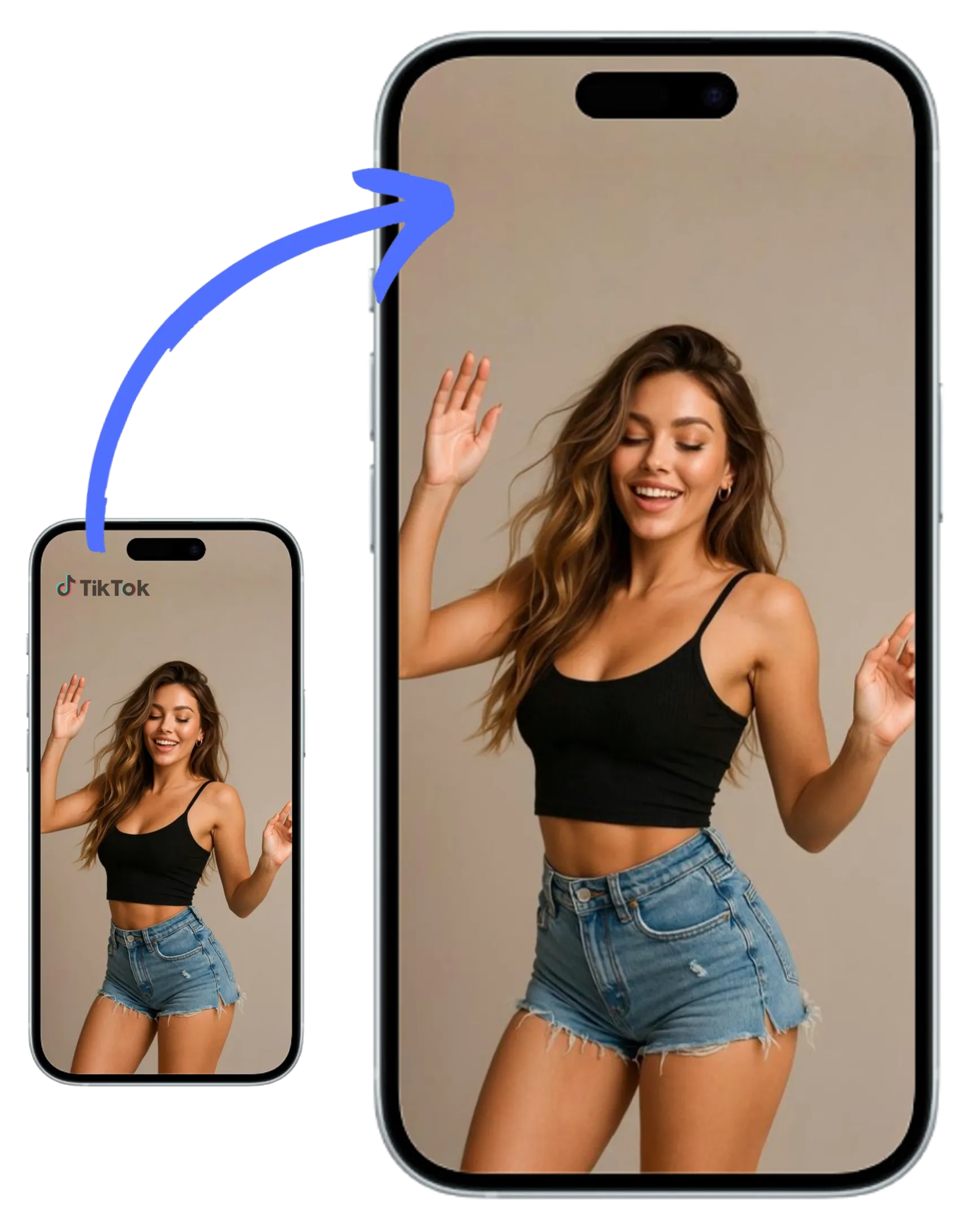
Remove a watermark from social videos you own by marking platform logos, usernames, channel names, hardcoded subtitles, lower thirds, or timestamps before adding updated branding.
Repurpose video content by removing outdated overlays, logos, or branded marks without editing software. After cleanup, continue in the AI video editor when you need to refine the clip or prepare a new version.
Prepare distraction-free videos for lessons, presentations, or online courses in just seconds.
Restore old family clips or dashcam footage by seamlessly deleting date and time marks.
Mark a background distraction or unwanted person, then use the selected processing mode to clean the targeted area from your footage.
Remove a visible watermark from AI video exports you created, or clean model labels and draft overlays before your authorized final edit. Keep any required provenance or disclosure information intact.
Use the remove logo from video workflow to clean an outdated brand mark, sponsor logo, channel name, or corner overlay from footage you are authorized to edit. Mark the visible logo closely, choose Free, AI, or AI MAX, and preview the reconstructed area before export.
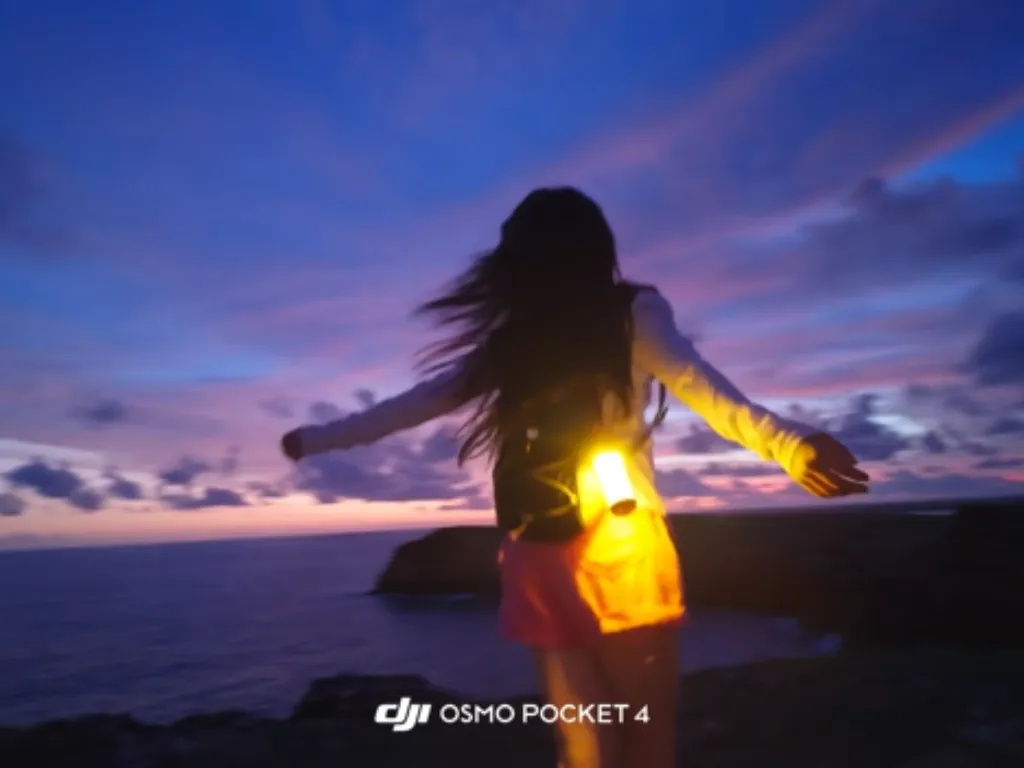

Use MagicEraser to remove text from video, clean hardcoded captions, delete a lower third, or remove subtitles from video before adding revised copy or a new language track. Select the exact text area yourself, then process it with Free, AI, or AI MAX. Results depend on motion and background detail, so preview the edited frames before export.
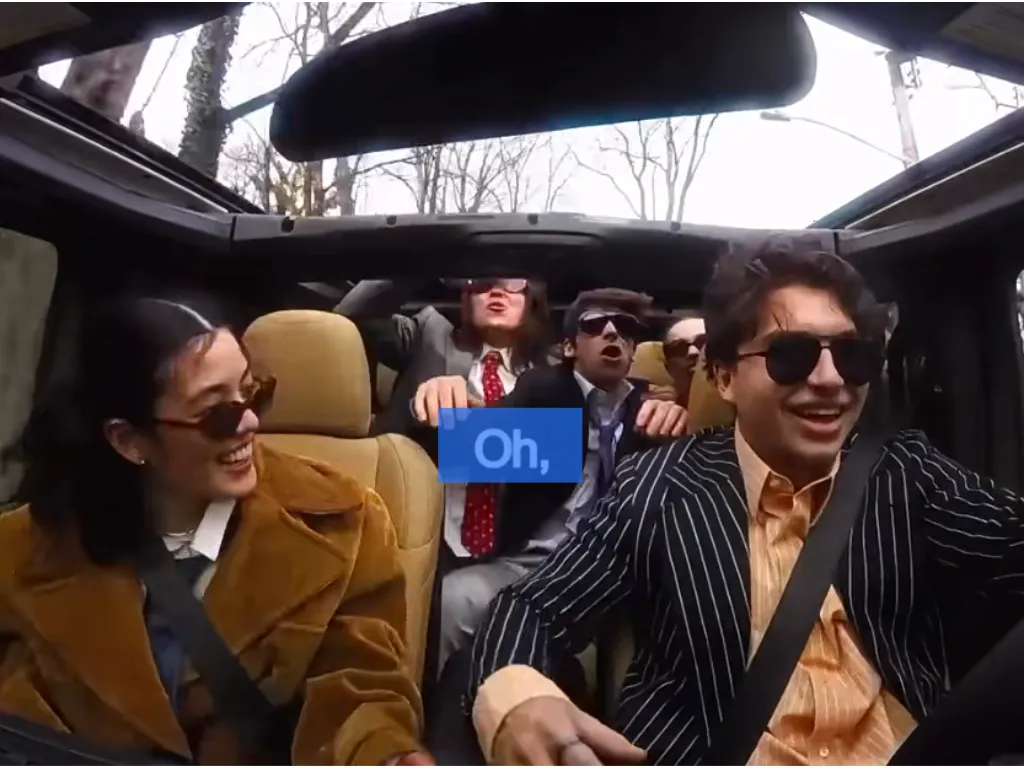

Need to reuse a clip you created for another channel? Remove an authorized TikTok watermark, Instagram Reels username, YouTube Shorts logo, sticker, or emoji before adding updated branding. For marks that jump between corners, check the full preview and refine each affected area. Only edit social media videos you own or have permission to reuse.


Use the video watermark remover online to remove a date stamp from video or clean an embedded timestamp from family clips, dashcam footage, and archived recordings. MagicEraser rebuilds the selected area instead of forcing a crop, but results vary when the mark overlaps detailed movement.
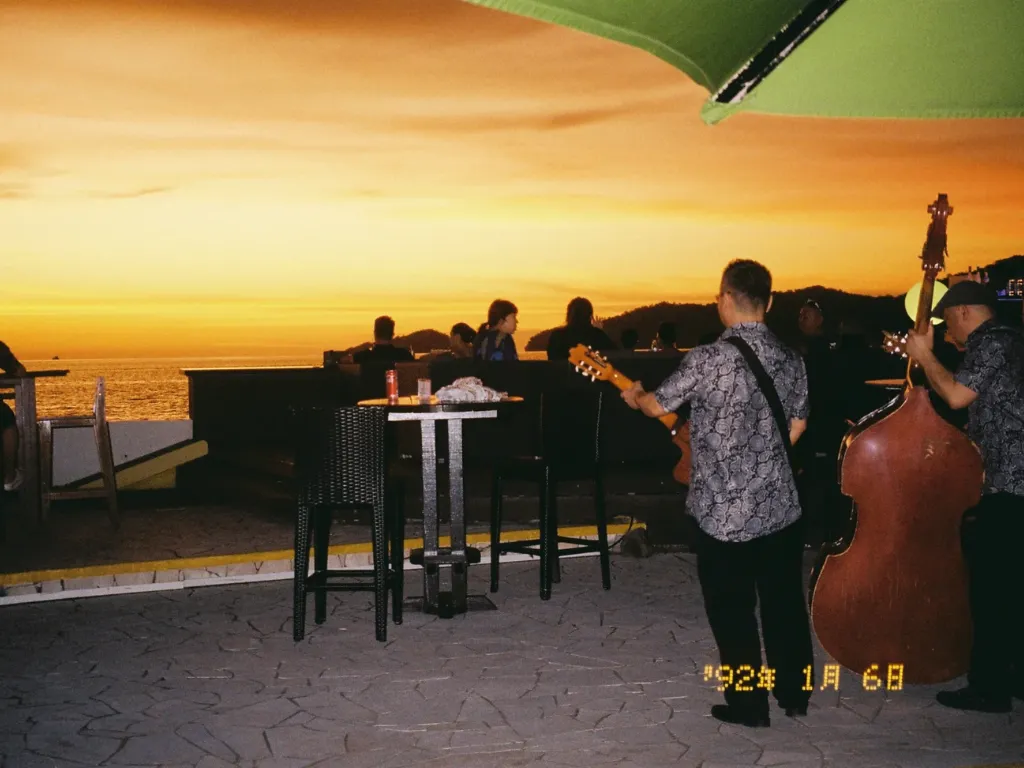

MagicEraser can help you remove unwanted objects from video, including background distractions or photobombers. It reconstructs the selected area using surrounding visual context. For still photos, use the dedicated image watermark remover. Video results vary with object size, motion, and scene detail.


Blur covers a watermark with a visible soft patch, while cropping changes the frame. MagicEraser instead attempts to reconstruct the selected region so you can remove watermark from video without blur or forced cropping. The result is not guaranteed to be lossless: complex motion, faces, fine text, compression, and large transparent overlays can require a tighter selection or another pass.


Start with Free when you want a completely free video watermark remover that uses no credits. Unlike crop tools that cut away part of the frame or blur tools that leave a visible patch, each MagicEraser mode processes the area you mark. Compare AI and AI MAX when their processing models or upload profiles better fit your file.
| Method | Best for | What to expect |
|---|---|---|
| MagicEraser Free | Completely free, no-credit removal with precise control over logos, text, subtitles, timestamps, or other overlays | Mark the area yourself, preview before downloading, and currently upload MP4, M4V, or WebM videos up to 100MB and 15 minutes |
| MagicEraser AI | Manually targeted AI processing for larger or higher-resolution uploads | Mark the area yourself; currently supports MP4 and M4V up to 500MB and 4K, with credits shown in the editor |
| MagicEraser AI MAX | Users who want to mark the exact area and process it with the AI MAX workflow | Currently supports MP4, M4V, and WebM up to 100MB and 2K; the editor displays the credit rate |
| Blur tool | Quickly hiding small marks on complex backgrounds | Keeps the full frame but leaves a soft or mosaic-like patch |
| Crop tool | Watermarks positioned close to an outer edge | Removes the mark by cutting away part of the video frame |
| Desktop frame-by-frame editing | High-value footage that needs detailed retouching | Offers more control but requires considerably more time and editing experience |
Free is the completely free, no-credit option—not a separate credit tier. AI and AI MAX follow the current credit rules shown in the editor. Upload limits may change, so the selected uploader remains the source of truth. Results vary with background detail, camera movement, watermark size, transparency, and overlap with faces or small text.
These steps are especially useful when you want to remove watermark from video online without blur rather than cover it with an obvious soft patch.


Remove a TikTok watermark, Instagram Reels username, YouTube Shorts logo, sticker, caption, or outdated branding from clips you own or are authorized to reuse.

Remove old logos, price tags, labels, or campaign marks from approved product footage.
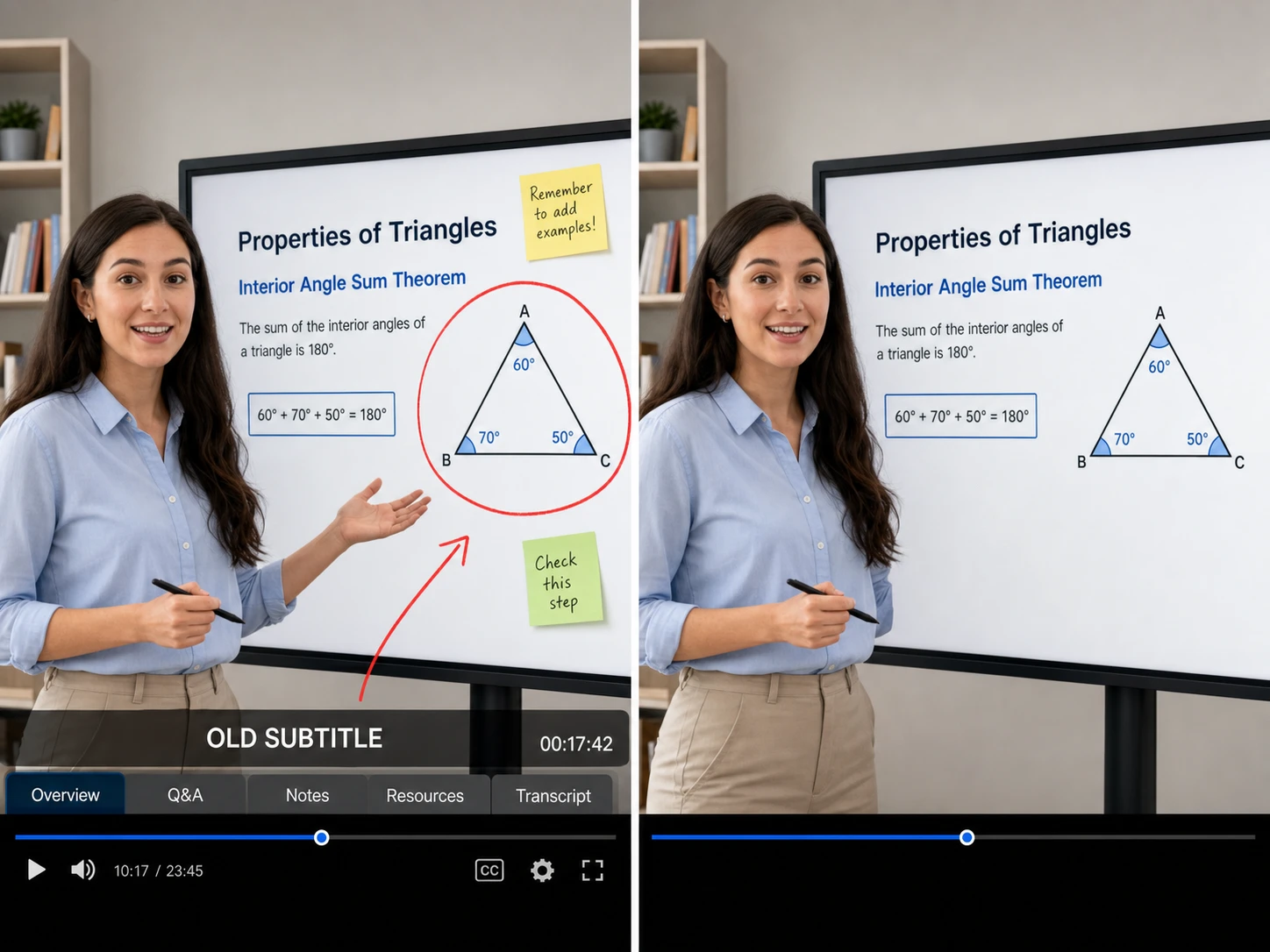
Clear hardcoded subtitles, timestamps, lower thirds, interface labels, or annotations before adding revised captions or narration.
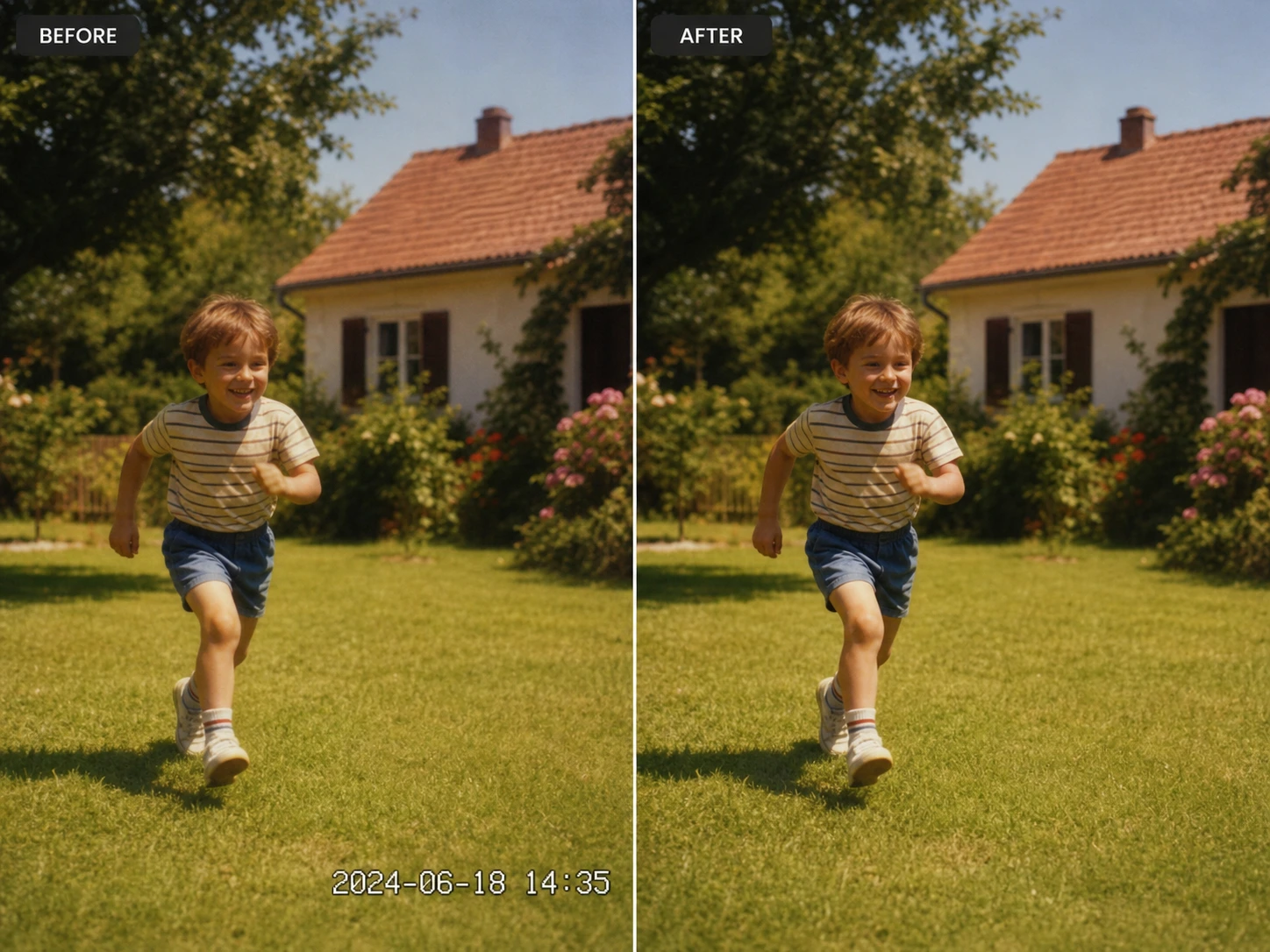
Restore family clips, camera recordings, or archived videos by cleaning date marks and unwanted overlays.

Alex Williams
Video Editor

Priya Sharma
Social Media Manager

Jamie Lee
Content Creator

Marco Garcia
Short-form Creator

Lisa Thompson
Digital Marketer
CONTACT US
Let's talk about your problem.
Our Location
29 Mayflower Gardens, 31
Mayflower Place, Singapore 568894
How Can We Help?
Send us a Message
Please contact us directly by email.