CONTACT US
Let's talk about your problem.
Our Location
29 Mayflower Gardens, 31
Mayflower Place, Singapore 568894
How Can We Help?
Send us a Message
Please contact us directly by email.
AI Video Editor
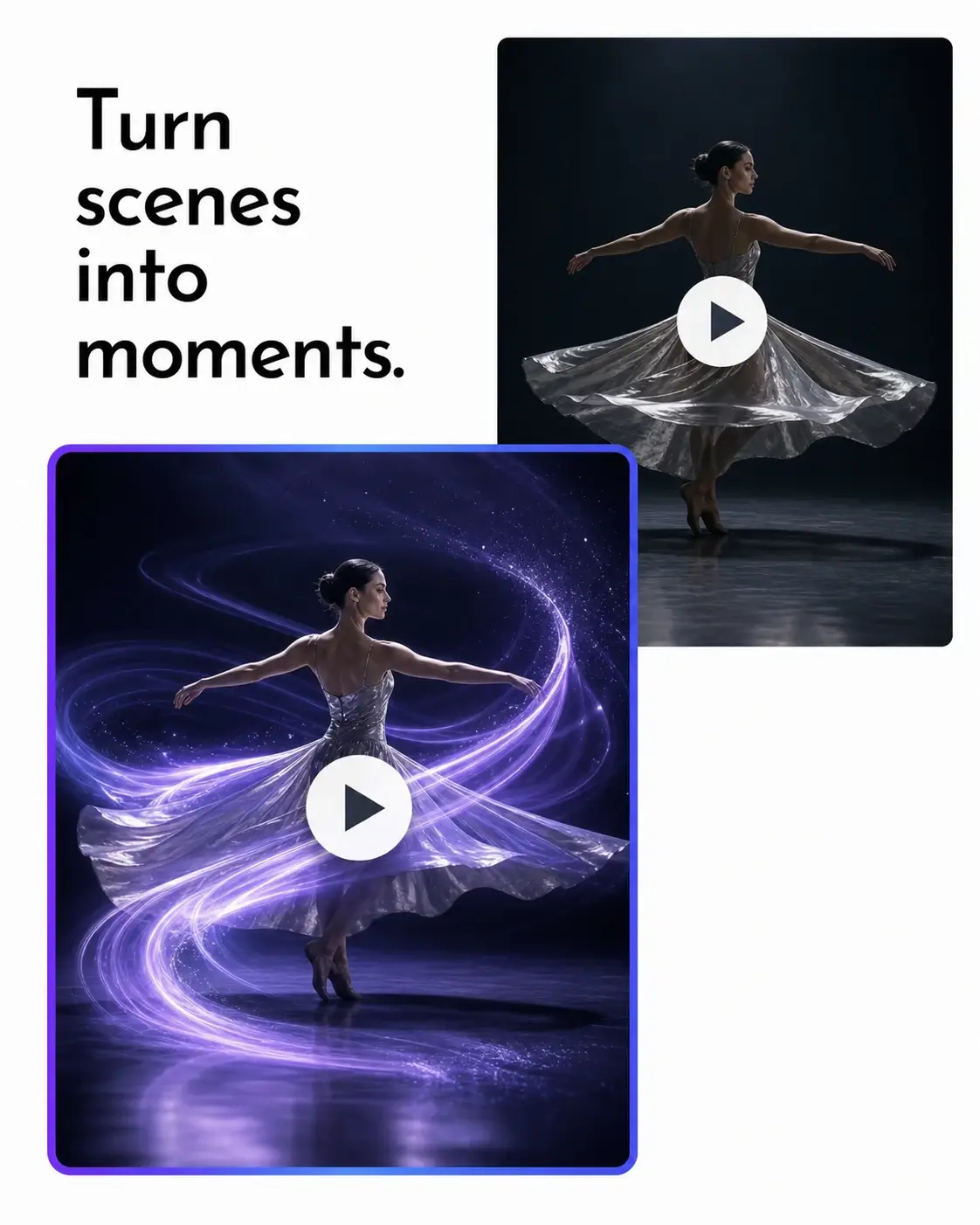
Make every video feel fresh, premium, and made to perform with an AI video editor built for creative momentum. Reimagine social content, elevate product visuals, and deliver campaign-ready edits that capture attention and keep your audience watching.
Describe the look you want, then let AI turn your creative direction into a fresh version of the clip.
Shift the mood, lighting, style, or setting to give everyday footage a more cinematic, polished feel.
Transform simple product footage into elevated visuals built to earn attention in campaigns, storefronts, and launches.
Explore a new look from the footage you already have instead of starting from zero or scheduling another production day.
Make short-form content feel fresh for Reels, Shorts, TikTok, and paid social with a prompt-led visual refresh.
Try different scenes, aesthetics, and campaign moods quickly, then keep the version that best fits your idea.
Go from source clip to preview in one browser-based workflow, without timelines, layers, or specialist editing software.
Use daily free credits to experiment with video-to-video AI and find the creative direction that makes your footage stand out.
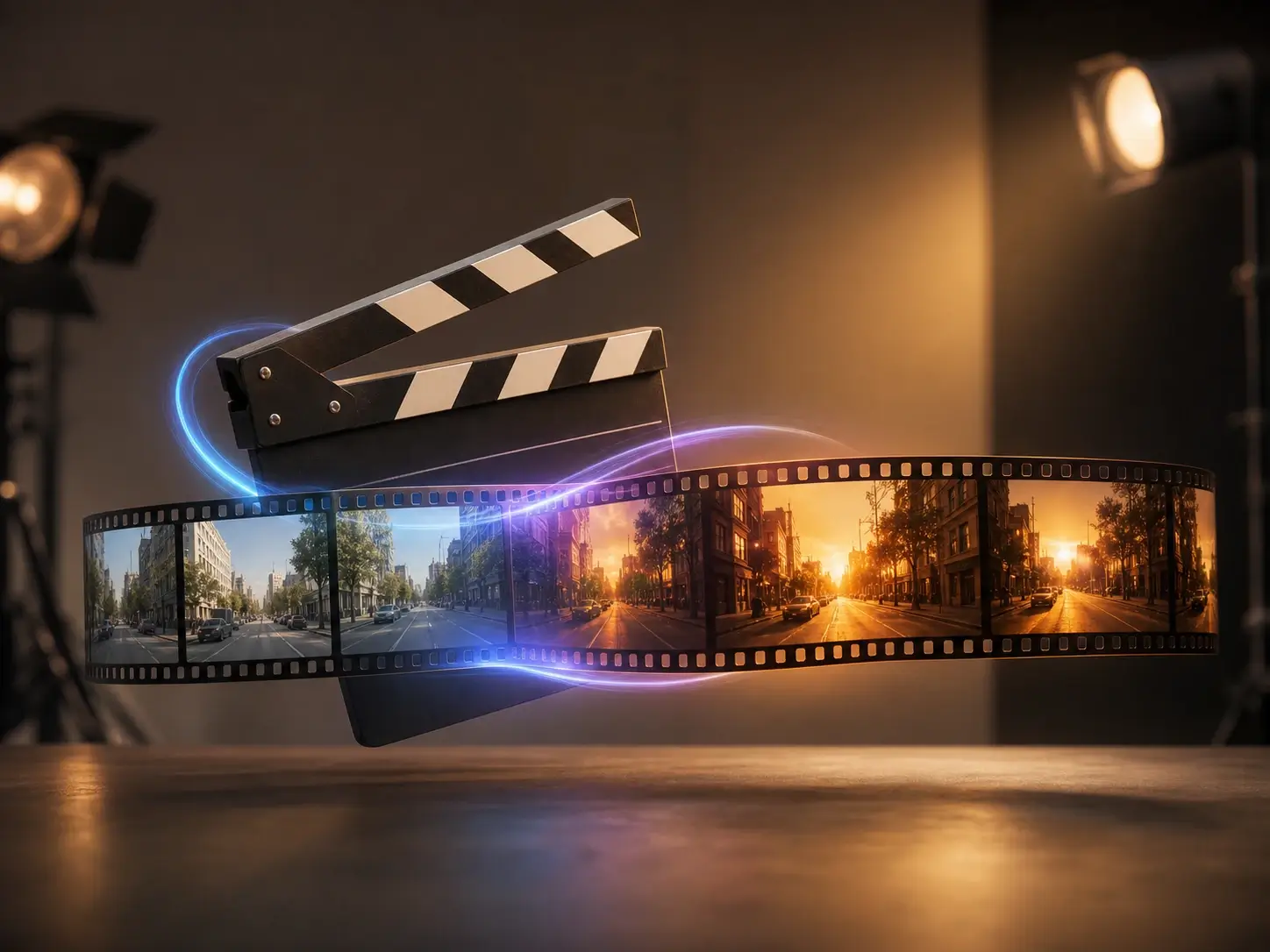
Rework existing footage into a new style, season, mood, or format for Reels, Shorts, TikToks, and paid social creative.
Give product footage a cleaner setting, elevated lighting, or a campaign-ready visual direction without arranging another shoot.
Quickly test creative treatments, environments, and cinematic looks before committing budget to a full production.
Transform travel clips, event footage, celebrations, and everyday moments with prompt-guided edits that match your idea.
This AI video editor turns a straightforward description into an edit direction. Upload your clip and explain what should change: the atmosphere, setting, style, colors, or visual details. Use precise language for the strongest result—name the subject, desired transformation, lighting, camera feel, and mood. When you need a new concept instead of an edit, start with our AI Video Generator.
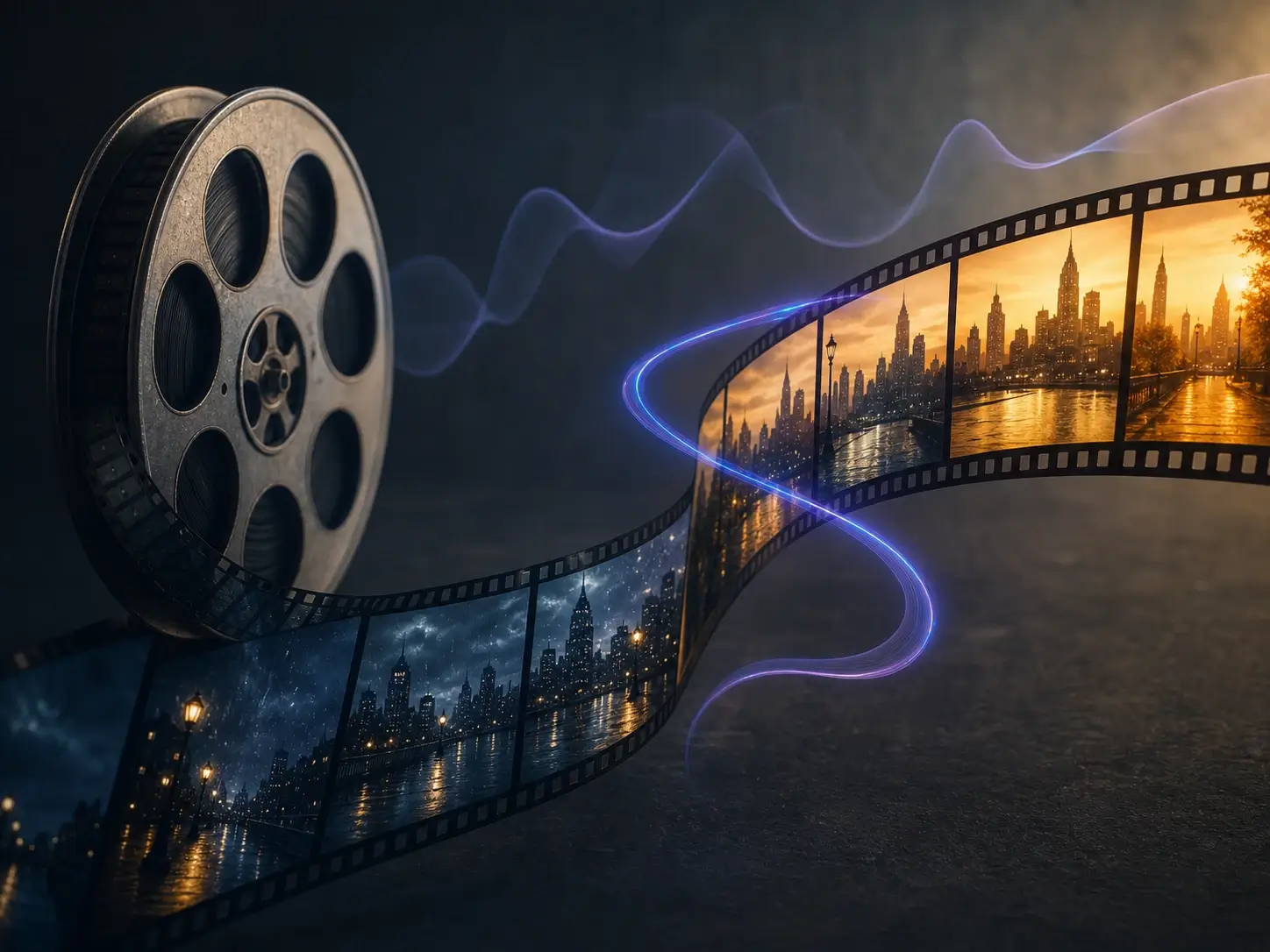
Video-to-video AI begins with your original footage, then applies the direction you describe. Reimagine daylight as cinematic dusk, make a casual clip feel editorial, or create a polished product treatment while retaining the essential action of the source. For motion that starts from a still, try Image to Video instead.

Remove distractions before you transform the rest of a scene. If a visible watermark is the issue, use our Video Watermark Remover first, then return to the AI video editor to refine the visual direction. This focused workflow helps you create a more intentional final clip while keeping each task clear.
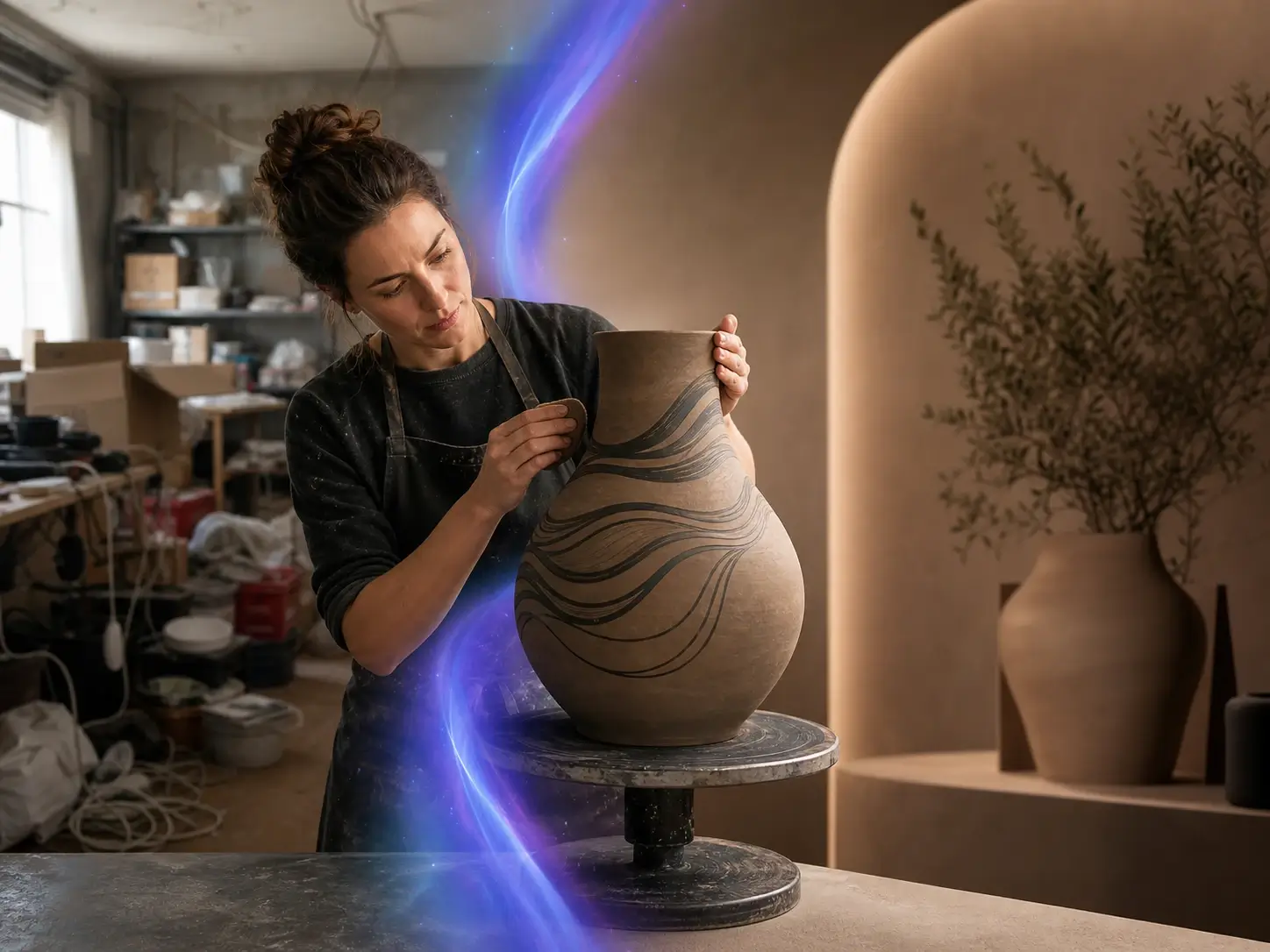

Maya Chen
Ecommerce Creative Lead

Lucas Bennett
Growth Marketer

Amina Patel
Travel Creator

Noah Williams
Creative Director
CONTACT US
Let's talk about your problem.
Our Location
29 Mayflower Gardens, 31
Mayflower Place, Singapore 568894
How Can We Help?
Send us a Message
Please contact us directly by email.