CONTACT US
Let's talk about your problem.
Our Location
29 Mayflower Gardens, 31
Mayflower Place, Singapore 568894
How Can We Help?
Send us a Message
Please contact us directly by email.
Image to Video AI Generator
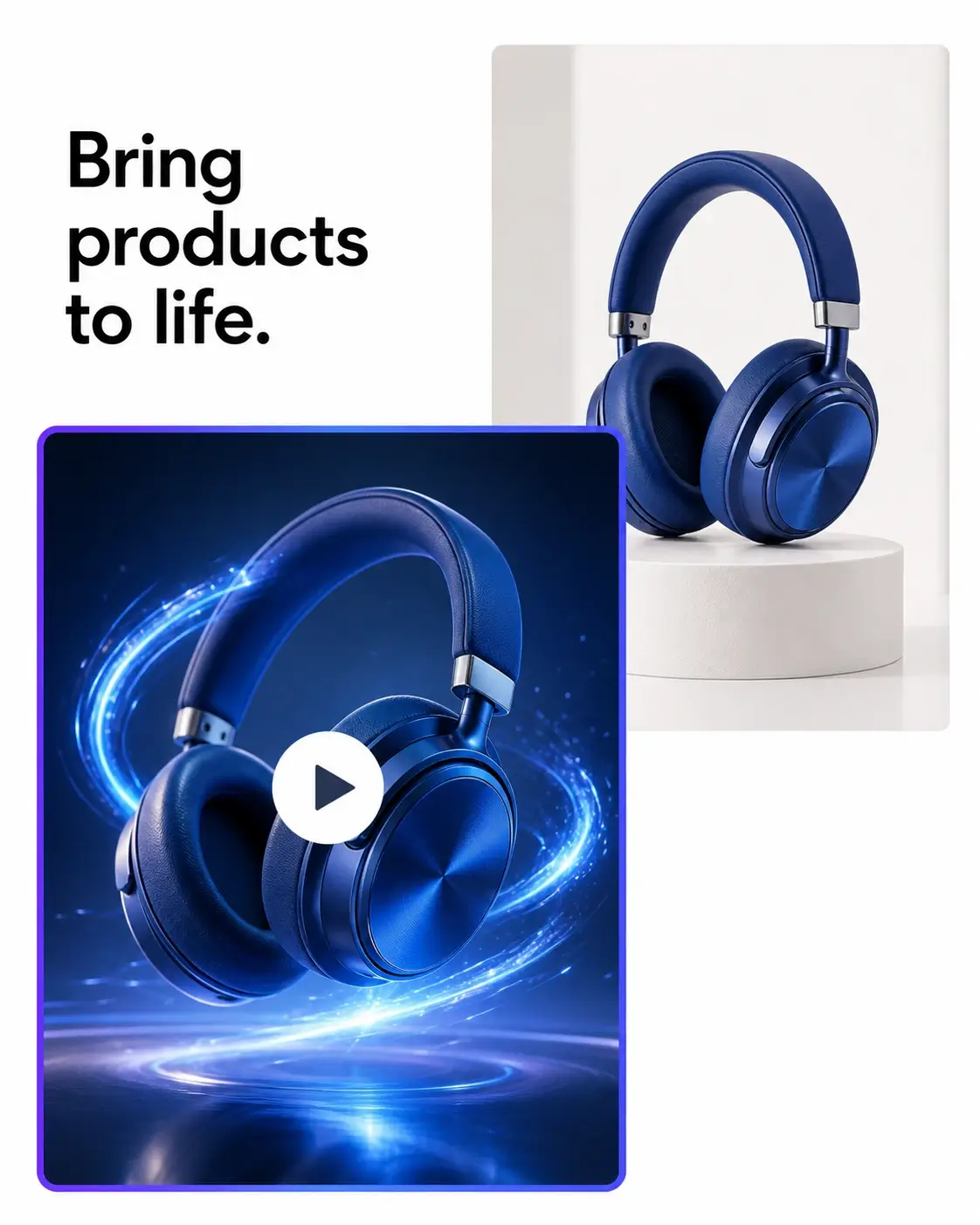
Turn one photo into a polished video clip. Upload an image, describe the action and camera movement, then generate a compelling AI video without editing skills, timelines, or complex software.
Describe the action, atmosphere, camera movement, and pace you want, then let AI turn a still into a moving scene.
Use photo to video AI to animate product photos, portraits, travel shots, illustrations, and concept art while preserving the visual details that matter.
Ask for a slow push-in, orbit, pan, tilt, or cinematic tracking movement to give your image a sense of depth.
Create image to video AI clips in landscape, portrait, square, and social-ready aspect ratios from one browser-based workspace.
Upload one image, write a focused motion prompt, and generate a short video without timelines, layers, or keyframes.
Explore visual stories, product reveals, mood films, ads, and social hooks before committing time to a traditional shoot.
Use animate image AI controls to create image to video results with moving fabric, water, particles, expressions, and light that feel intentional on screen.
Turn image to video concepts into clips for launch pages, ads, social posts, and creative presentations.
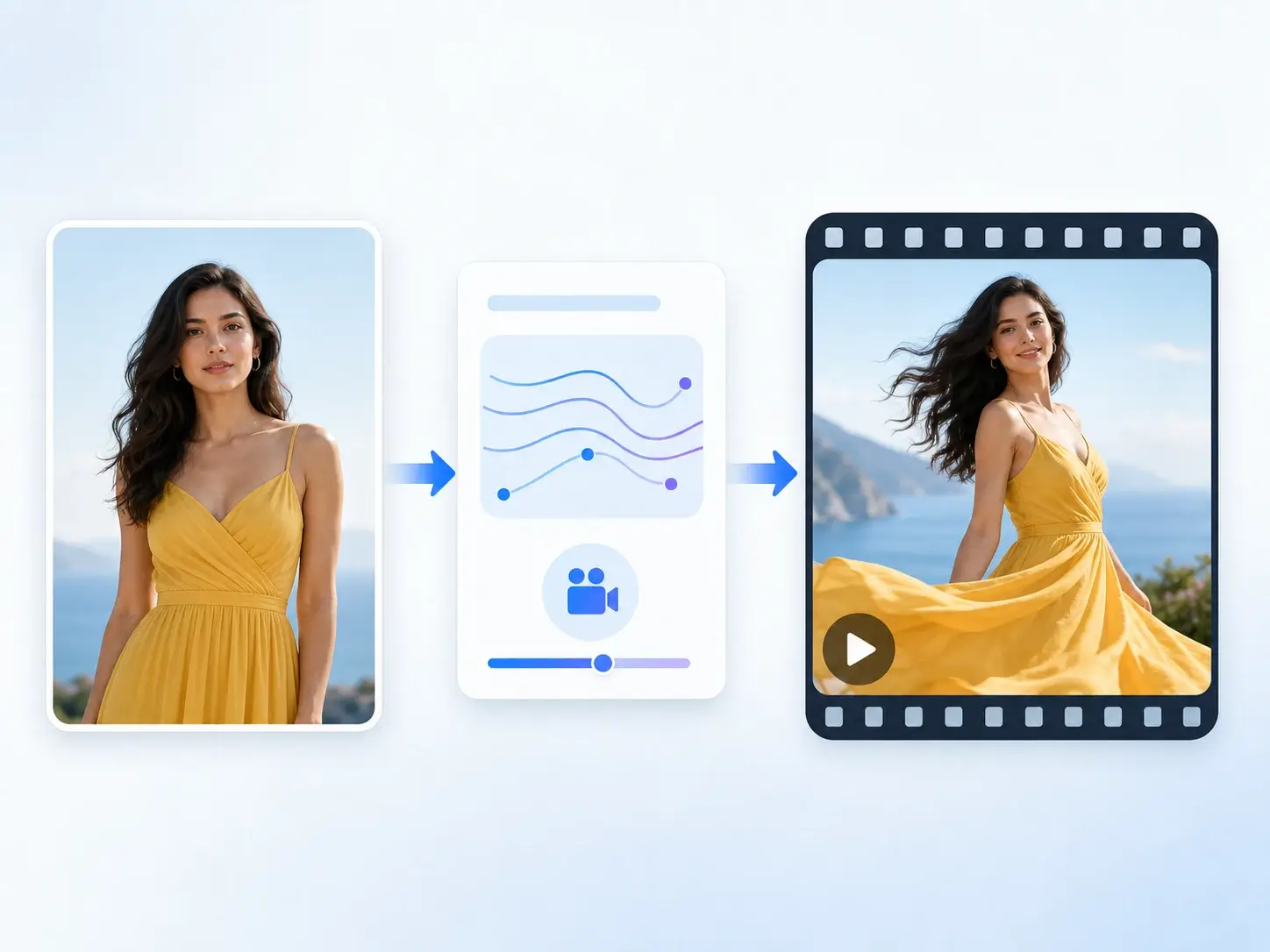
Turn an ecommerce image into a polished product-motion clip for a launch page, paid campaign, or storefront.
Create attention-grabbing Reels, Shorts, TikToks, and feed posts from a single photo and a clear creative direction.
Test mood, movement, and art direction from a visual reference before production, pitching, or a larger campaign.
Add subtle, meaningful motion to travel photos, portraits, celebrations, and keepsake images.
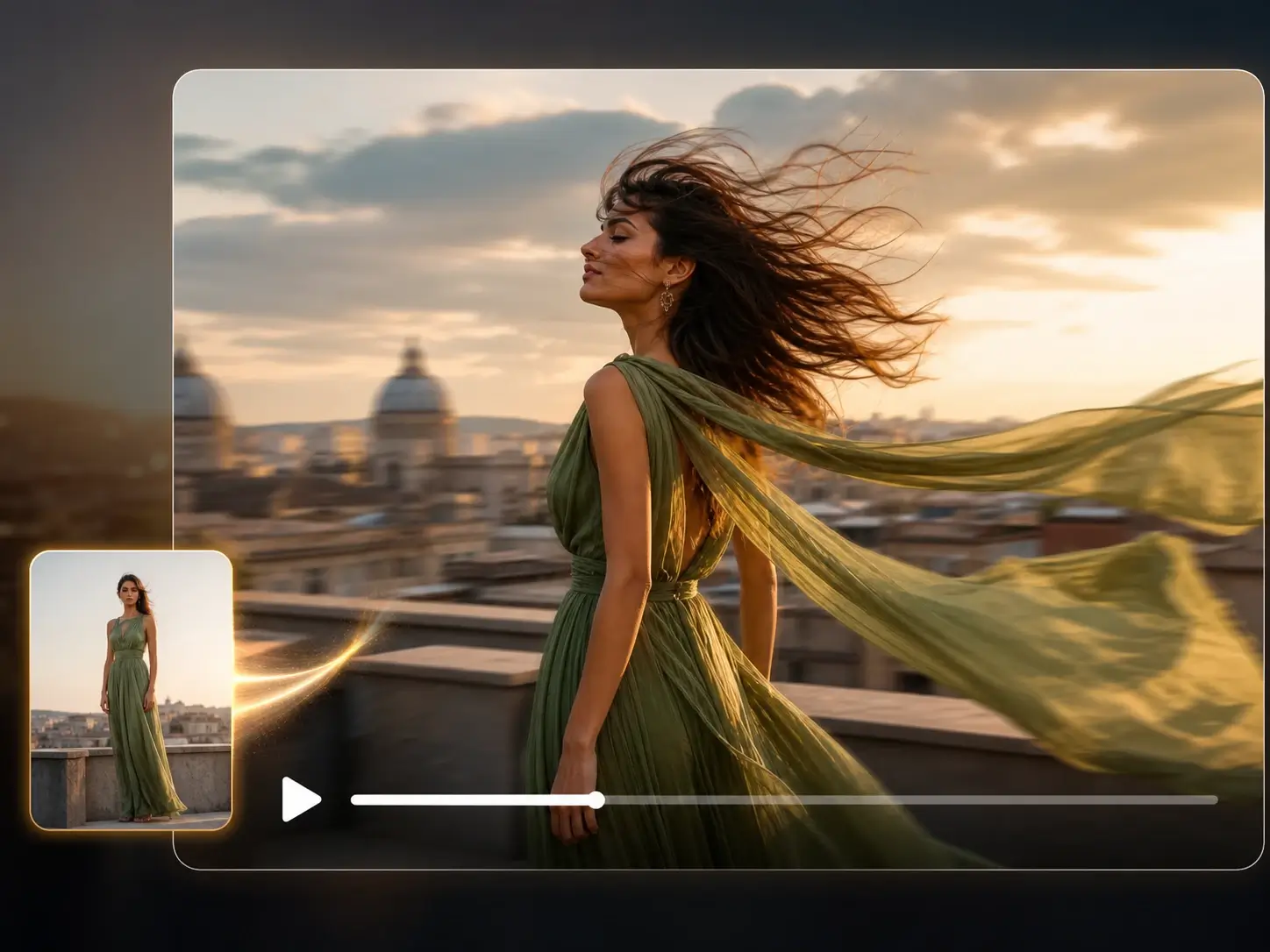
Transform a static portrait or photo into a cinematic moment with image to video AI. Use photo to video AI to turn the source photo into a video where hair moves in the breeze, fabric flows, and the camera makes a gentle push-in. For a fresh visual direction before you animate, use Image to Image to refine the style or composition first.
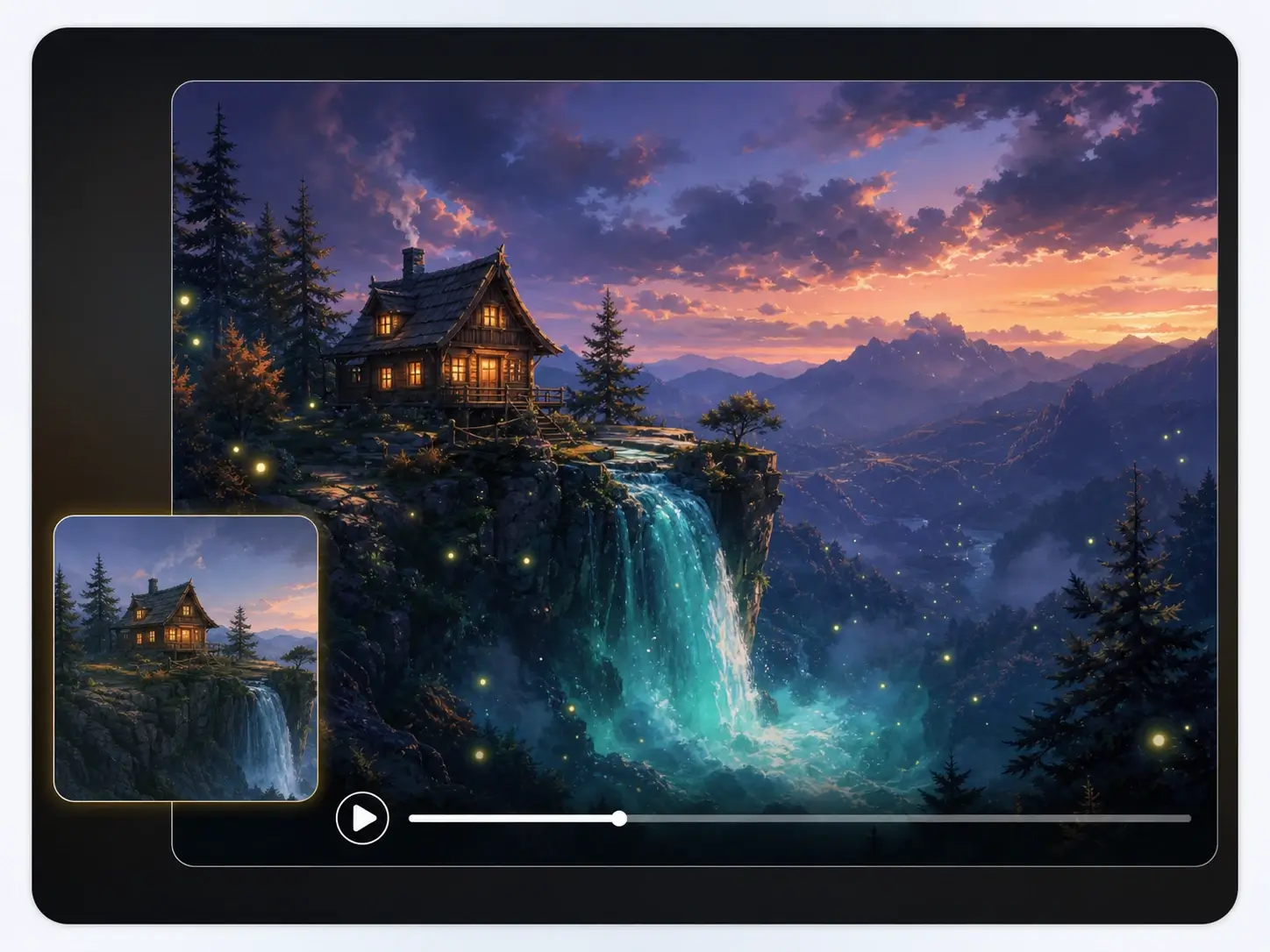
Turn a static illustration, storyboard frame, or concept painting into an atmospheric motion piece. Describe the elements that should move—water flowing over a cliff, clouds crossing a sky, glowing particles drifting through a scene—and let image to video AI preserve the original art direction while adding depth and pace. It is a fast way to test an animated world, pitch a visual treatment, or create a looping teaser before full production begins.
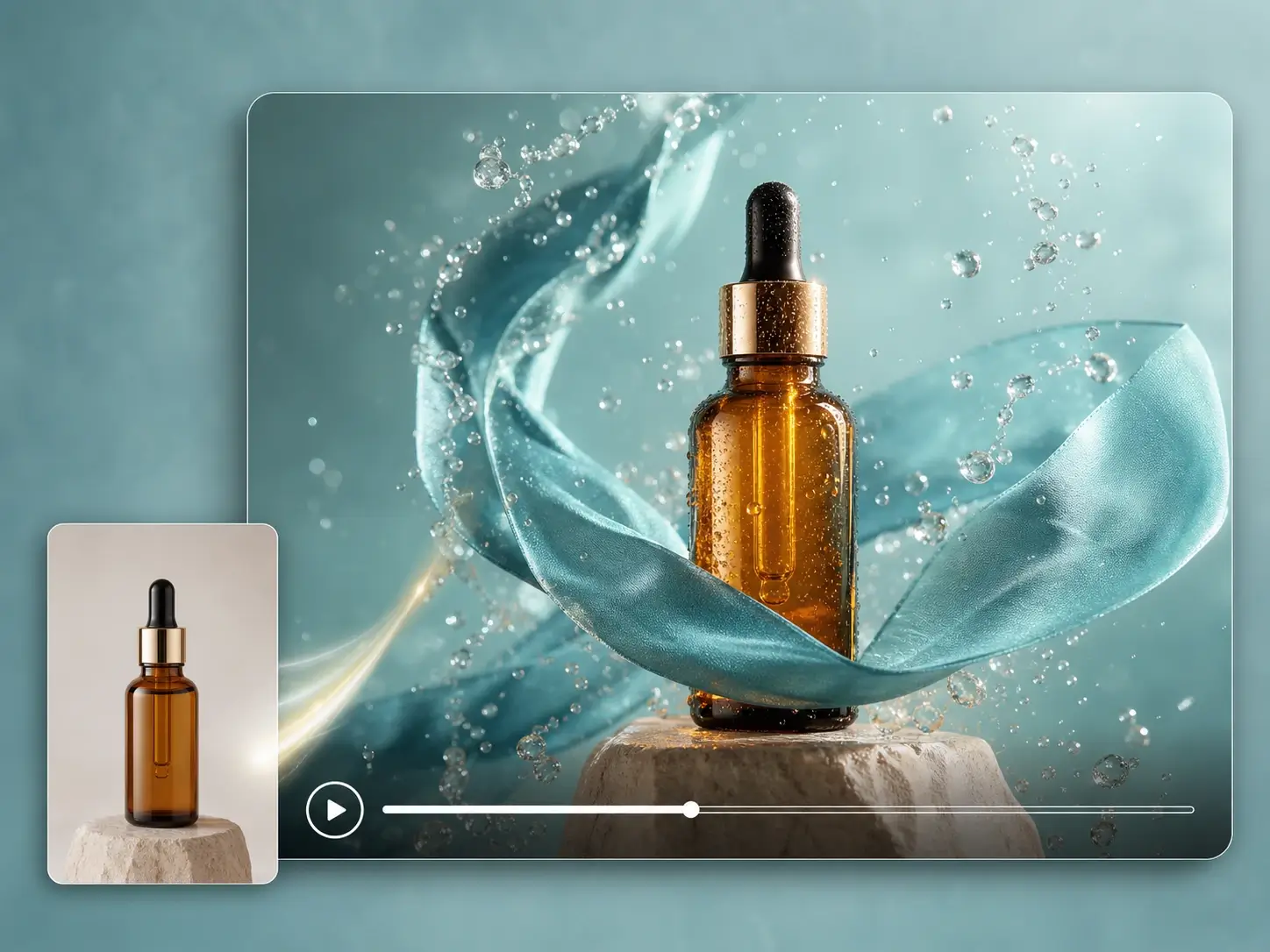
Use an AI image to video generator to give products movement, energy, and a premium feel. With animate image AI prompts, add drifting fabric, floating petals, changing reflections, or a camera orbit around the product. The result is a quick way to build image to video launch concepts, social ads, and product teasers from one hero image.
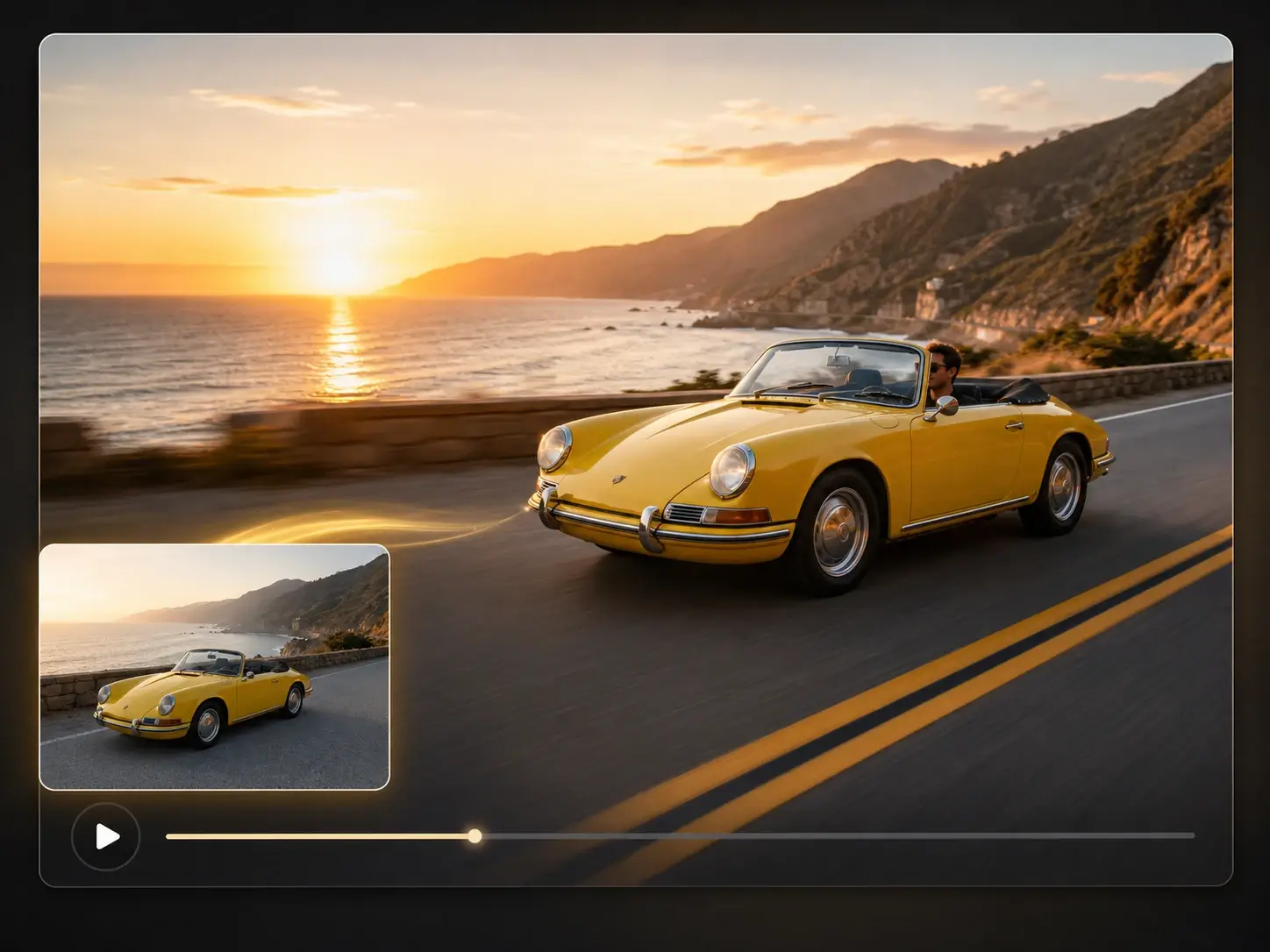
A strong image to video prompt makes the intended motion clear: name the subject, action, camera movement, setting, and mood. The image shows a still car photo becoming a tracking-shot video, with motion blur across the road and foreground. When your project calls for text-led creation or source-clip refinement, continue with our AI Video Generator and AI Video Editor workflows.
Maya Chen
Ecommerce Creative Lead

Lucas Bennett
Travel Creator

Amina Patel
Brand Designer

Noah Williams
Growth Marketer
CONTACT US
Let's talk about your problem.
Our Location
29 Mayflower Gardens, 31
Mayflower Place, Singapore 568894
How Can We Help?
Send us a Message
Please contact us directly by email.