I use it to turn campaign ideas into quick video drafts before we brief the design team.
Free AI Video Generator Online
Create AI video from text prompts or images with MagicEraser. Use a fast video generator for social clips, product motion, ads, stories, and creative concepts.
Try an example
Describe your video
0 / 4000
View Result
Your video will appear here
Describe a scene, choose your settings, then generate your first video.
One AI Video Generator for Creation and Editing
01
Text to Video AI
Turn a concise creative brief into a finished scene with motion, lighting, style, and camera direction. The AI Video Generator makes it easy to explore concepts before production.
02
Image to Video AI
Animate a product photo, portrait, illustration, or concept image while preserving the visual details that make it recognizable.
03
AI Video Editing
Upload a source clip and describe the transformation, motion, or visual refinement you want to guide with AI.
04
Fast Creative Workflow
Move from an idea, still image, or source clip to a preview in one focused browser-based workspace.
05
Flexible Aspect Ratios
Frame videos for YouTube, TikTok, Instagram, ads, landing pages, and presentations with flexible output ratios.
06
Prompt-Guided Control
Describe the subject, motion, mood, camera angle, visual style, and pacing so the AI video generator follows your intent.
07
No Editing Skills Needed
Generate AI video without timelines, keyframes, layers, or complex editing software.
08
Built for Real Use Cases
Make product teasers, social clips, storyboards, mood films, ad concepts, and visual experiments with one AI Video Generator.
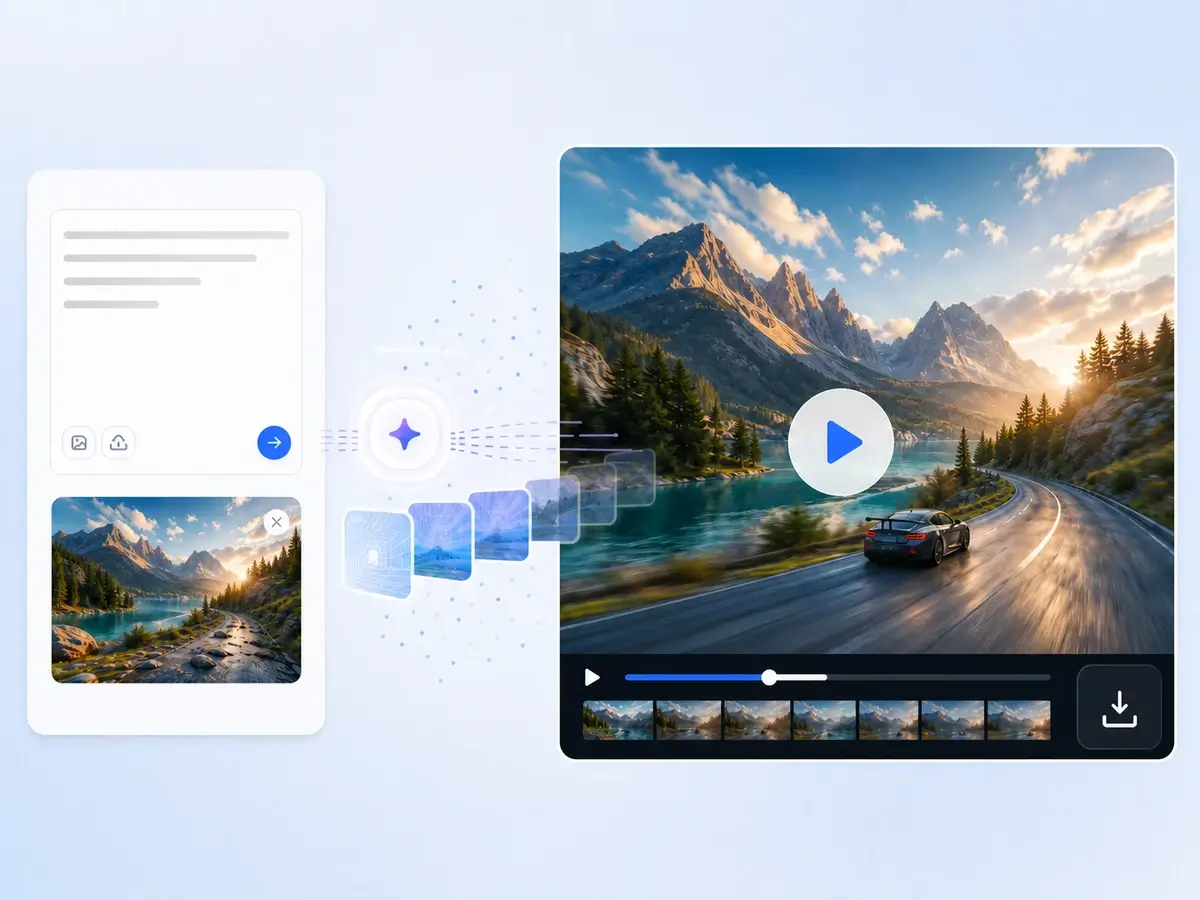
How to Create and Edit AI Videos
Choose the input that fits your project—an idea, a still image, or an existing clip—then guide a polished result in a few steps.
Choose a Mode
Select text to video for an idea, image to video for a still visual, or video editing for an existing clip.
Add Your Input
Write a focused prompt, upload an image, or add a video clip so the model has the context it needs.
Generate AI Video
Start generation and let MagicEraser track processing while your video is being created.
Preview and Download
Review the result, copy the video link, or download the finished clip for your next project.
What You Can Create with an AI Video Generator
01
Social Media Clips
Create scroll-stopping clips for TikTok, Shorts, Reels, and feed posts from prompts, images, or existing videos.
02
Product Motion
Turn static product photos into polished animated previews for ecommerce pages, ads, and launch posts.
03
Brand Visuals
Build mood videos, hero visuals, and visual identity explorations from prompts and reference images.
04
Personal Projects
Create videos for greetings, travel memories, profile clips, personal concepts, and everyday creative ideas.
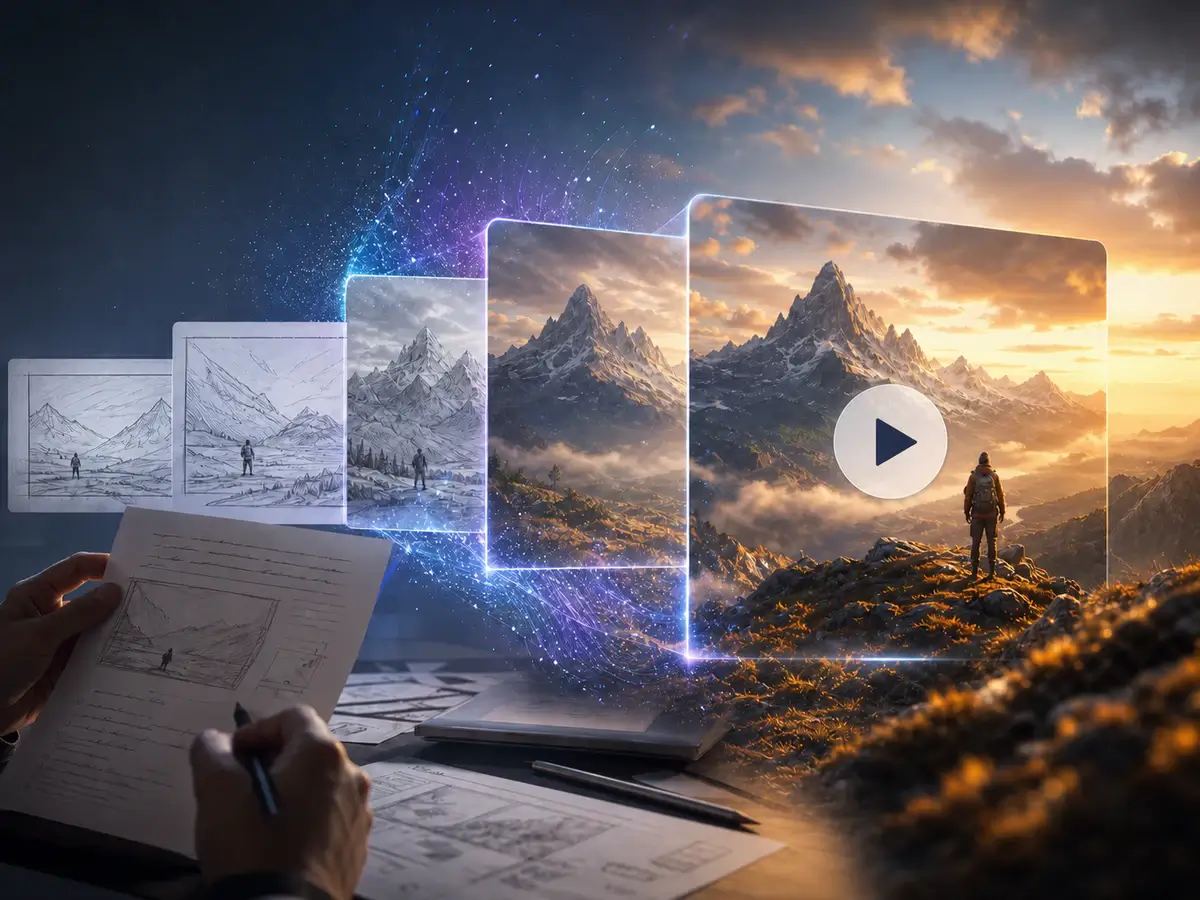
Turn Any Prompt into an AI Video
Use text to video when you have an idea but no footage. Describe the subject, action, atmosphere, camera movement, and visual style, then let the AI video generator shape a short, intentional clip. It is ideal for testing scenes, hooks, and visual directions before filming.
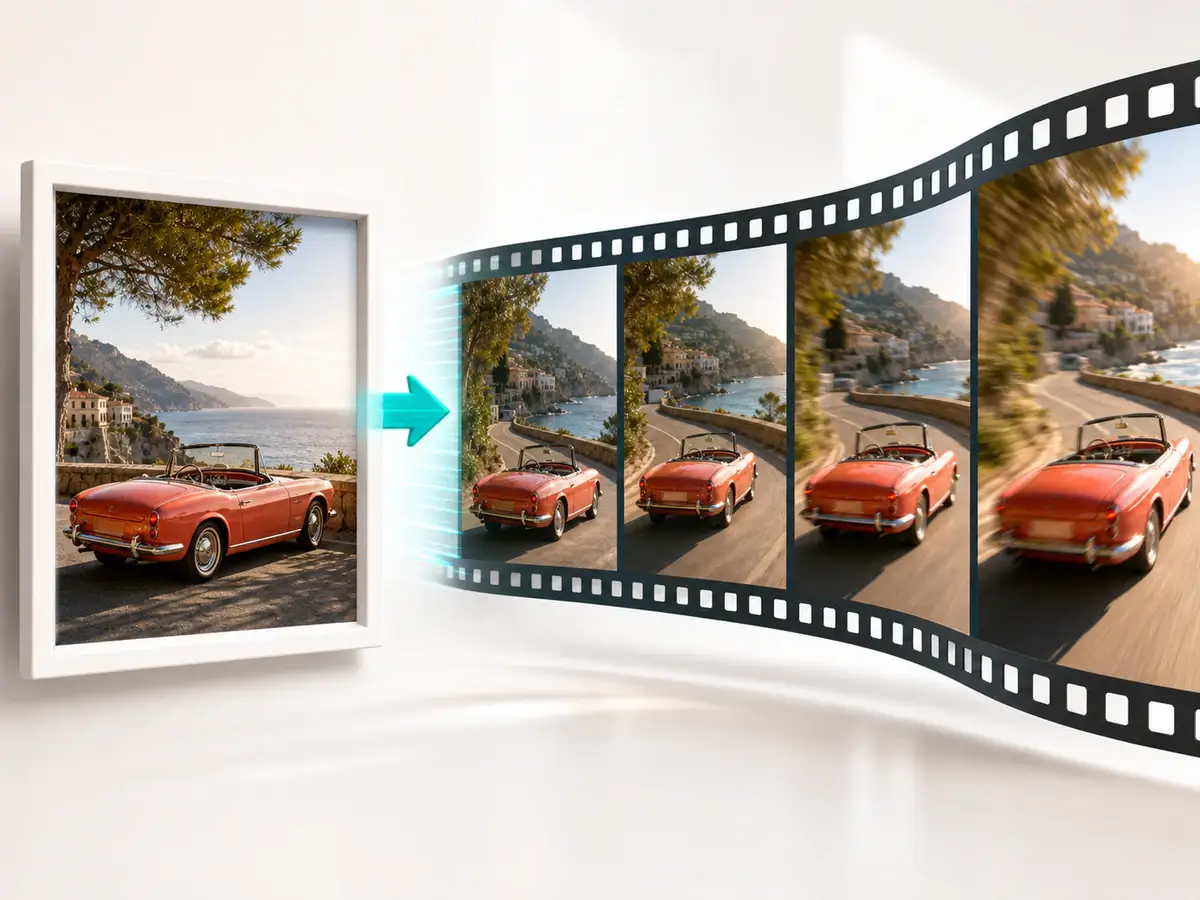
Animate Visuals with Image to Video
Upload a static image and use image to video to add motion, depth, and visual storytelling. Create expressive previews from product shots, portraits, illustrations, food photography, fashion imagery, and concept art while keeping the workflow straightforward.
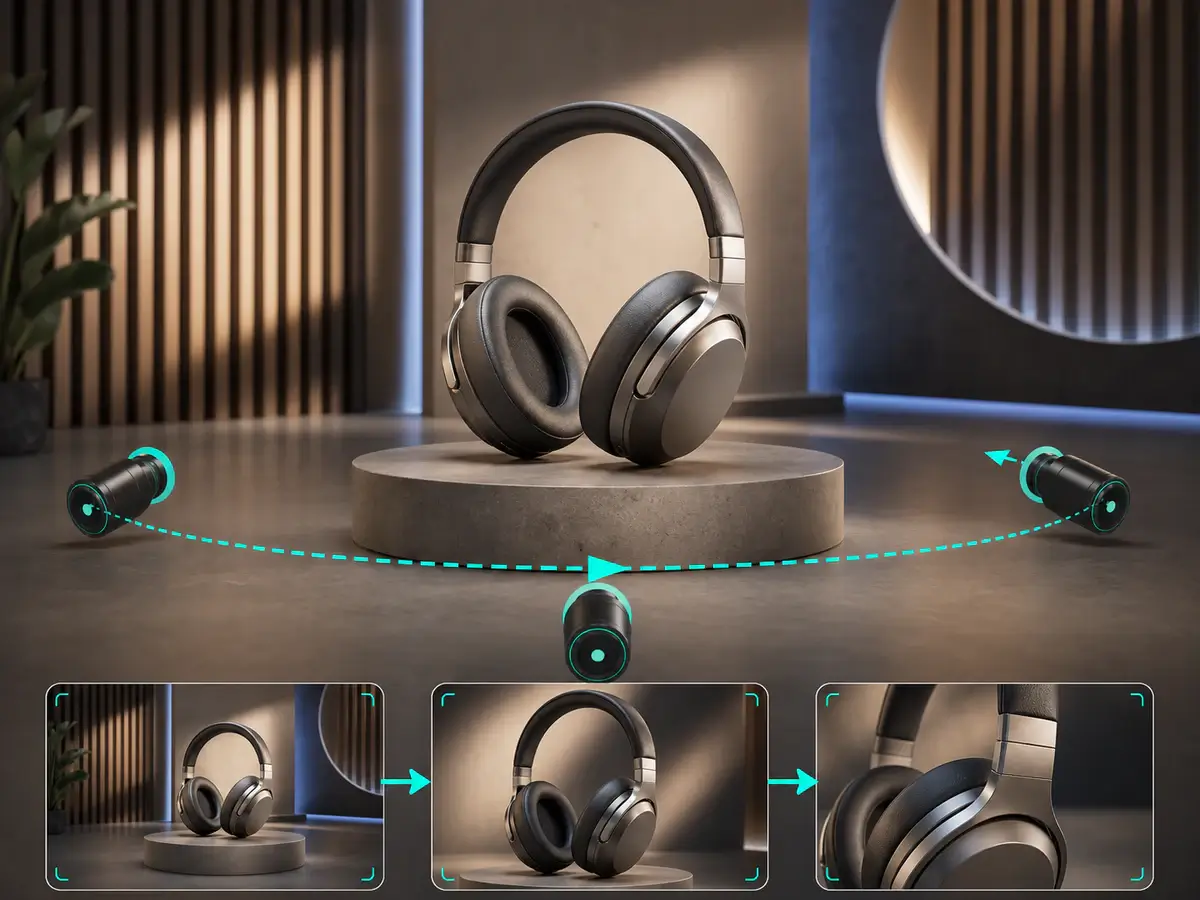
Edit Existing Clips with AI Video Editor Controls
Upload a source clip and describe the change you want to make. The built-in AI video editor workflow supports prompt-guided edits while keeping creation and refinement in the same AI video generator.
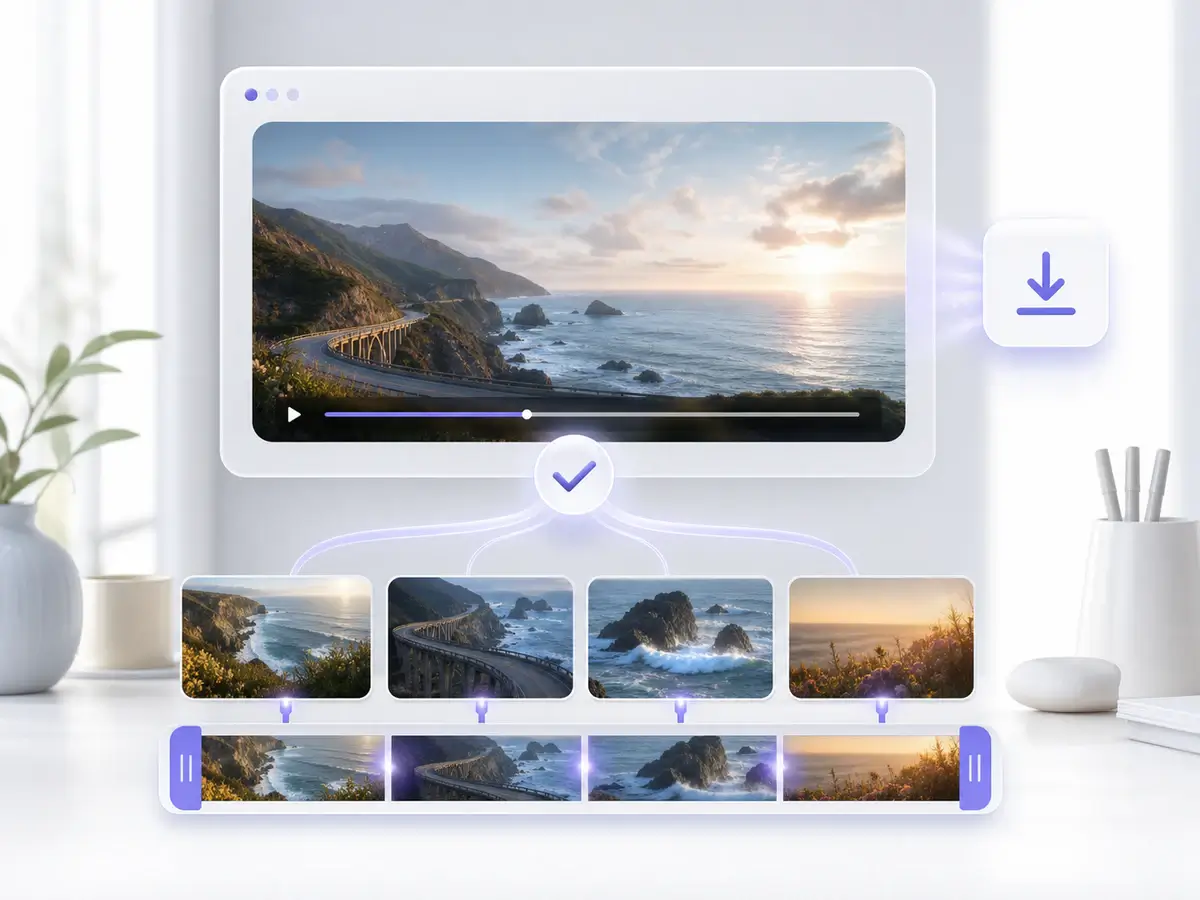
Create, Refine, and Download in the Browser
The complete workflow runs online: choose a mode, add your prompt and source media, start processing, preview the result, and download the finished video. Use one AI video generator for text to video, image to video, and video editing without moving between tools.
Creators Use One AI Video Generator for More Ideas
Writers, marketers, founders, and designers use text to video, image to video, and video editing to turn early ideas into compelling motion.
AI Video Generator FAQ
Everything you need to know about creating and editing videos with MagicEraser.
Ready to Create or Edit an AI Video?
Use MagicEraser to turn prompts, images, and source clips into AI videos online.