I use the batch option for supplier photos before they go into our shop. The images look more consistent, and I can still review each item before downloading the set.
Free AI Photo Enhancer Online for Clearer, Better-Looking Images
A good photo can still look soft, grainy, or poorly lit. Use the online photo enhancer to sharpen detail, reduce noise, and balance light, then compare it with the original before downloading. Sharper detail • Cleaner color • Natural-looking results
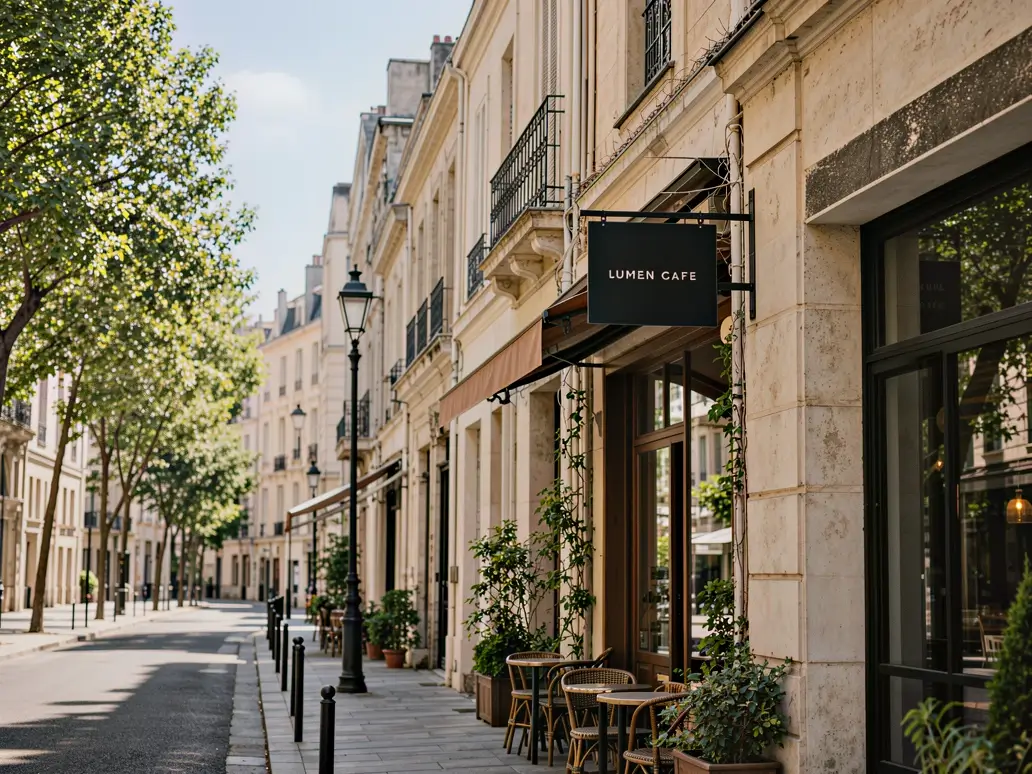

What an Image Enhancer Can Improve
Enhance blurry photos without harsh edges
A photo quality enhancer can bring definition back to hair, fabric, foliage, and product edges without the brittle look of heavy sharpening.
Clean up noise and compression
An AI image enhancer can reduce the grain, blockiness, and color speckles that often appear in low-light photos, old downloads, and compressed images.
Balance difficult lighting
Lift muddy shadows, settle harsh highlights, and improve tonal balance while keeping the original atmosphere of the scene.
Prepare photos for their final use
Enhance photo quality before adding a portrait, product shot, scanned print, or social image to a layout, listing, archive, or campaign.
Work on one photo or a full set
Enhance a single image for a quick fix or process up to 20 photos in a batch when a collection needs a more consistent finish.
Export for the way you publish
Download the finished image as JPG, PNG, or WebP for a store listing, portfolio, presentation, website, or social post.
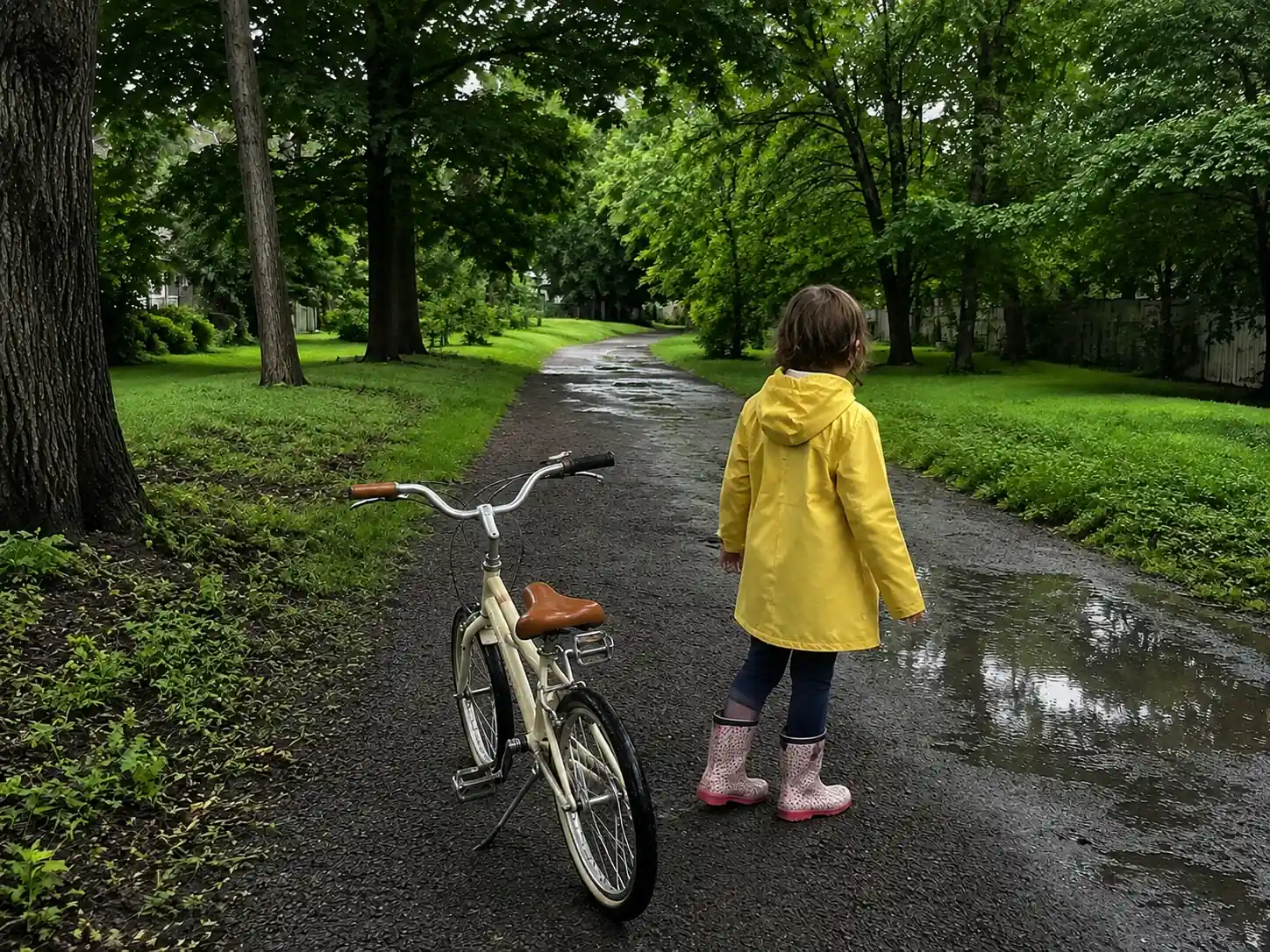
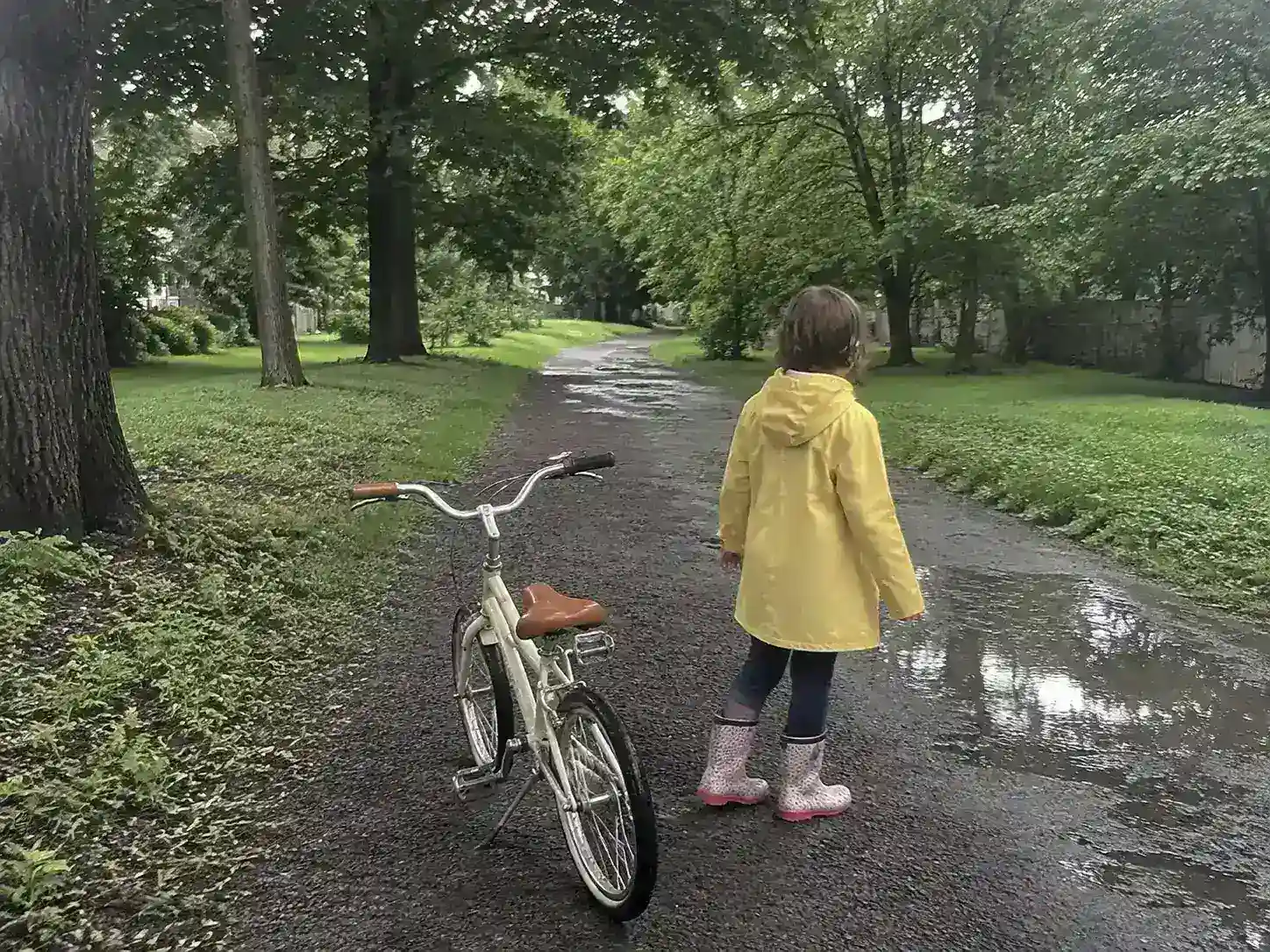
How to Enhance Photo Quality Online
Upload a photo, run the enhancement, compare the result with the original, and download the version that works best for you.
Upload your photo
Add a JPG, PNG, or WebP file up to 18 MB. Select several images when you want to run a batch.
Run the enhancement
Let the image enhancer sharpen visible details, reduce noise, and balance lighting and color while keeping the original photo recognizable.
Compare and download
Check the enhanced photo against the original, choose JPG, PNG, or WebP, and save the version that works for your project.
See the Online Photo Enhancer at Work
Looking for a photo enhancer online? These before-and-after examples show how the tool can enhance blurry photos, clean noisy shadows, and balance color without making every image look the same.
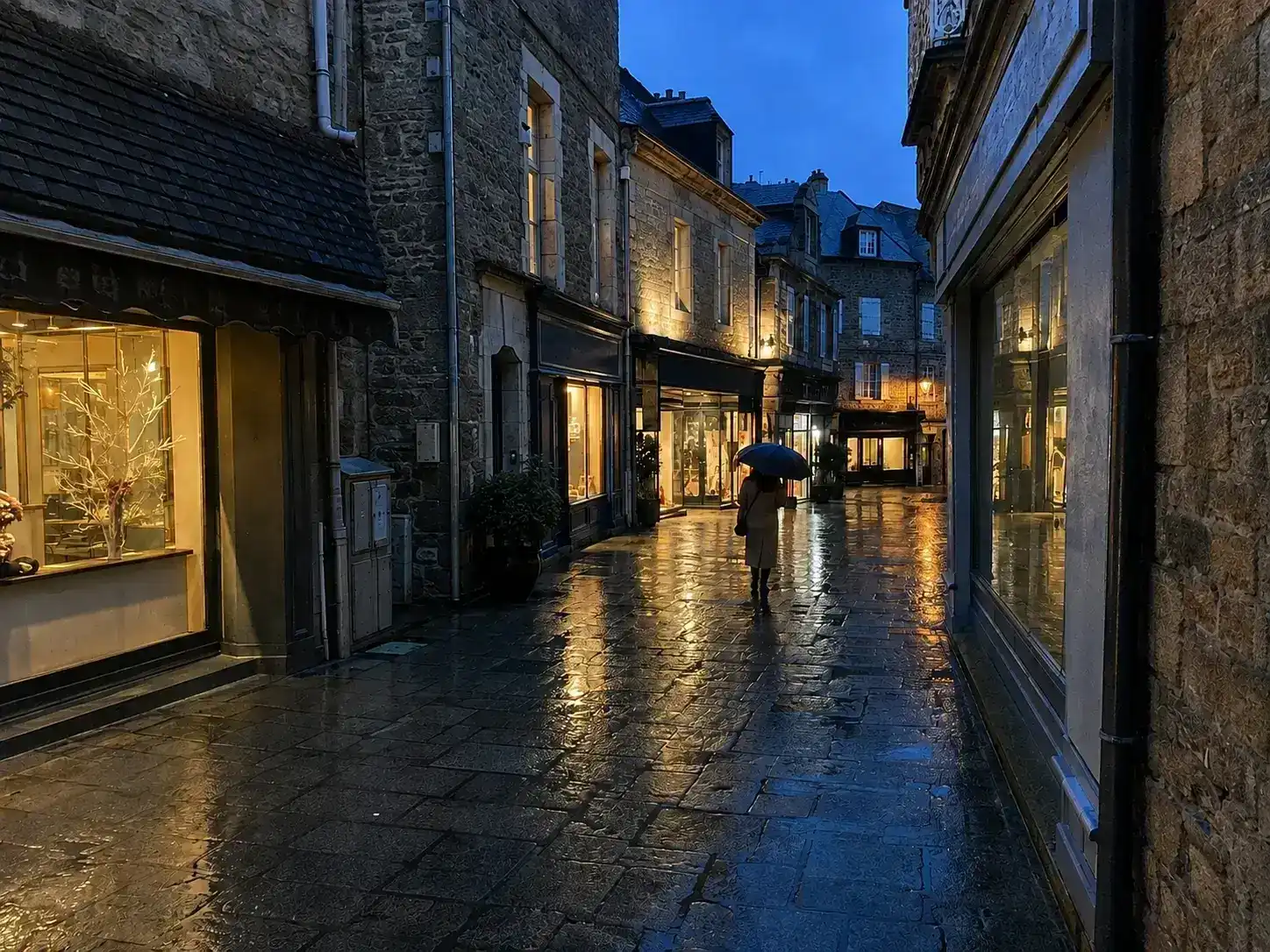
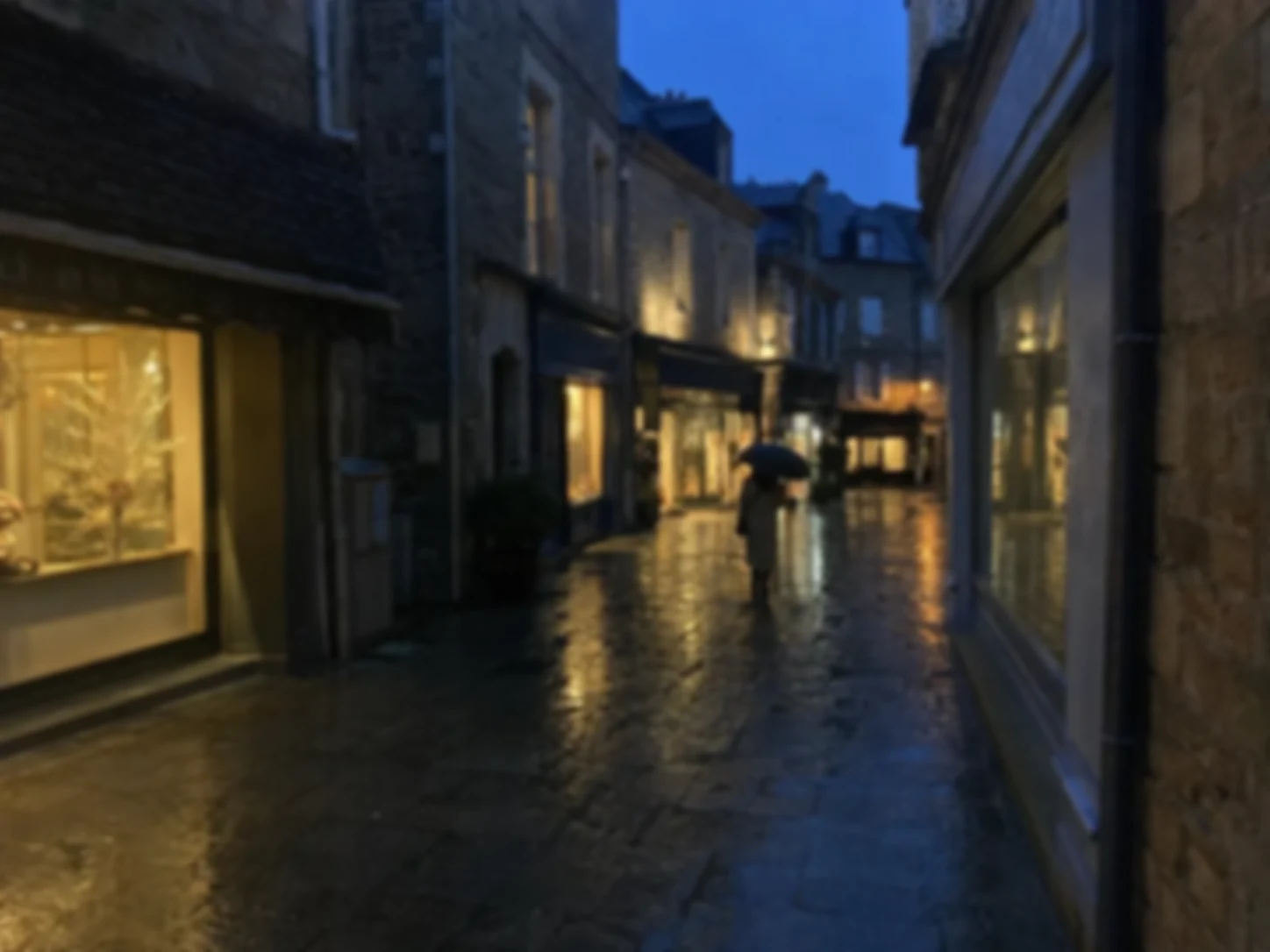
Low-Light Photos With Cleaner Shadows
Night streets, restaurants, and rainy travel scenes often come with grainy shadows and smeared detail. The AI image enhancer tidies those distractions while keeping the color and mood that made the photo worth taking.
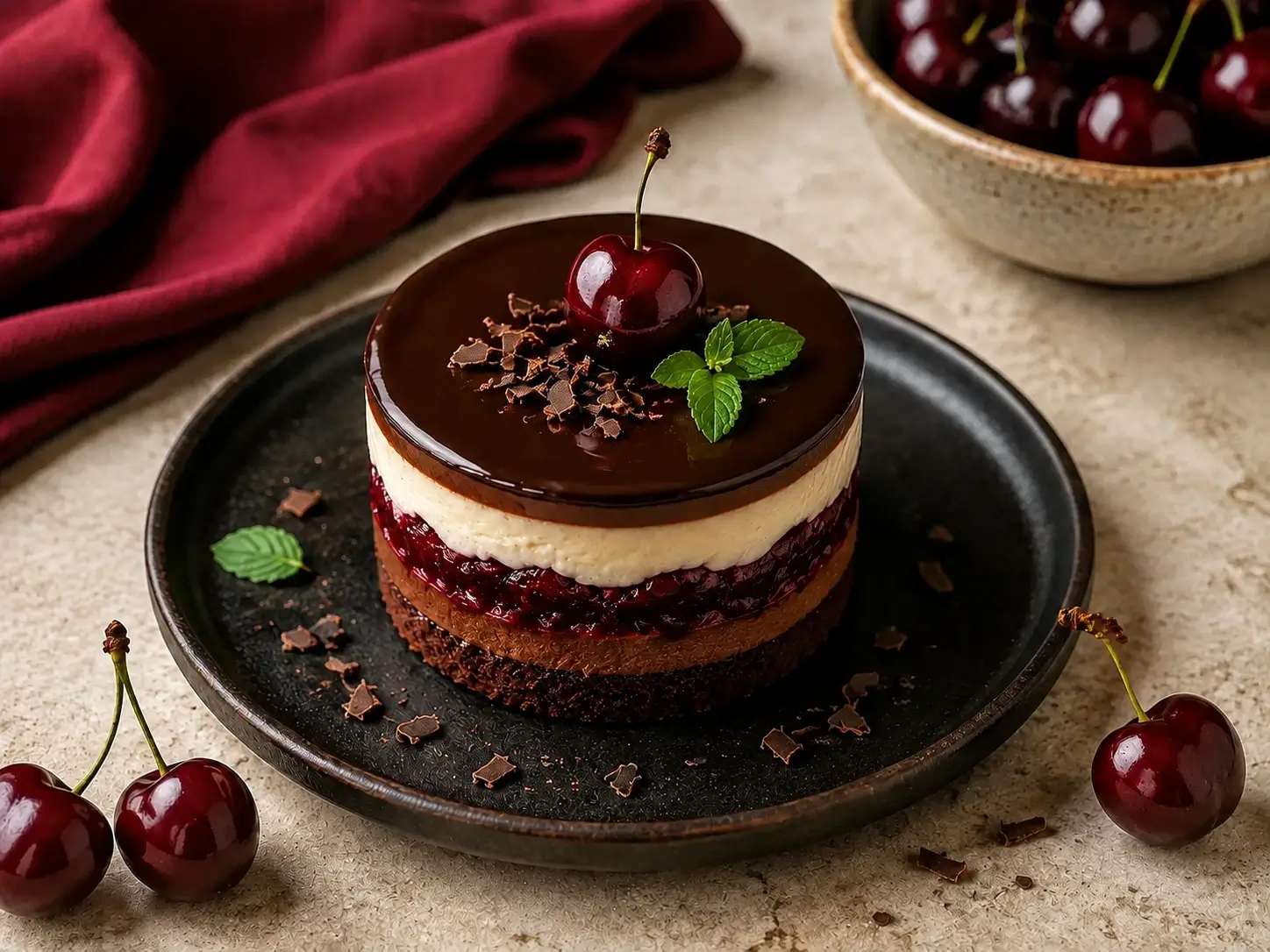
Product Images Ready for a Storefront
Supplier photos can look flat even when the product is strong. A photo quality enhancer can bring out product edges, material texture, and more balanced lighting before the image goes into a Shopify listing, catalog, or campaign.
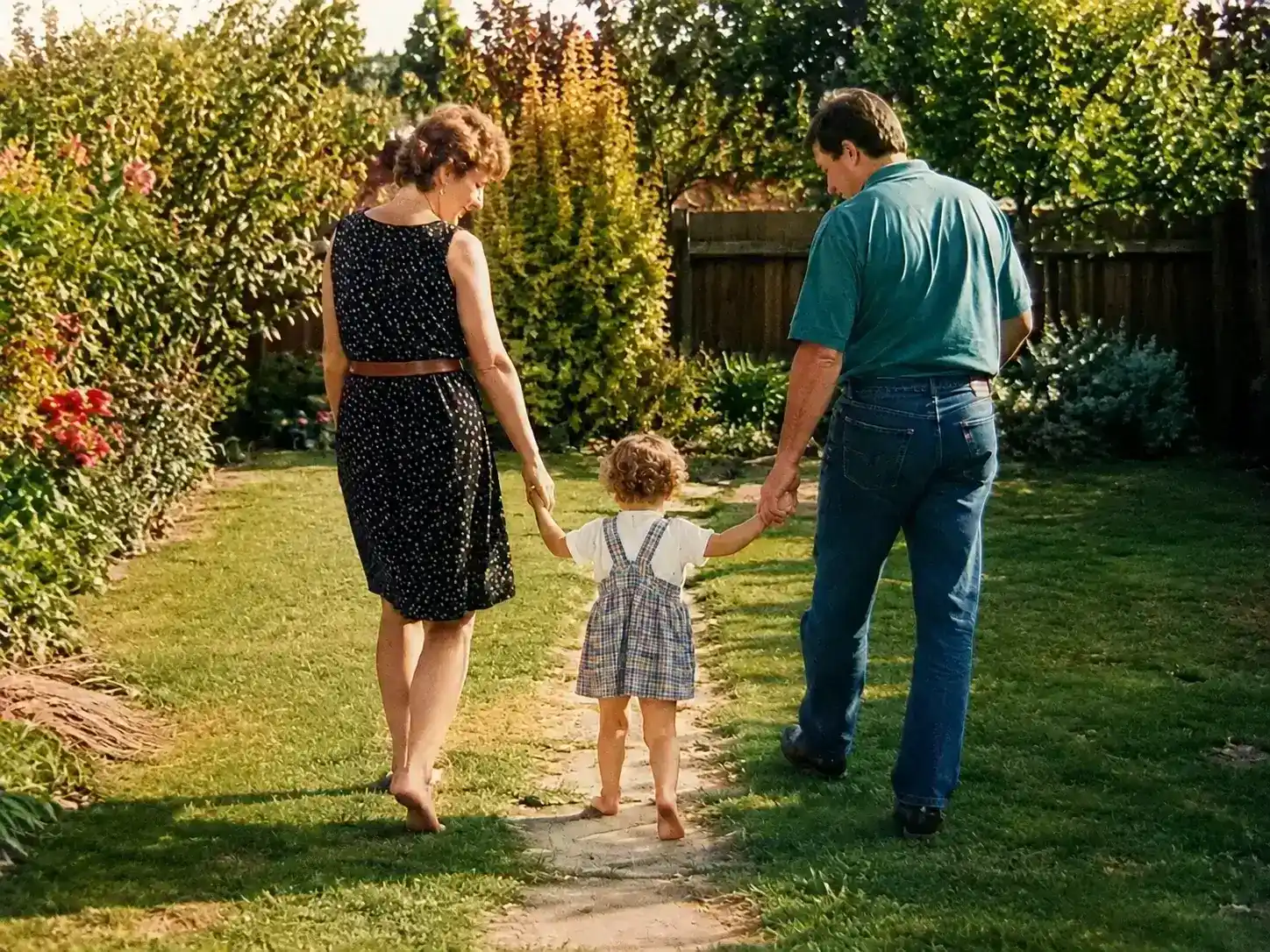
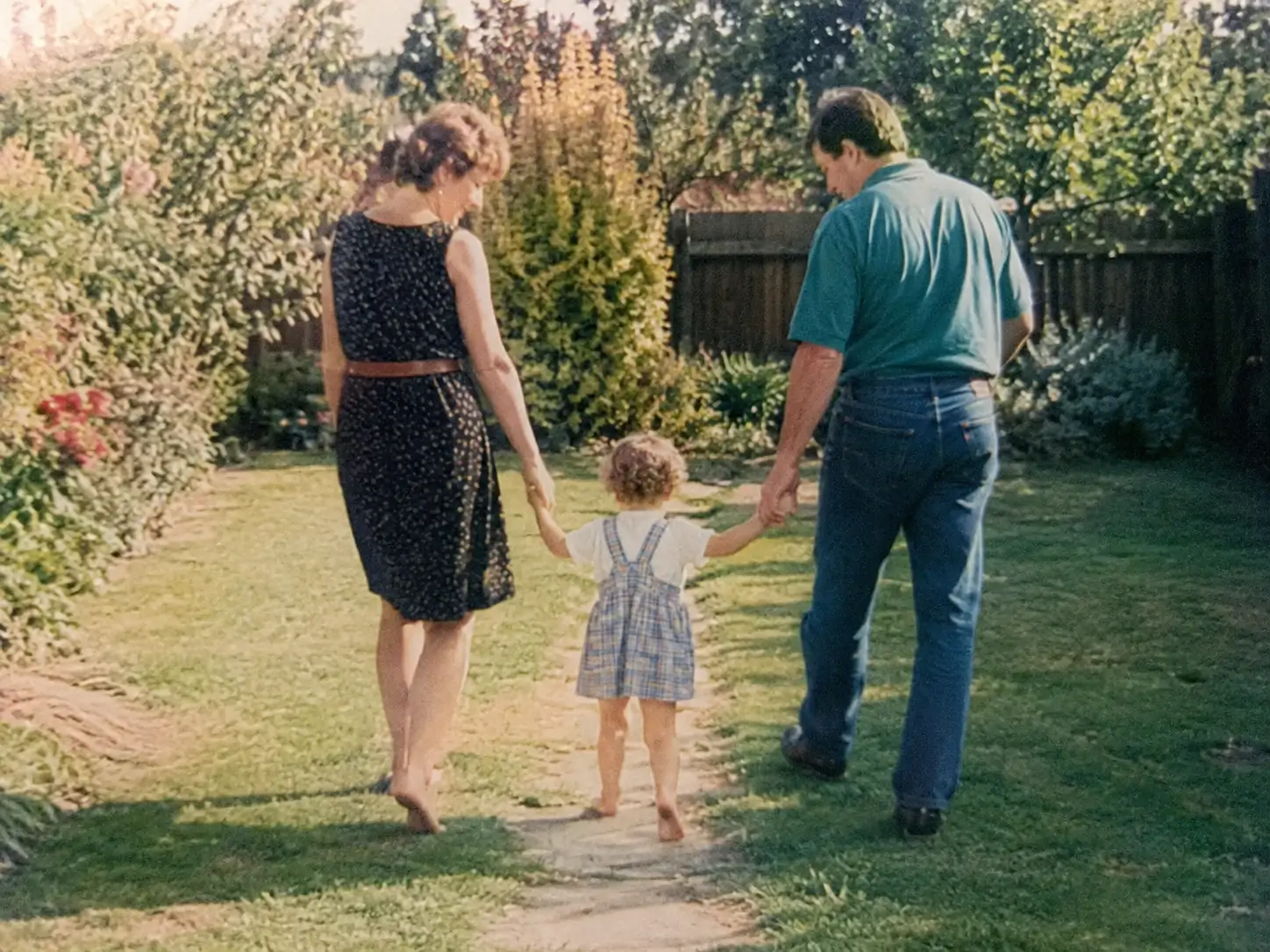
Family Prints Worth Sharing Again
Faded scans and compressed family photos often lose contrast and small details over time. An online photo enhancer can give them a cleaner, more balanced finish for a reunion slideshow, digital archive, or new print.
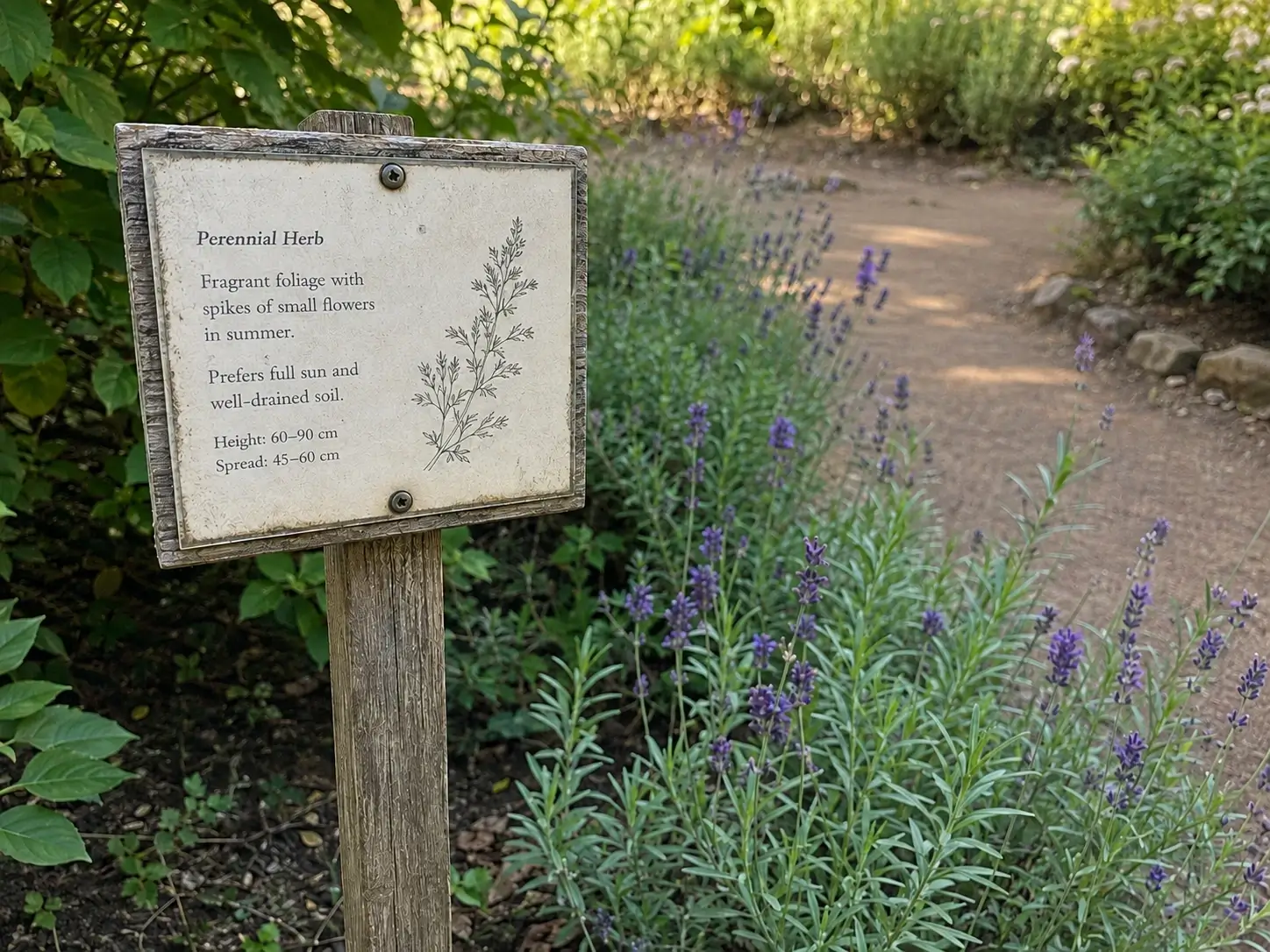
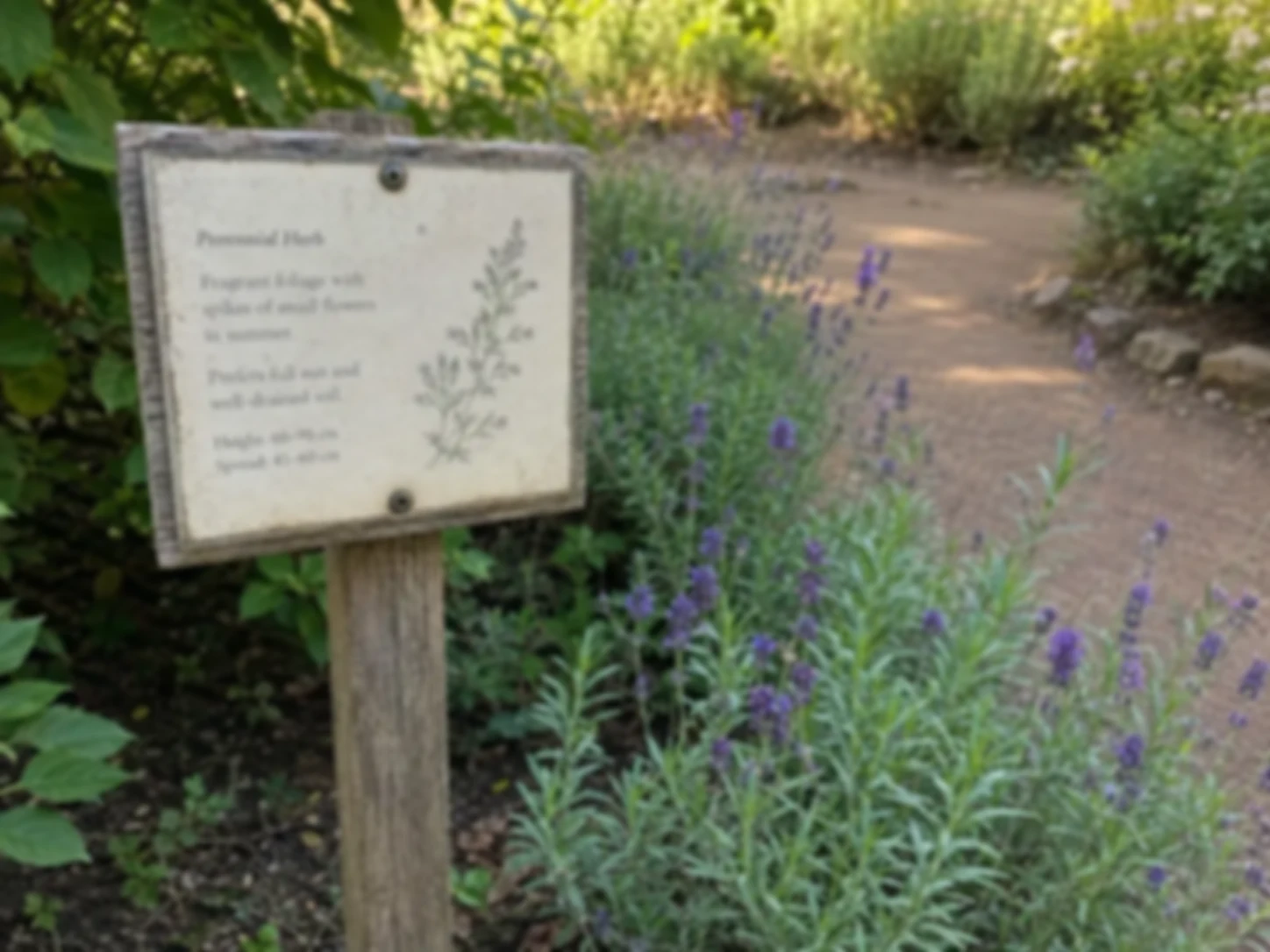
Small Text That Is Easier to Inspect
Compression and camera shake can make labels, instructions, menu cards, signs, and screenshots difficult to inspect. An image enhancer can improve edge clarity, though text that is fully blurred or missing cannot always be recovered.
Why Use This AI Photo Enhancer?
One focused workflow from start to finish
The online photo enhancer keeps uploading, processing, comparison, and download in one place, so routine photo work stays easy to follow.
A clear before-and-after view
Compare the enhanced image with the source instead of judging it from memory. Small changes in texture, noise, and contrast are easier to spot side by side.
Batch processing for repeat work
Queue multiple images, follow each result separately, retry a failed item, and download completed photos together in a ZIP file.
Formats that fit real projects
Choose PNG for design workflows, JPG for familiar sharing, or WebP when a smaller web-ready file suits the job.
Built for everyday source images
It works well with portraits, phone photos, product shots, travel scenes, scanned prints, and visual content for work.
Results you can review before use
The AI image enhancer can clarify what is already present, but it cannot recreate detail that is no longer there. Check faces, text, patterns, and product edges before publishing.
How People Use the Photo Enhancer
See how people use the tool to prepare product photos, clean up travel shots, and give portraits a more polished finish.
Photo Enhancer FAQ
Straight answers about supported images, batch processing, output formats, and what results to expect from online photo enhancement.
Ready to Enhance Photo Quality?
Use the online photo enhancer to sharpen detail, reduce noise, and balance lighting. Compare the result with your original, then download the version you prefer.