MagicEraser helped me turn a plain product photo into three polished campaign styles in minutes.
Free Image to Image AI Generator Online
Use MagicEraser's free image to image AI to transform photos with prompts, styles, and reference images. No signup, no watermark.
Upload Image
Upload Image
0 / 1000
View Result
History
Your recent image edits
Generated images are kept for 1 day.
Why MagicEraser is the Best Free Image to Image AI Generator
Prompt-based image transformation
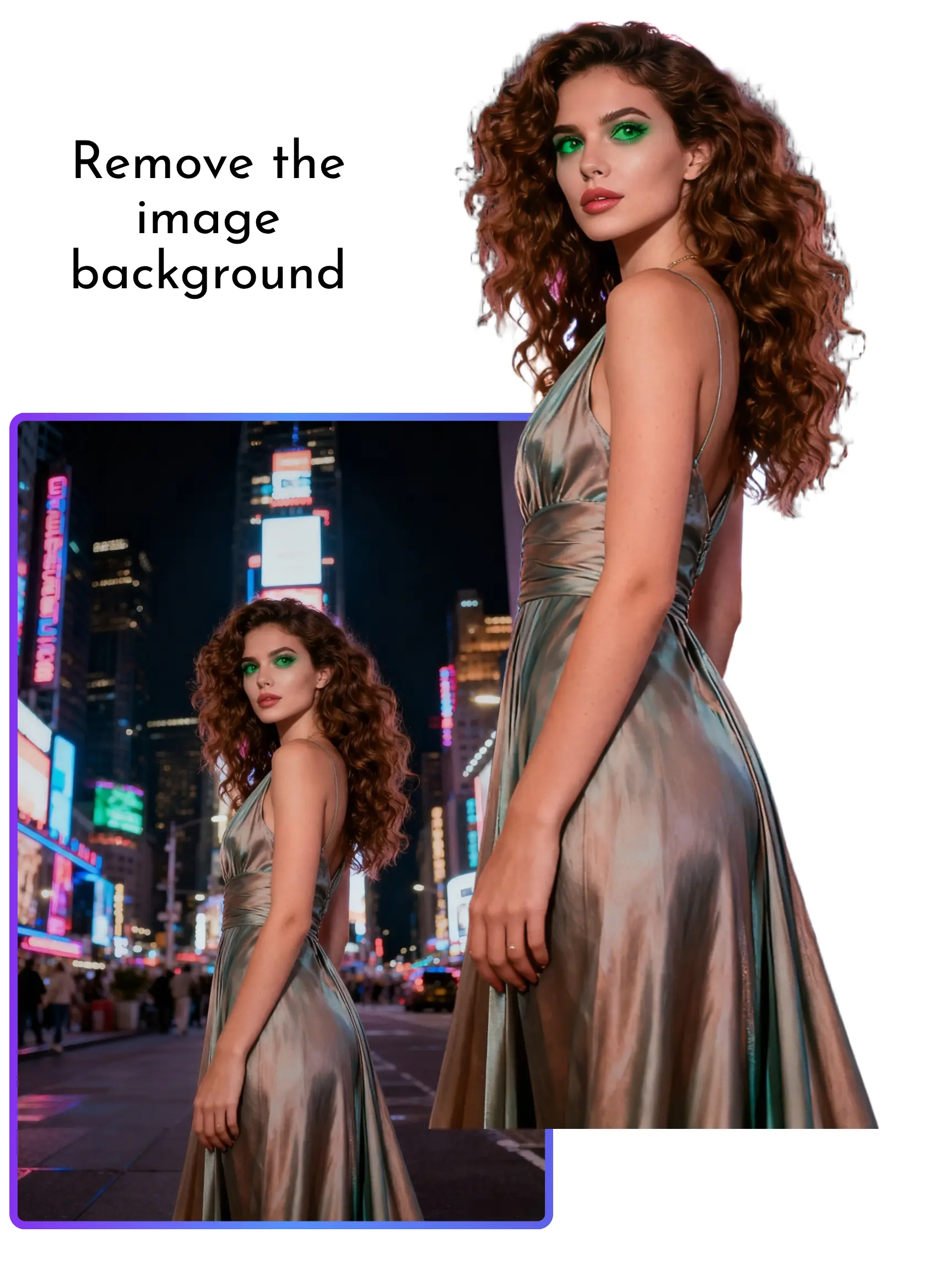
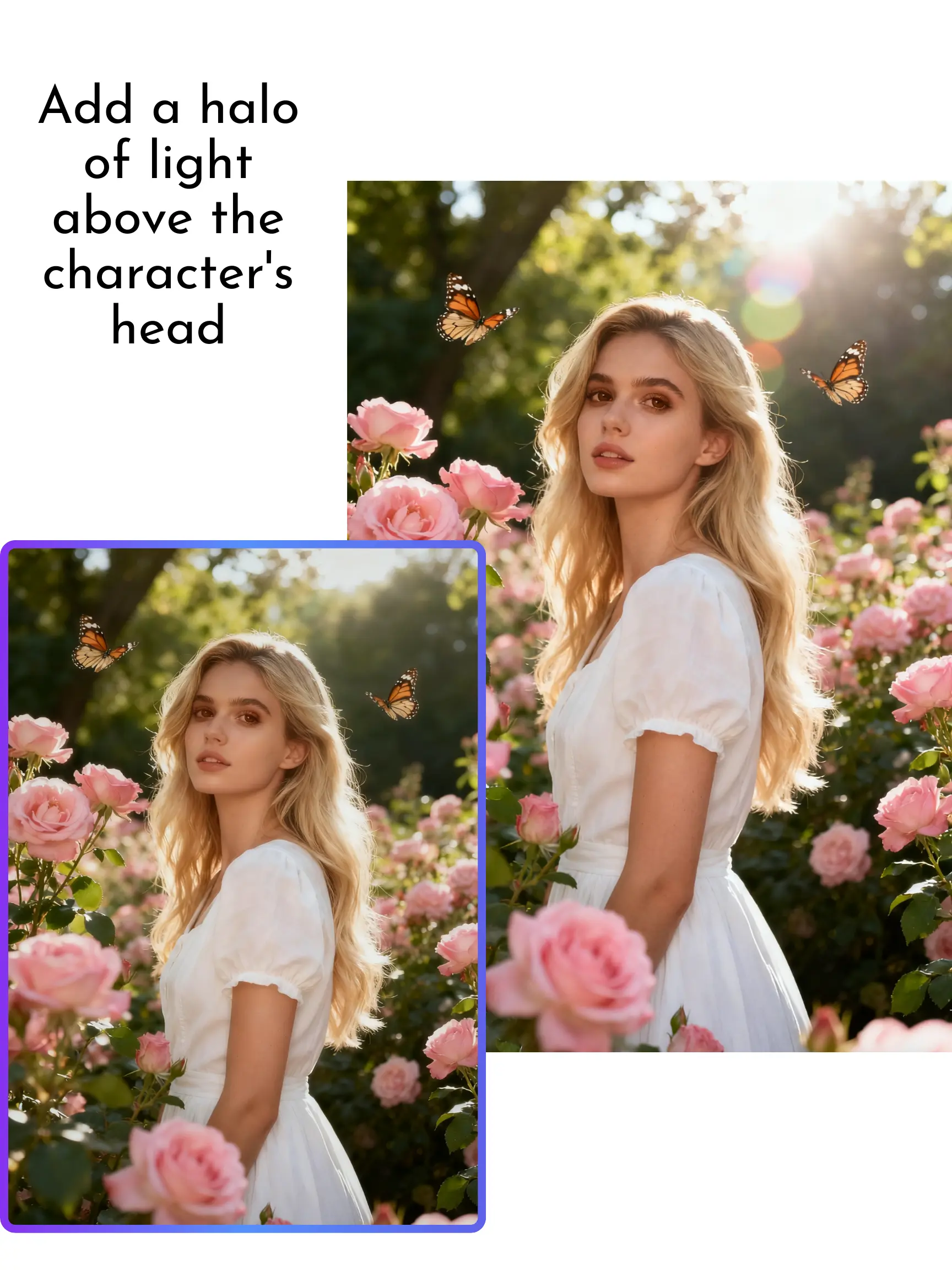
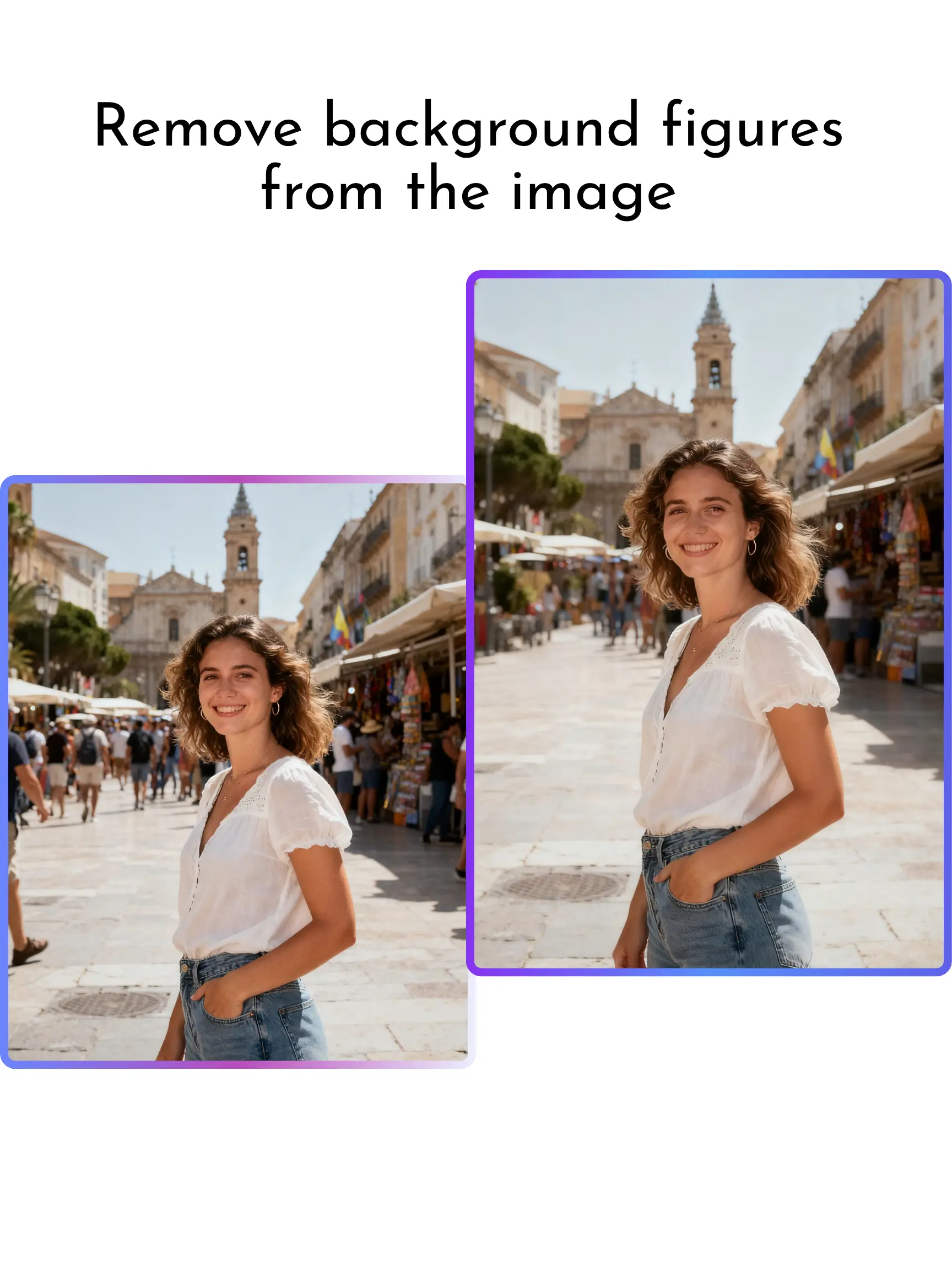
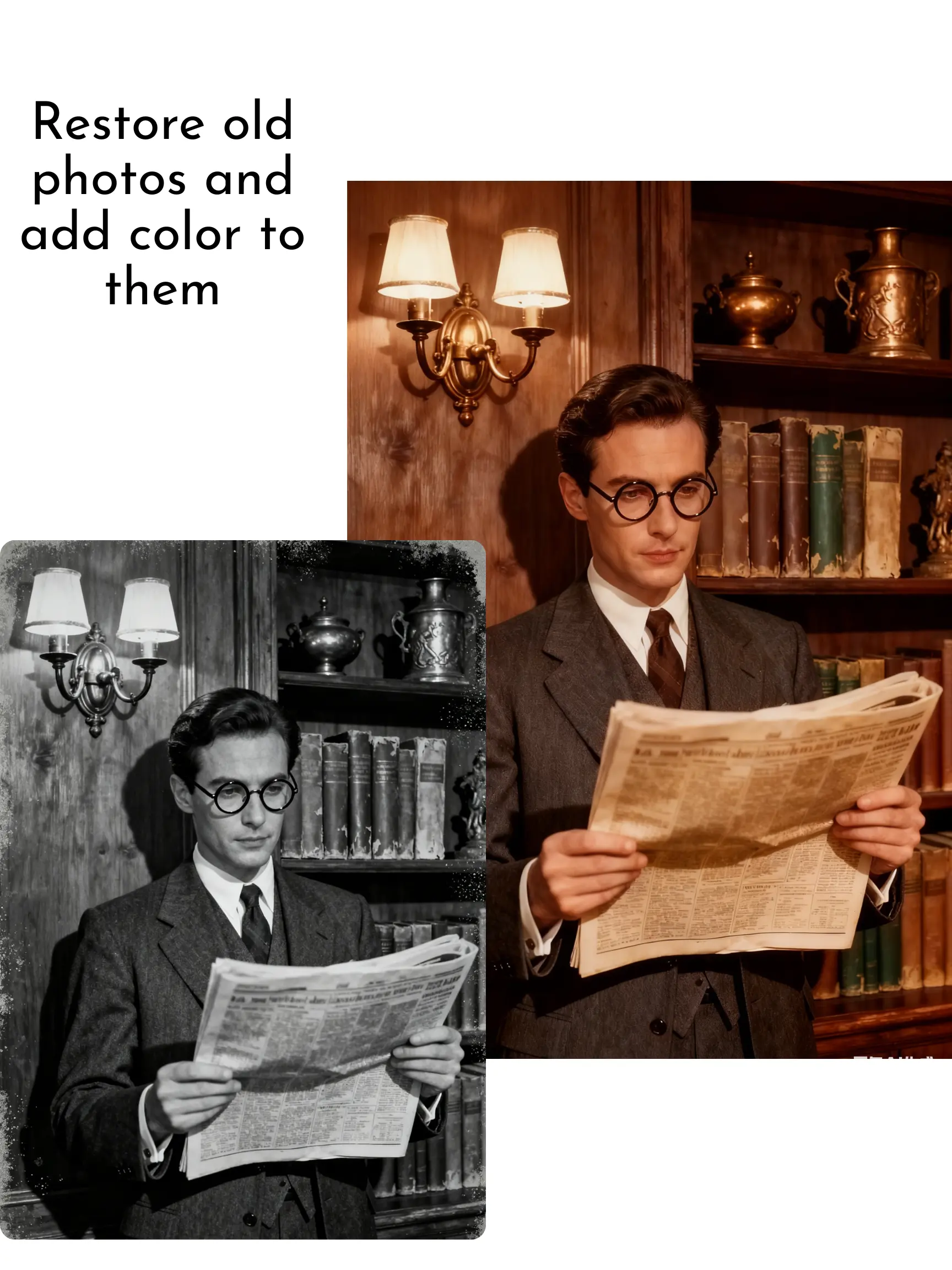
Describe the look you want and the AI transforms your image while keeping structure, details, and subject identity consistent.
Reference image support
Upload one or multiple reference images to guide style, mood, composition, and visual direction more accurately.
Fast style transfer and remixing
Turn photos into anime, paintings, product renders, cinematic scenes, and more in seconds.
Free online and no signup
Use our free online AI tool with no registration, no app download, and no watermark on your results.
Consistent outputs for campaigns
Generate multiple variations from one image while maintaining character, product, and composition consistency.
Flexible for many image types
Transform portraits, product shots, social content, concept visuals, and creative designs with one workflow.
 AFTER
 BEFORE
How to Use MagicEraser Image to Image AI Generator Free
Transform any image in four simple steps with our free online AI tool.
Upload your image
Add a JPG, PNG, or WebP file to start your transformation workflow.
Enter your prompt
Describe the style, edits, or transformation you want the AI to create.
Add reference images if needed
Guide the AI with extra visuals to improve style consistency, composition, or creative direction.
Generate and download
Let MagicEraser process your request and download the final image with no watermark and no signup.
Discover How People Use Image to Image AI
01
Creators and artists
Turn photos into anime, illustrations, concept art, or branded visuals with prompt-based AI editing.
02
Marketing teams
Produce multiple ad creatives, campaign styles, and social media assets from one image faster.
03
eCommerce sellers
Restyle product photos, test backgrounds, and generate polished listing visuals for stores and ads.
04
Everyday users
Transform portraits, travel shots, and personal photos into artistic or enhanced versions in seconds.


Transform Any Photo with Image to Image AI in Seconds
MagicEraser lets you upload a photo and describe how you want it changed. Use it to restyle portraits, redesign products, remix scenes, or create polished marketing visuals while preserving the original composition. Prompts help refine colors, lighting, textures, and details for fast, high-quality results without manual editing.


Use Image to Image AI Generator for Style Transfer
Turn photos into anime art, cinematic posters, product renders, digital paintings, or clean branded visuals with our free AI tool. MagicEraser understands both your uploaded image and your prompt, making it easy to create consistent style transformations while keeping the key structure, pose, and subject details intact.


Edit Photos with Prompts and Reference Images
Our free AI tool supports prompt-based transformations with one or more reference images. Upload a base photo, describe your desired look, and guide the model with visual references for better composition, mood, color, and design consistency. This workflow is ideal for creators, marketers, and eCommerce teams that need faster visual iteration.


Create Consistent Variations for Content and Campaigns
With MagicEraser, you can create multiple visual variations from a single image while keeping subjects, products, and overall layouts consistent. This is useful for ads, social posts, thumbnails, product concepts, and creative campaigns where you need many outputs quickly without starting from scratch each time.
Why People Love MagicEraser Image to Image AI
Creators, marketers, and everyday users use MagicEraser to transform images quickly with clean, creative results.
Frequently Asked Questions
Everything you need to know about MagicEraser free image to image AI generator.
Try MagicEraser's Free Image to Image AI Now
Upload an image, describe your idea, and generate a new visual style in seconds with no signup and no watermark.