تواصل معنا
دعنا نتحدث عن مشكلتك.
موقعنا
29 Mayflower Gardens, 31
Mayflower Place, Singapore 568894
كيف يمكننا مساعدتك؟
أرسل لنا رسالة
Please contact us directly by email.
أداة إزالة العناصر بالذكاء الاصطناعي
Upload a photo, mark the object you want to remove, and let Magic Eraser rebuild the area to match the surrounding scene. Free uses are available with no sign-up required.
Magic Eraser is an online AI object remover for clearing people, signs, cables, clutter, and other distractions from a photo. Use the brush, rectangle, or lasso to mark the area, then let AI create a replacement that follows the surrounding colors and textures. For broader changes after object removal, continue editing with the AI image editor.


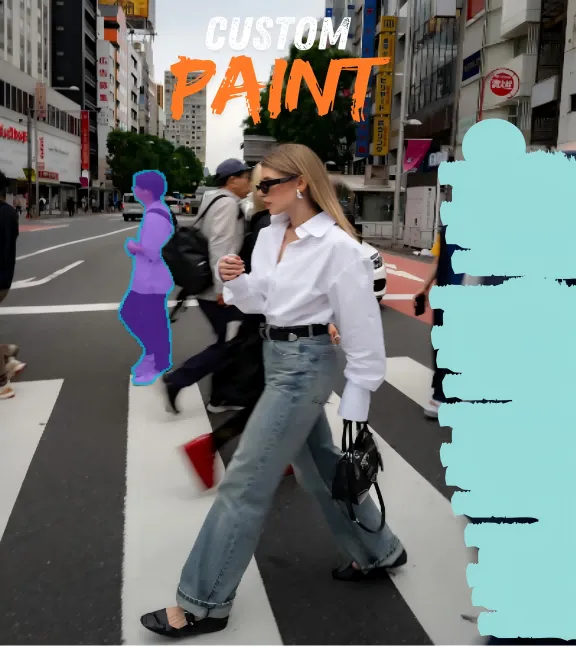
Brush over a passerby, photobomber, or background crowd while keeping the main subject and composition in place. Magic Eraser uses the nearby pavement, sky, walls, or landscape as context when rebuilding the selected area. For a workflow focused on passersby, photobombers, or crowds, use the dedicated people remover.


Mark captions, date stamps, logos, or other overlays and let the object remover reconstruct the selected area from nearby visual details. Complex textures may need a tighter selection or a second pass. For a more focused workflow, use the dedicated tools to remove text from an image or remove a watermark from an image. Only edit content you own or have permission to use.

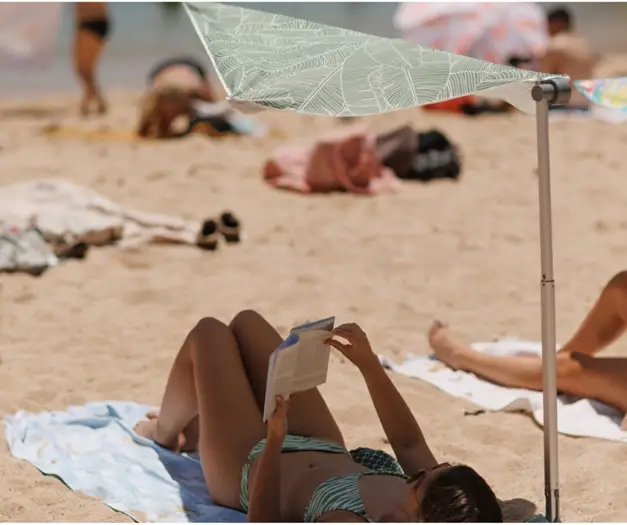
Remove price tags, dust, cables, packaging, or small props that distract from the item you want customers to see. Select only the unwanted area so the product remains the focus of the image. The same workflow can help with real estate photo cleanup by removing cords, bins, wall marks, or small furnishings that distract from a room. If you need to prepare several visual elements for a listing, see how to clean up product pictures. Use the background eraser when you want a transparent background rather than object removal.
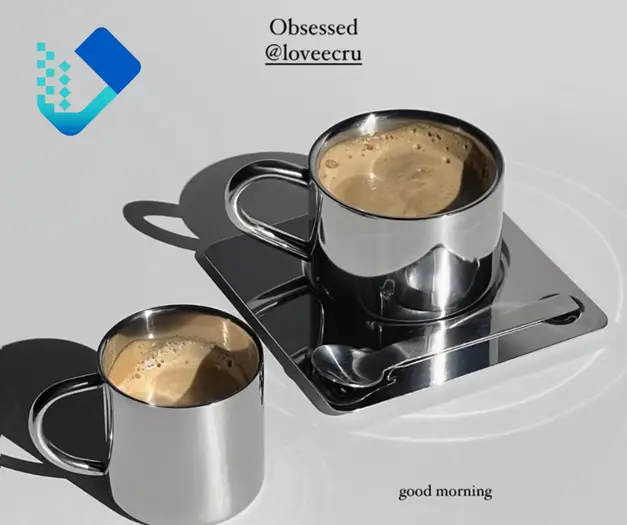
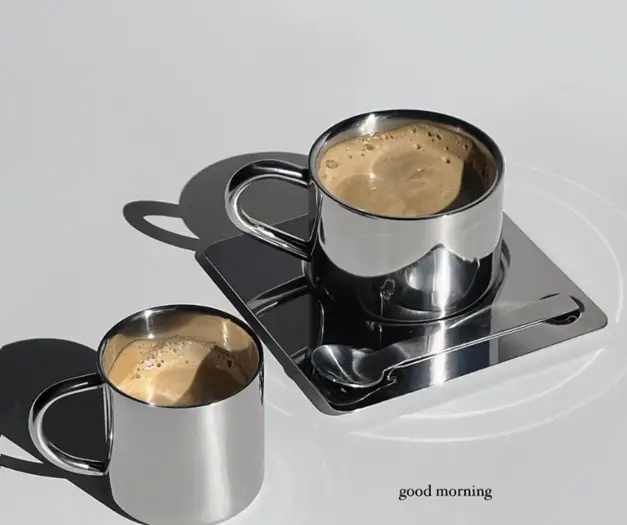
Use the selection tools to mark a sticker, emoji, annotation, or small interface element that no longer belongs in the image. The AI then creates a plausible replacement based on the visible area around your selection rather than recovering hidden original pixels. This also works for screenshot cleanup when you need to remove annotations, labels, or interface clutter. For photos where a passerby or crowd is the main distraction instead of an overlay, switch to the background people remover. In either workflow, a precise mask usually works best; if an edge or artifact remains, select the smaller area and run another pass.



Sarah Jenkins
Travel Photographer & Blogger

Marcus T.
E-commerce Reseller

Chloe Martinez
Design Student

David Chen
Creative Director

Elena Rossi
Professional Landscape Photographer
تواصل معنا
دعنا نتحدث عن مشكلتك.
موقعنا
29 Mayflower Gardens, 31
Mayflower Place, Singapore 568894
كيف يمكننا مساعدتك؟
أرسل لنا رسالة
Please contact us directly by email.