تواصل معنا
دعنا نتحدث عن مشكلتك.
موقعنا
29 Mayflower Gardens, 31
Mayflower Place, Singapore 568894
كيف يمكننا مساعدتك؟
أرسل لنا رسالة
Please contact us directly by email.
مزيل العلامات المائية للصور بالذكاء الاصطناعي
MagicEraser is an online watermark remover for visible marks on images. Use automatic detection or select the area yourself, review the AI-edited result, and download the image. Free uses are available, with no software to install.
Watermark cleanup does not crop or stretch the image. Choose the available quality setting that fits your source file and review the result before downloading.
Use the Mark mode to find common text, logo, and overlay watermarks without tracing each area by hand.
Brush over a small logo, signature, date stamp, or missed edge when you want more control over the selected area.
Upload JPG, JPEG, PNG, WEBP, or BMP files. The editor shows the current file size limit before processing.
Select the model and quality mode shown in the editor, apply the change, and compare the edited area with the source image.
You can try the online watermark remover without installing software. The editor displays the credits required for the selected operation.
Open the tool in a desktop or mobile browser, upload a supported image, and complete the edit without a desktop timeline.
Remove watermarks only from images you own, created, licensed, or have permission to modify. Removing a mark does not grant usage rights.
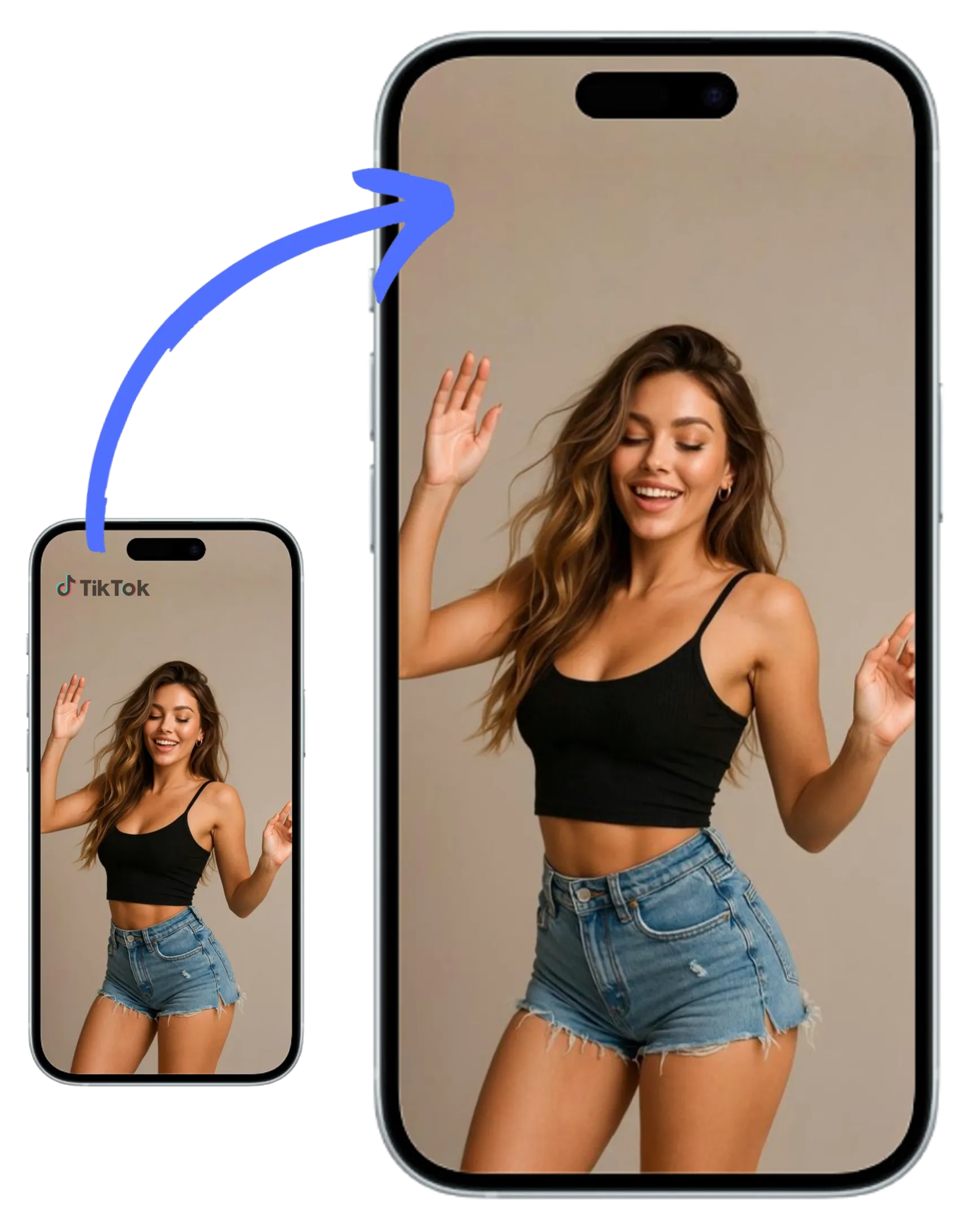
Remove an outdated logo, corner icon, website address, or brand mark from an image you are authorized to update.
Clean sample text, captions, labels, and other visible words. For text-focused edits, use the AI text remover.
Clear camera dates, time stamps, and location labels from your own digital or scanned photos.
Select a signature, scribble, proof mark, or small handwritten note without masking the whole image.
Remove a username, repost label, sticker, or other visible overlay from a screenshot or social asset you have the right to edit.
Use automatic detection for repeated marks, then refine missed areas with the manual brush. Dense patterns may need another pass.
Choose the Mark mode when you want the AI watermark remover to locate common text, logo, and overlay watermarks automatically. The tool uses the surrounding image as context to rebuild the selected region instead of applying a simple blur. Clear marks over sky, walls, or other even backgrounds usually need less correction than large marks over faces, fabric, or detailed patterns. This page processes still images. To clean a visible mark from moving footage, use the video watermark remover, which has a workflow designed for consistent edits across frames.
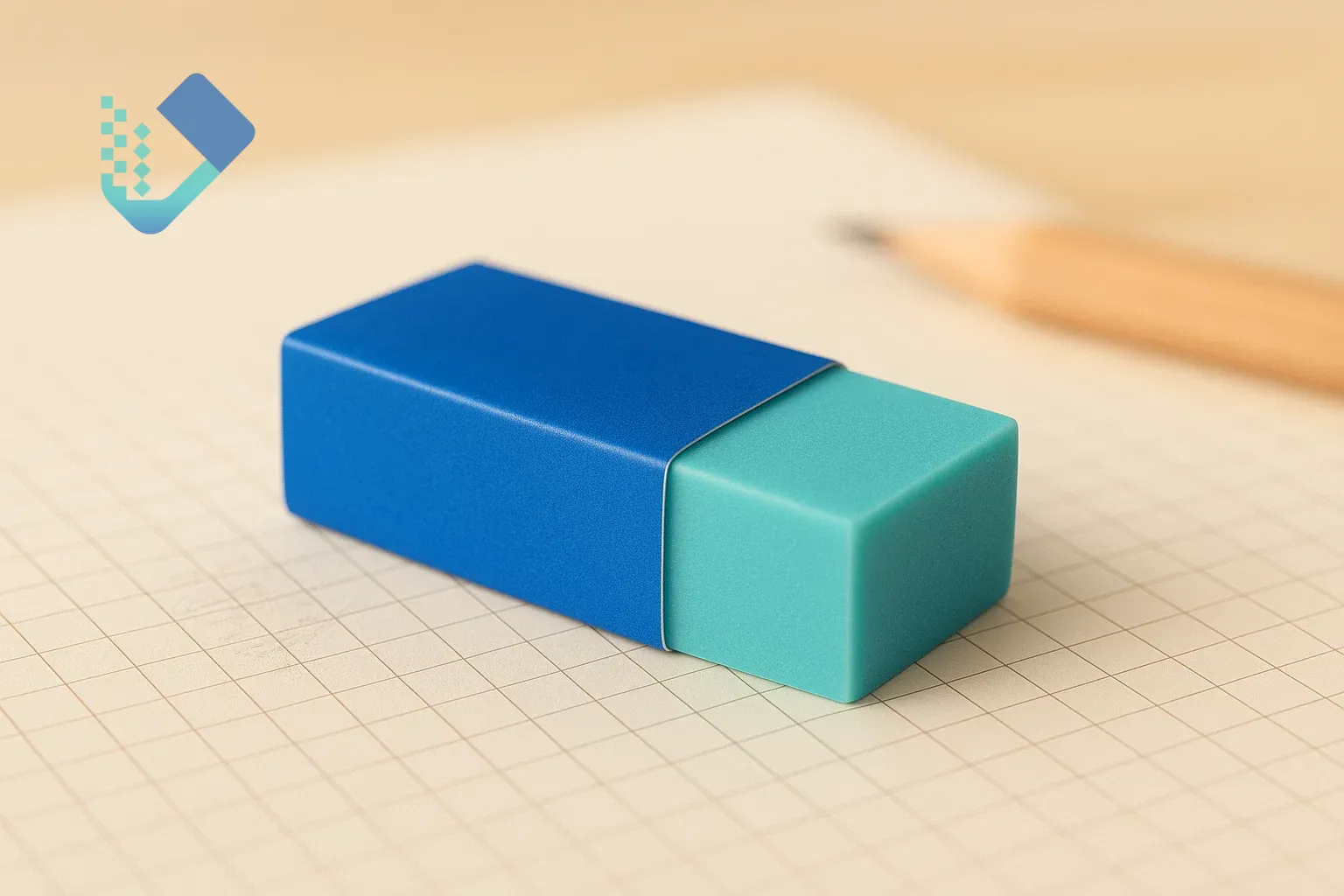
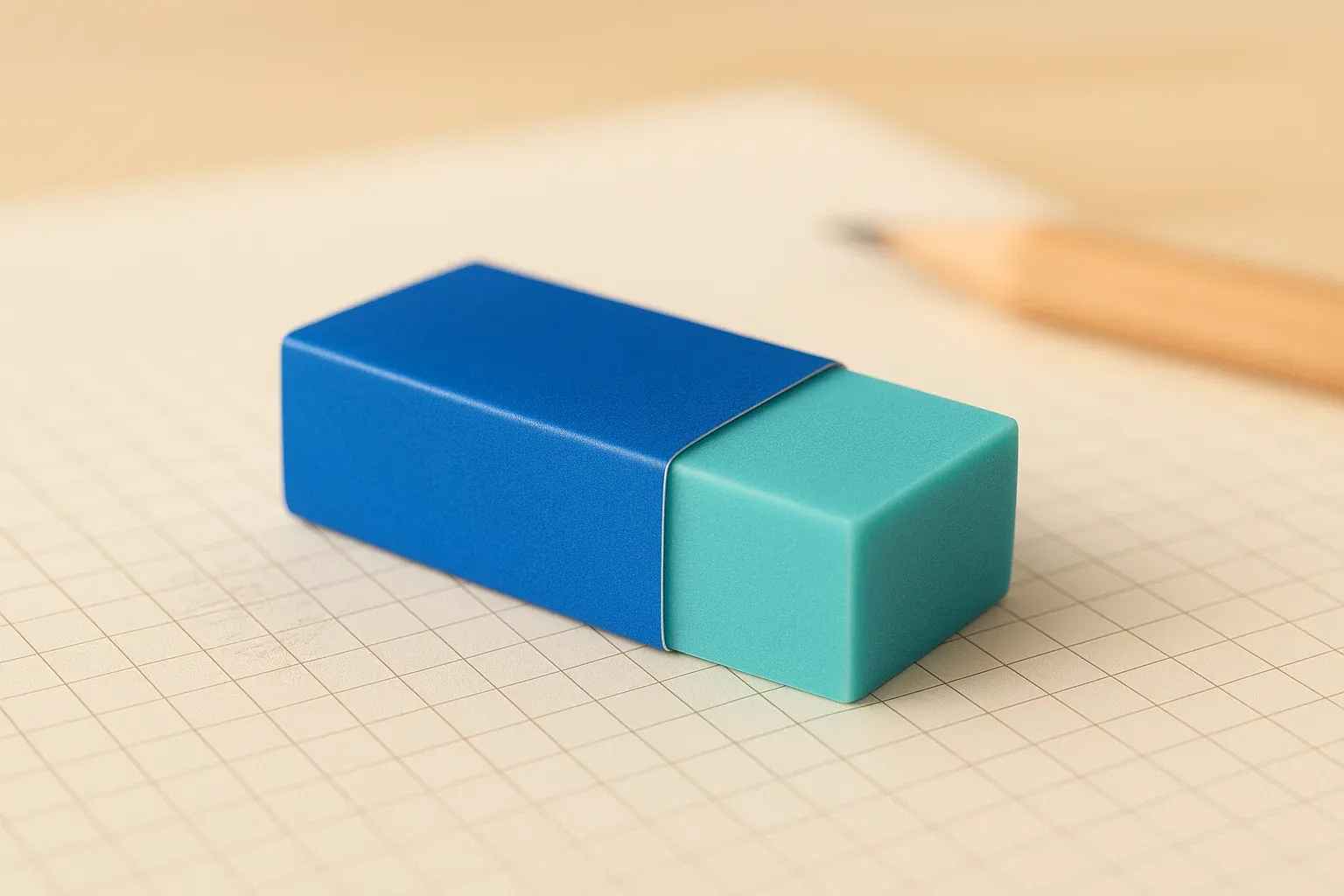
Automatic detection is useful for clear marks, but a manual brush gives you more control near hair, product edges, handwriting, and other detailed areas. Paint over the watermark and include a narrow margin around its edge. MagicEraser then reconstructs the marked region from nearby colors and texture. If the first result leaves a soft patch, undo the edit and use a smaller selection. You can also use the photo cleanup tool for other unwanted objects after the watermark is removed.
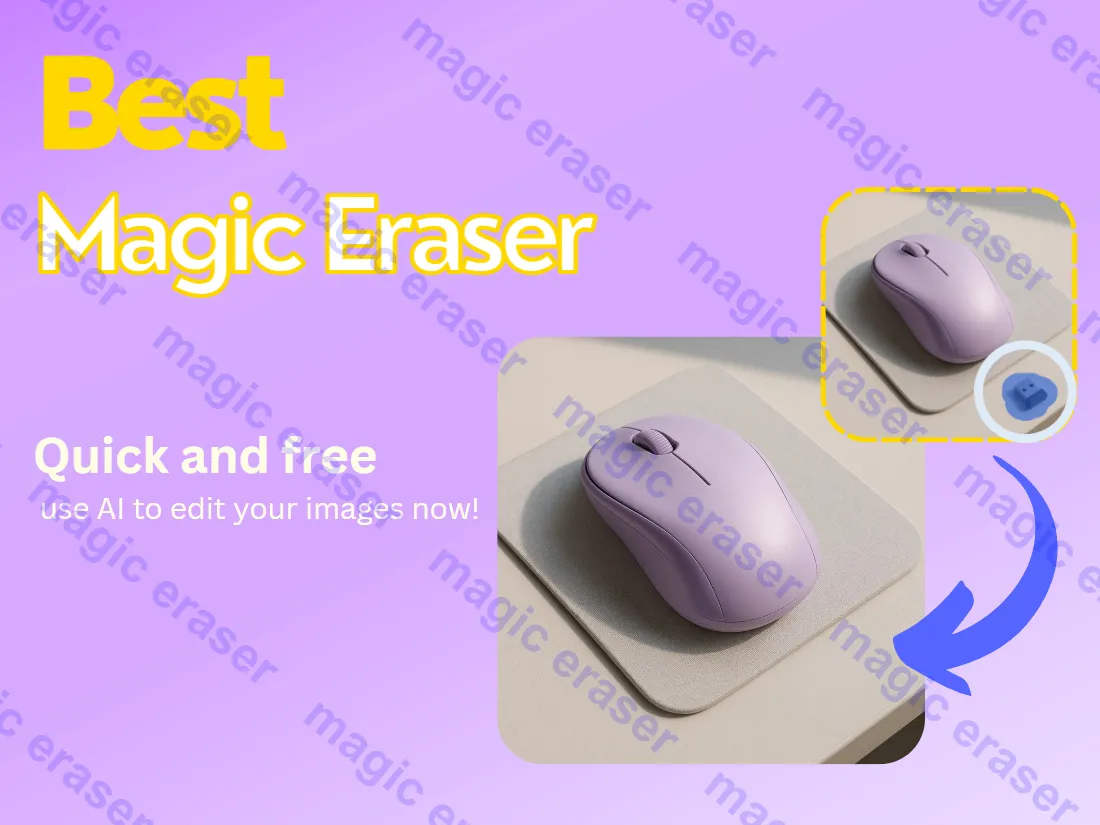
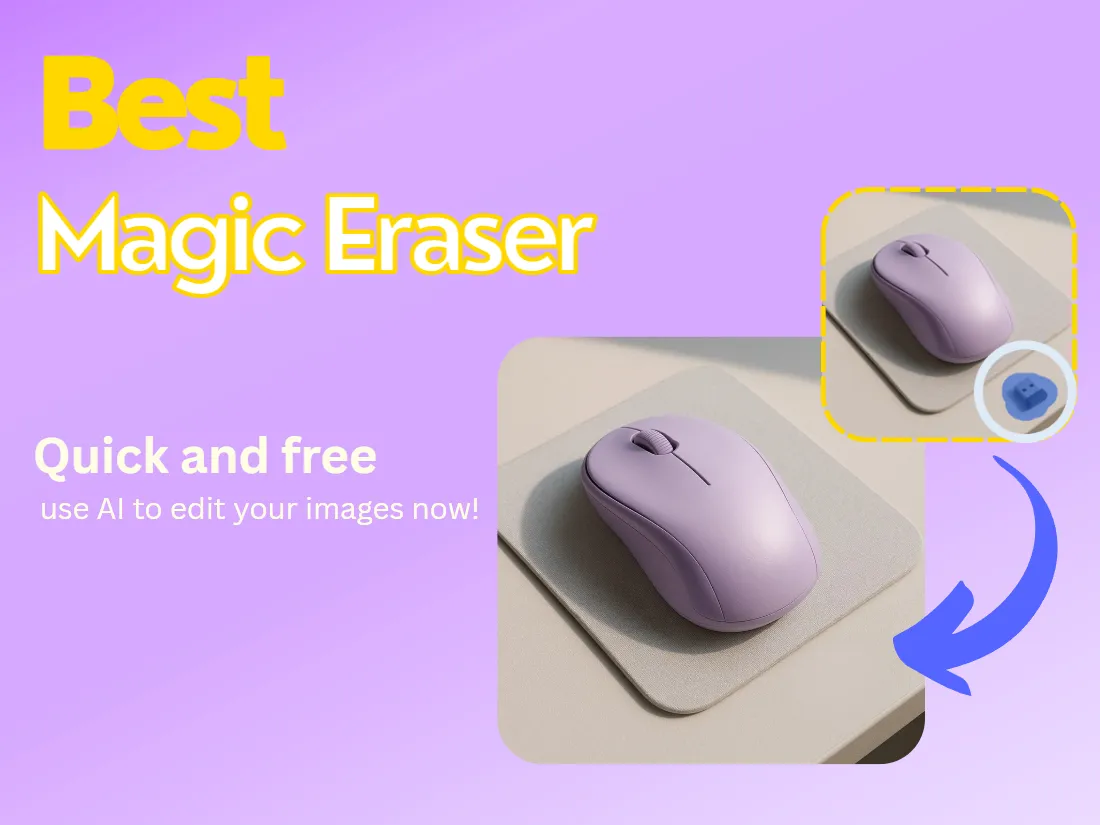
Removing a watermark should not require cropping or stretching the photo. MagicEraser keeps the original canvas dimensions while it edits the selected region. Use the quality options shown in the editor and check fine details in the preview before downloading. The surrounding image remains outside the selected mask, but the reconstructed area can vary when a watermark covers a face, sharp text, or a complex pattern. A tighter brush selection usually gives the AI more useful context.

A small watermark over a simple background is easier to reconstruct than a large overlay across a face or a repeating texture. For a cleaner result, start with the clearest source image, select only the visible mark, and avoid covering nearby edges that should stay unchanged. Preview the edited area at full size. If you notice a blur, ghost edge, or repeated texture, refine the mask and run another pass. The goal is a natural-looking repair, but the result depends on how much original detail the watermark hides.



Marcus J.
E-commerce Store Owner
"I’ve tried dozens of tools, but this is the first one that truly offers Zero Distortion. My high-res product shots stayed exactly the same size, and the logo removal was completely seamless."

Elena Rodriguez
Fashion Photographer
"The Pixel-Perfect Alignment is no joke. I removed a signature from a complex fabric texture and I honestly can't tell where it was. The AI even matched the original grain of the photo."

Simon T.
Digital Marketer
"Finally, a tool that handles tiled watermarks automatically! I had a screenshot covered in grids and it cleaned it in 3 seconds. No login, no nonsense. This is my new go-to."

Jessica Wu
Senior UX Designer
"As a web designer, I need my assets to stay the original size. This tool’s commitment to No Resizing saved me from having to fix my CSS layouts after cleaning images. Highly recommended."
تواصل معنا
دعنا نتحدث عن مشكلتك.
موقعنا
29 Mayflower Gardens, 31
Mayflower Place, Singapore 568894
كيف يمكننا مساعدتك؟
أرسل لنا رسالة
Please contact us directly by email.