تواصل معنا
دعنا نتحدث عن مشكلتك.
موقعنا
29 Mayflower Gardens, 31
Mayflower Place, Singapore 568894
كيف يمكننا مساعدتك؟
أرسل لنا رسالة
Please contact us directly by email.
مزيل شعارات الفيديو بالذكاء الاصطناعي
Remove logos from videos online for free with AI. Erase channel logos, corner marks, and branded overlays fast with clean results and no login required.
Upload your file and erase unwanted logos online in a few clicks. No app install, no signup, no editing complexity.
AI rebuilds the selected area so removed logos look natural instead of covered or smudged.
Works well for channel logos, corner bugs, brand marks, text overlays, and other persistent visual elements.
Remove logos from short videos for free and test the result before deciding whether you need more output capacity.
AI helps clean both fixed and moving overlays while keeping the frame visually consistent.
Start removing logos from video instantly without creating an account or going through setup steps.
Everything runs in your browser, so you can remove video logos on desktop, tablet, or mobile.
Upload MP4, MOV, M4V, AVI, and other common video formats with a simple drag-and-drop workflow.
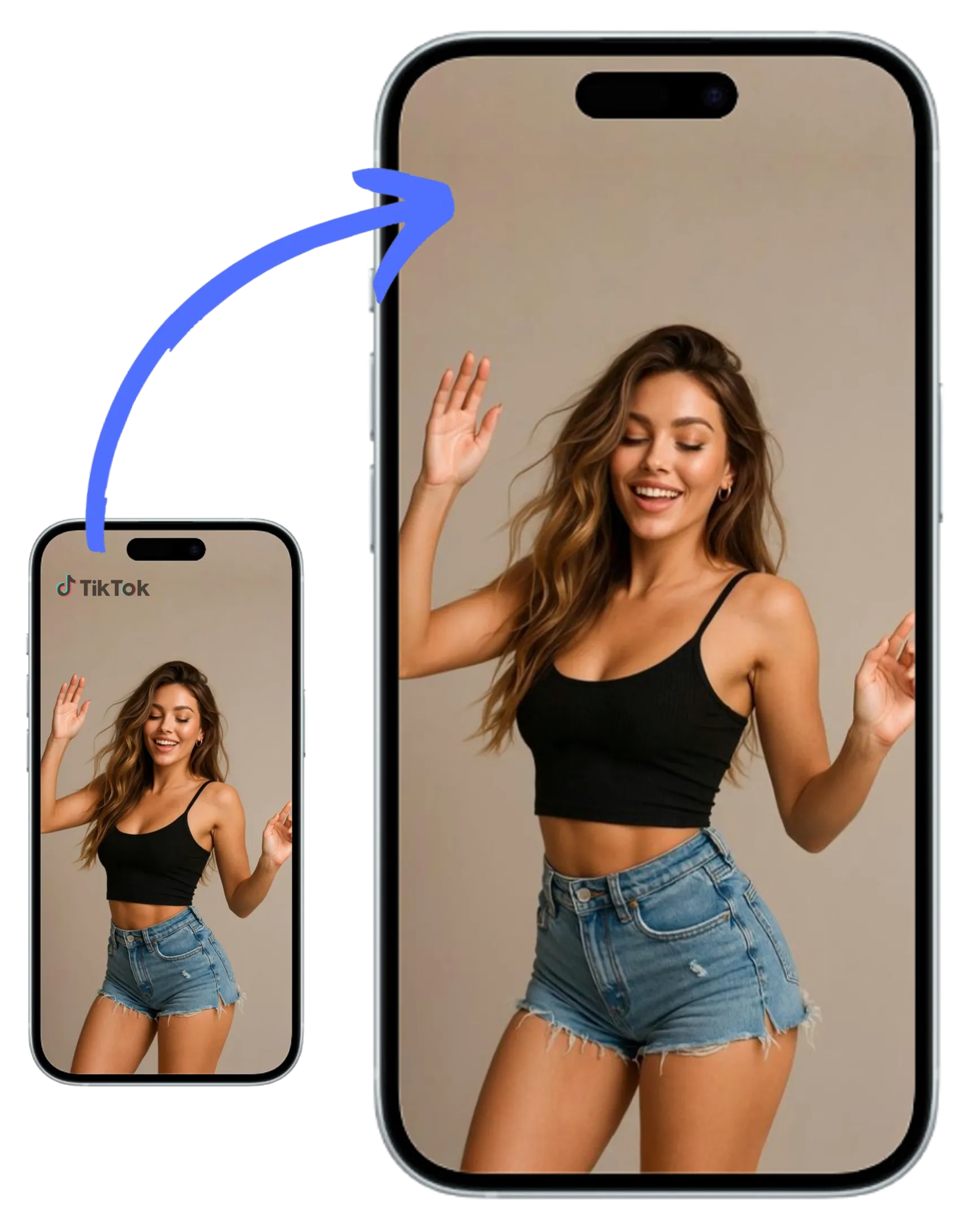
Remove channel logos, repost marks, corner badges, or branded overlays before publishing clean videos anywhere.
Clean up reused ad creatives and campaign footage by erasing outdated logos or embedded brand marks in seconds.
Save time on quick turnaround edits by removing logos online without opening heavy desktop software.
Upload a video, select the logo area, and let AI reconstruct the background for a cleaner final result.
Erase corner logos, channel bugs, or embedded branding from videos before reposting, editing, or archiving footage. The workflow is quick, browser-based, and simple to use.
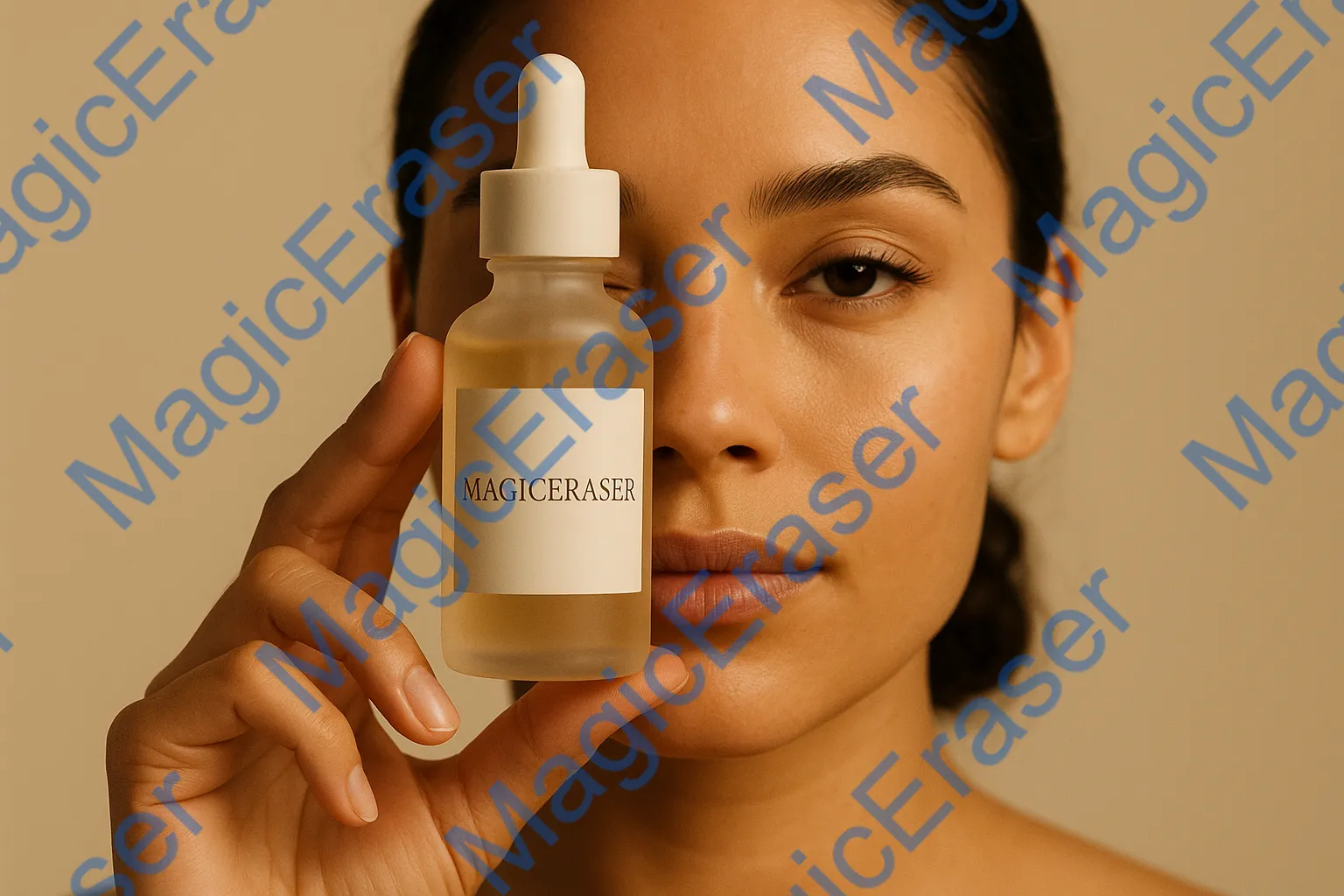

Remove outdated logos and brand marks from promo videos, product clips, and reused assets to create cleaner edits for new campaigns.


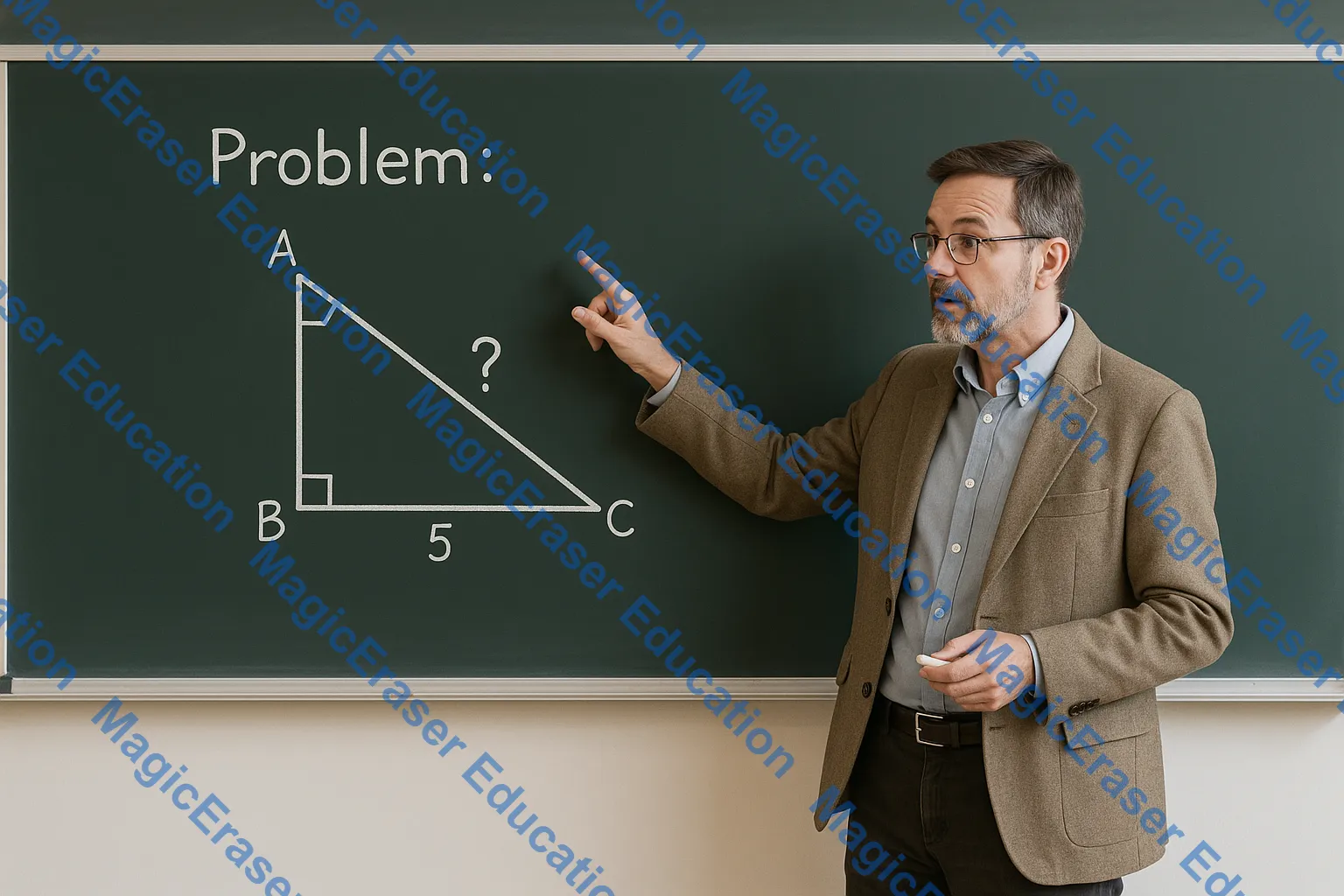
Some videos include both a logo and a watermark. This tool can help erase multiple unwanted overlays in one simple online workflow.

Remove logos from MP4, MOV, M4V, AVI, and more without complex export settings or software installation.

Daniel Ross
Video Marketer

Anita Verma
Content Strategist

Kevin Lin
Freelance Editor

Sofia Martinez
Social Video Creator

Omar Hassan
Performance Marketer
تواصل معنا
دعنا نتحدث عن مشكلتك.
موقعنا
29 Mayflower Gardens, 31
Mayflower Place, Singapore 568894
كيف يمكننا مساعدتك؟
أرسل لنا رسالة
Please contact us directly by email.